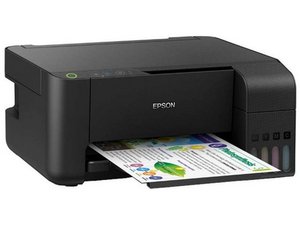

Printer not giving print
Why ja my printer says paper jammed
Is this a good question?
Score
0
Rep: 858.2k
 1.4k
1.4k
 972
972
 2.4k
2.4k
@nehashukla the most common issue is that there actually is a piece of paper that is stuck along the paper path. You will need to inspect this carefully. Sometimes a few puffs of canned air cleans out the paper path.

If there is absolutely no paper that could cause this, the issue maybe related to the PE sensor or the main board. Use the Epson L3150 SM to work on that. You can always trace the PE sensor from the PE connector on the main board. Also, inspect the PE lever spring to make sure that it is all still fully engaged.
Was this answer helpful?
Rep: 43
2
The slightest paper, or dirty roller on the L3150 could activate this error. Perhaps check the paper path very carefully and clean rollers if possible
Was this answer helpful?
Past 24 Hours: 0
Past 7 Days: 3
Past 30 Days: 11
All Time: 62


