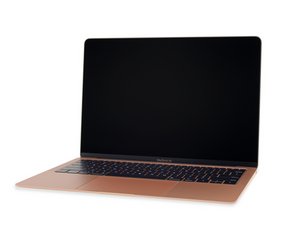

Battery not recognized after replacing swollen battery MacBook Air
Hi,
I have a Macbook Air 13" (2019) that was not keeping a charge and eventually would just turn off when unplugged. I thought it would just need a new battery. So ordered the replacement Ifixit battery for the model. When I opened up the macbook, the original battery was slightly swollen so I took extra care removing it. I performed the surgery on the laptop, swapped batteries and re-assembled. On boot, everything is working (screen, trackpad, speakers, etc.) except that the battery is not showing up as recognized (an X on the battery icon on login screen) and the macbook requires staying plugged in. It also feels very slow. Its my girlfriends laptop, so I don't ever use it, but it stills feels sluggish. Besides the swollen battery, I did not see any damage on the logic board, though I wasn't really looking out for any. Did a SMC reset and a system update (laptop had been sitting for a month or two waiting for the repair). Still no luck.
Not sure where to go from here, open back up and remove logic board to inspect for damage? Would the swollen battery have affected the logic board?
Any help would be great thanks!
Is this a good question?
