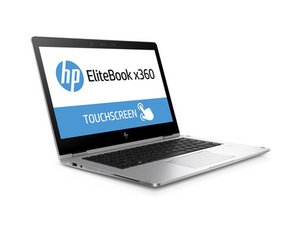

My windows have crashed
my windows have crashed
Is this a good question?
Score
0
Rep: 43
 3
3
Do a fresh load of windows. DO NOT reformat your hard drive before doing a fresh reload. The new windows install will overwrite what is not working on the corrupted version. You will still have the personal files on your computer as long as you DO NOT format your hard drive. If it does not work, purchase a replacement hard drive and do a fresh install. Use an external hard drive kit and install your corrupted hard drive, set it to "slave or secondary". Connect the corrupted hard drive AFTER your computer boots up. You should be able to transfer your files to the new hard drive now.
Was this answer helpful?
Past 24 Hours: 0
Past 7 Days: 2
Past 30 Days: 10
All Time: 136

