
 16
16  5
5  5
5 Battery Indicator Board missing
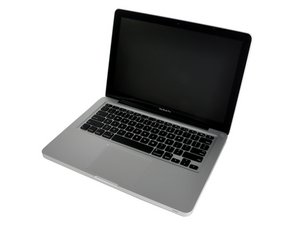
I've been working on a 13" mid-2010 MacBook Pro. I've assembled it, short of installing the hard drive. But when I connect it to MagSafe, the LED on the charger doesn't turn on. It did once or twice, but only for like ~15 seconds, then turned off. I checked the connection on the DC-in board, and it's fine (I just got a new one).
Then I was looking at an iFxit guide and saw that it included a cable that connects to the motherboard for the battery indicator light. In mine, there wasn't one attached. Looking further, the cable had been cut. I will need to get a new one nonetheless, but I'm wondering if this would cause the Mac to not charge and leave the MagSafe cable LED blank.
Thank you in advance!
Is this a good question?
Score
0

