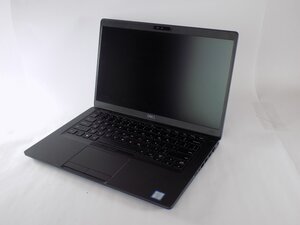
Sim card not showing or not working
After insert sim.card not showing tower range or not showing any other notification,sim.card not working
Is this a good question?
Score
2

Rep: 25
 1
1
After insert sim.card not showing tower range or not showing any other notification,sim.card not working
Is this a good question?

Rep: 521.1k
11
 398
398
 1.5k
1.5k
Check in Device Manager > Network Adapters to see if the Intel XMM7360 adapter is working OK.
If it is there but not working (yellow exclamation mark or red cross) check that the latest version drivers for the adapter are installed (scroll down the list to find the XMM7360 drivers).
If it isn't shown in Network Adapter, check if it appears in Device Manager > Communication ports or Device manager > Unknown Devices.
Was this answer helpful?

Rep: 1
3
1
Well I will suggest you to check the following:
1.Ensure the WWAN Card is Properly Installed
2.Check If Your Model Has a WWAN Module
3.Check BIOS Settings for that Reboot and enter BIOS and then Go to System Configuration > Wireless or WWAN>Make sure WWAN is enabled> Save and exit BIOS.
Was this answer helpful?
Past 24 Hours: 1
Past 7 Days: 16
Past 30 Days: 91
All Time: 482

1 Comment
sim card not working
by MR SHAAN