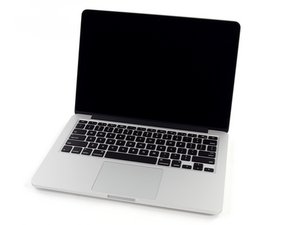
Video not displaying after attempted left speaker replacement
Tried to follow instructions but it didn't work out. Video is not displayed. Seems to do the bong start-up but no video. Help?
Is this a good question?
Score
0

Rep: 1
 2
2
Tried to follow instructions but it didn't work out. Video is not displayed. Seems to do the bong start-up but no video. Help?
Is this a good question?
Rep: 1
2
The culprit in this case was simply dust. Vacuuming out the motherboard to clean things up removed whatever was shorting out the video.
Was this answer helpful?
Past 24 Hours: 0
Past 7 Days: 0
Past 30 Days: 2
All Time: 87

7 Comments
Please post some tight pics of the video cable (both sides) and the logic board connector as well so we can see what happened.
by DanJ
Weird as the speakers are nowhere near to the display connections.... can you be more descriptive in what you had touched inside?
by livfe
@livfe I followed the instructions for replacing the left speaker on a MacBook Pro 13" retina. The battery cable and speaker cable were the items I took apart and put a new speaker in.
by Michael Takamoto
@danj I don't even know which cables are the video.
by Michael Takamoto
@michaeltakamoto Seems something was touched on the board causing a short which is affecting the display.... maybe time to take it to a specialist for diagnosis...@oldturkey03 @danj any thoughts?
by livfe
Show 2 more comments