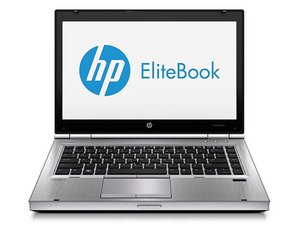
Why are the icons when it opens now showing
My system comes on but the screen is not showing any icons
Is this a good question?
Score
0

My system comes on but the screen is not showing any icons
Is this a good question?

Rep: 6.4k
 5
5
 5
5
To show icons on your desktop, right-click on an empty area of the desktop, hover over "View", and then select "Show desktop icons" from the menu.
Was this answer helpful?
Past 24 Hours: 0
Past 7 Days: 1
Past 30 Days: 2
All Time: 78
