
Free Shipping on Domestic Orders $75+

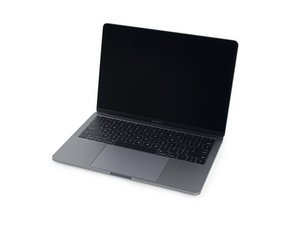
A1708 / EMC 2978 — Released October 2016, this entry-level MacBook Pro retains its traditional function keys (as opposed to the OLED Touch Bar). The function key version packs an Intel Core i5 and two Thunderbolt 3 ports.

Why isn't my replacement battery holding a charge?

I replaced my battery per the instructions. However my laptop is not recognizing the battery and only turns on when plugged in. When unplugged, the battery shuts off immediately.

Answer this question I have this problem too

Is this a good question?

Score 0

1 Comment:

Can you please install this gem of an App CoconutBattery and post a snapshot of the Apps main window posting it here so we can see things.

by

Add a comment

1 Answer

Did you make sure to plug in the battery data cable? See Step 11 of this guide. That ribbon cable needs to be properly installed and connected to the battery and the logic board in order for the battery to be usable. You may need to transfer it over from the bad battery if the new one didn't come with one. Good luck!

Was this answer helpful?

Score 0
Add a comment

Add your answer

Bryan will be eternally grateful.
View Statistics:

Past 24 Hours: 0

Past 7 Days: 1

Past 30 Days: 9

All Time: 71