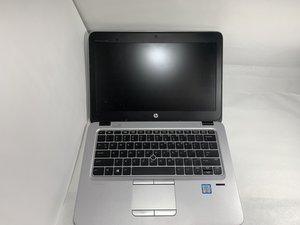

Why is my speaker not working?
On my task bar is my speaker logo with a red cross ❌️
Is this a good question?
Score
1
Rep: 13
 1
1
On my task bar is my speaker logo with a red cross ❌️
Is this a good question?
Rep: 550.3k
11
 425
425
 1.6k
1.6k
Check the status of the audio controller in Device Manager¹ to see if it is installed OK or disabled.
Go to Device Manager → Sound, video and game controllers → click on the > symbol to the left of the category to expand the list and check the following:
If there's a red cross next to the Conexant HD Audio entry, right click on the entry → enable the device and check if it works OK
If there's a yellow exclamation mark, next to the Conexant HD Audio entry, right click on the entry → update driver and follow the prompts. You need to be online for this to work. Alternatively, here's a link to the drivers for the model. Select your OS → select the OS version → Submit and then scroll down to the Driver-Audio (1) entry and download the drivers from there and install them in the PC.
¹To get to Device Manager in Win10, press the Win key and the x key (both together) and click on the Device manager link in the menu box that opens.
Was this answer helpful?
Past 24 Hours: 2
Past 7 Days: 3
Past 30 Days: 20
All Time: 456

