Free Shipping on Domestic Orders $75+

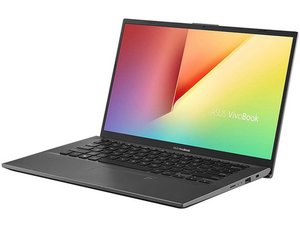
Identified By the model number F412DA on the bottom of the laptop. Can have an AMD Ryzen 3 3250u or Ryzen 5 3500u processor.

Laptop won't turn on by pressing the power button.

Laptop not turning on by pressing the power button , it only power on when the battery is disconnected and reconnected and plugged in . Then after this the laptop will turn on . I think that the button is not working , can you give me a solution in this because its very lengthy process to turn on a laptop.

Answer this question I have this problem too

Is this a good question?

Score 0
Add a comment

2 Answers

It's charging but when pressing the power button the laptop is not turning on

Was this answer helpful?

Score 0
Add a comment

If your laptop only powers on after disconnecting and reconnecting the battery, the issue is likely not the power button itself but a motherboard power circuit, static charge buildup, or faulty battery. First, try a hard reset: unplug the charger, hold the power button for 30–40 seconds, then reconnect and test. Update BIOS if possible. Check whether the power button feels physically normal; if loose, the switch may need replacement. If the problem persists, the battery or charging IC may be faulty. Visit a technician to test the battery and inspect the motherboard power section professionally.

Was this answer helpful?

Score 0
Add a comment

Add your answer

View will be eternally grateful.
View Statistics:

Past 24 Hours: 0

Past 7 Days: 9

Past 30 Days: 11

All Time: 95
