
Free Shipping on Domestic Orders $75+

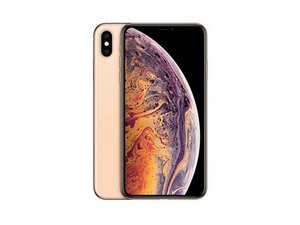
Released September 21, 2018. Models: A1921, A2101, A2102, and A2104 / Available as GSM or CDMA / eSIM or nano-SIM / 64, 256, or 512 GB / Silver, Gold, or Space Gray (Pronounced "iPhone 10 S Max.")

Replacement Screen Not Working

I purchased and installed a replacement LCD digitizer from Ifixit, upon turning the phone on the screen worked briefly along with the touch. Immediately after unlocking the phone it froze and turned off, turning the phone back on gets the lockscreen but no functionality of the touch and shortly after crashes again.

Answered! View the answer I have this problem too

Is this a good question?

Score 0
Add a comment

1 Answer

Chosen Solution

Ensure that all the connectors are cleaned with alcohol, and make sure that the battery is disconnected before you start connecting the display cables. Once all the display connectors are seated properly, then connect the battery and turn on the device.


If the issue is still persisting, try connect that screen to a different body or try a different screen on your device to see if it’s the screen or device that’s playing up.


Also check to see if any of the cables have been torn or ripped or damaged at all as any small amount of damage may be causing everything to stop functioning normally.

Was this answer helpful?

Score 1
Add a comment

Add your answer

Marcus Fairchild will be eternally grateful.
View Statistics:

Past 24 Hours: 0

Past 7 Days: 1

Past 30 Days: 1

All Time: 89