
 1
1 MBP Random kernel panic crash
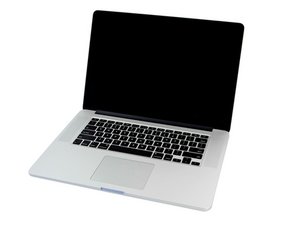
So I have a from new 15” Late 2013 Macbook Pro. In the last month or so I have been plagued by random black screen kernel panics and restarts. There doesn’t exactly seem to be any rhyme or reason to the crashes. I can push it quite hard in Davinci Resolve or with multiple large tiff files in photoshop at the same time without any issues but then it might crash while just browsing a webpage or watching youtube. If I can hear my fans spinning up or the MBP getting hot it might crash but not always, at least 50% of the time it will continue working fine until it crashes after everything has calmed down at a later point.
I have tried replicating the problem but there doesn’t seem to be any real pattern or anything that sets it off. The only reasonably consistent pattern is when it wakes up after hibernation, it will often kernel panic and black screen crash at that point but even that isn’t consistent. It is really starting to become annoying as I use my MBP for extensive photo editing and colour grading and crashes mid operation is very frustrating.
I previously attached my Etrecheck report but that seems to make my post get marked as spam. So instead I have included an excerpt relating to the kernel panic section. I can post the rest of the report if needed.
at.obdev.nke.LittleSnitch
com.box.filesystems.osxfuse
com.codexdigital.driver.usbDockDriver
com.paceap.kext.pacesupport.snowleopard
com.sony.driver.dsccamDeviceInfo00
com.sony.driver.sxsus10drivers
com.sony.driver.sxsxqddrivers
com.sony.scsi.SR-D1
Although these are all programs or support files that I have had installed for many years, albeit they have been updated at various points. I have tried uninstalling a few items but most of them I absolutely need. I am willing to go back to an older version if absolutely necessary, or even remove for testing. Although as I mentioned i have been using most of these programs for years.
Any advice that can be suggested would be greatly appreciated.
Is this a good question?

 338
338  974
974 
What is your OS version? Also what is your RAM and drive sizes as well as how much free space you have on the drive.
by DanJ
Sorry didnt think of course without the Etrechek report you dont have that info.
OS: 10.14.6
Ram: 16GB
SSD: 1TB (276.54 available)
by ash