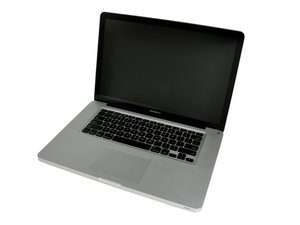
Model A1286. Released February 2011 / 2.0, 2.2, or 2.3 GHz Quad-core Intel Core i7 Processor

Help identifying burnt-out component

Hi there.

I have a dead MacBook Pro. I’ve taken it apart to find the fault, and there is a component on the motherboard that’s blown.

Block Image
Block Image
Block Image

Whether that's cause or symptom I don’t know (there seems to be some heat damage to neighbouring components).

Can anyone help with identifying what the component is?

Thanks

Michael

Answered! View the answer I have this problem too

Is this a good question?

Score 0
1 Comment

Hi, just to say that I replaced the capacitor and hey presto! One working MacBook Pro.

Didn’t need to replace anything else.

So thanks for the advice, and if anyone else sees this, I hope this is useful.

Michael

by

Add a comment

1 Answer

Chosen Solution

From what your image shows you need the following parts:

C8930 - 68UF 20% 16V Poly-Tantalum Capacitor

L8920 - 0.56UH-31A Inductor

Q8951 - RJK0208DPA Silicon N Channel Power MOS FET with Schottky Barrier Diode Power Switching

Please post a picture of the other side as you may have other issues.

Do you have the tools & skills to do the needed micro soldering?

Was this answer helpful?

Score 1

1 Comment:

Hi, thanks for this. The reverse seems fine, see photo.

I can do the capacitor and the inductor, the FET might be beyond me. I’m tempted to do the ones I can and see if that solves it…

Michael

by

Add a comment

Add your answer

Michael F will be eternally grateful.
View Statistics:

Past 24 Hours: 0

Past 7 Days: 0

Past 30 Days: 2

All Time: 131
