Free Shipping on Domestic Orders $75+

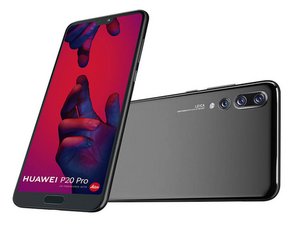
Flagship smartphone from Huawei released April 2018. Model CLT-L29.

Huawei P20 password issues

Phone not excepting (correct) password on restart.

Answer this question I have this problem too

Is this a good question?

Score 0
Add a comment

1 Answer

There’s no way around the password prompt with encryption enabled. If you can’t get in, you’ll need to factory reset the device. You can factory reset in recovery mode:

  • Turn off your phone using the Power Button.
  • Once it is completely turned OFF, press and hold Volume Up and Power buttons simultaneously for a few seconds.
  • Release both the buttons once Huawei Logo is displayed on the screen.
  • Now you’ll be in recovery mode. You can select “Wipe data/factory reset” to completely erase your device.

Was this answer helpful?

Score 0
Add a comment

Add your answer

david otoole will be eternally grateful.
View Statistics:

Past 24 Hours: 0

Past 7 Days: 6

Past 30 Days: 29

All Time: 429