Free Shipping on Domestic Orders $75+

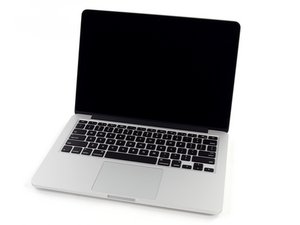
Model A1502 / 2.6 GHz (Turbo Boost up to 3.1 GHz) or 2.8 GHz (Turbo Boost up to 3.3 GHz) dual-core Intel Core i7 processor with 4MB shared L3 cache.

Sticky power button MacBook Pro mid 2014

No spills, but Power button is sticky and crunchy sounding when pushed. It powers on ok, then button slowly rises to normal position. Is this a possible DIY fix? If so, do I have to disconnect battery before trying to pry off button? Grateful for any recommended procedures.

Answered! View the answer I have this problem too

Is this a good question?

Score 0
Add a comment

1 Answer

Chosen Solution

Over time your finger oils can gum it up.

Moisten a cotton swab (Q-Tip) with some isopropyl alcohol 85% or better and wipe the area a few times pressing the button as you go across and you don’t want to flood it with the alcohol, just barely wet.

And yes, I would first disconnect the battery before doing this, just so I don’t confuse the poor system from all of the button pressing.

Was this answer helpful?

Score 3
Add a comment

Add your answer

Bud Mik will be eternally grateful.
View Statistics:

Past 24 Hours: 0

Past 7 Days: 1

Past 30 Days: 3

All Time: 179
