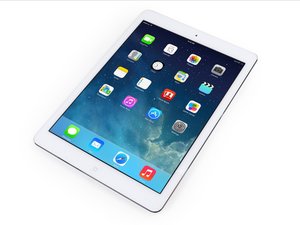
Center button does not work
After replacing the center button, there is no response even if you click it. Touch ID will work. Where is the problem?
Is this a good question?
Score
0

Rep: 31
 1
1
After replacing the center button, there is no response even if you click it. Touch ID will work. Where is the problem?
Is this a good question?

Rep: 463
5
 2
2
 1
1
I would not get a replacement home button, because Touch ID will not work. It sounds like the button bracket just needs to be reseated, so it can actually click down on the pad properly. The black bracket behind the button should have a small round circle sticking out, and you just need to make sure it is seated directly in the center, so the button itself will click properly. If they are not lined up, the button has no way to “click”. Hope this helps!
Was this answer helpful?
Past 24 Hours: 2
Past 7 Days: 4
Past 30 Days: 5
All Time: 106

2 Comments
Are you saying the physical button will click, but the click doesn’t register with the iPad? If that is the case I’d check the connections to be sure they are right and no lint/glass/debris is stuck in the socket. I would also check the home button cable for damage.
by Josef Kisor
Thank you for your answer. Exchange the home button cable for a new one.
by Shigeaki Niikura