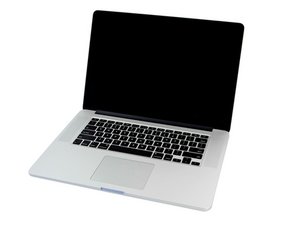
2.0GHz, 2.3GHz, or 2.6GHz quad-core Intel Core i7 processor (Turbo Boost up to 3.8GHz) with 6MB shared L3 cache.

MacBook Pro camera not recognized!

heya, does anyone out there know how to test the camera cable/port inside the macbook pro? right now, the green light is flashing, and facetime doesn’t acknowledge that there’s a camera at all, and the only thing left to check is the actual connection. ideas??? (yes, i replaced speakers and battery lately. camera worked…adn then didnt.)

thanks!

Answer this question I have this problem too

Is this a good question?

Score 0
Add a comment

1 Answer

Most Helpful Answer

You may have a simple problem.

Take a look at Step6 in this IFIXIT guide MacBook Pro 15" Retina Display Late 2013 Display Assembly Replacement make sure the connection is tight. Don’t forget to disconnect the battery first! I often need to clean the connector pins surfaces. I would also inspect the cables routing as seen in Steps 8&9.

Was this answer helpful?

Score 2
Add a comment

Add your answer

Jill Smolin will be eternally grateful.
View Statistics:

Past 24 Hours: 0

Past 7 Days: 0

Past 30 Days: 0

All Time: 181
