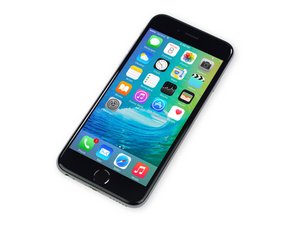
Auto clicker when charging
I bought my phone and when ever I charge it on the right side in the middle it auto clicks I’m looking for help.
Is this a good question?
Score
0

I bought my phone and when ever I charge it on the right side in the middle it auto clicks I’m looking for help.
Is this a good question?

Rep: 160.3k
 11
11
 202
202
 371
371
It's probably due to having an cheap aftermarket screen installed from the previous owner.
A good charger may remedy this issue.
Was this answer helpful?

In case you didn't know, you only need one profile for this. The state is auto clicker, then you have one task for enabling auto rotate (that's the enter task) and then you can add an exit task to the same profile by tap and hold on the enter task and then select "add exit task" from the pop-up menue.
Was this answer helpful?

Assuming your phone is on the charger overnight, look up how to access developer options on your phone (since you said you have a galaxy, right?) Then go to developer options in settings, and there should be a "stay awake" option or something similar. It prevents the screen from turning off while it's charging. No third party app required.
I do this with some games, but idle apocalypse is really hard on my phone, so I never leave it running for more than a few minutes at a time. Even with recent updates that were supposed to make running it less intensive, it still really drains the battery and makes my phone pretty warm.
Especially if you decide to leave an auto clicker on overnight... op auto clicker I would be cautious before deciding to leave Idle Apoc on overnight with both the charger in and an auto clicker running. Don't want to cause any serious damage to your phone.
Was this answer helpful?
Past 24 Hours: 0
Past 7 Days: 1
Past 30 Days: 7
All Time: 330
