
Free Shipping on Domestic Orders $75+

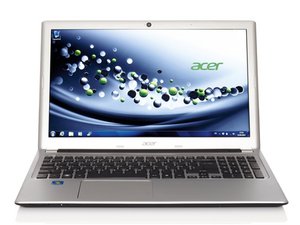
Repair guides, user manuals, and service manuals for the Acer Aspire V5-573pg. This thin and lightweight 15.6-inch laptop was produced between 2013 and 2014 and was designed for everyday use, balancing performance and portability.

Wifi won't turn on after network card replaced

I recently had to replace my old network adapter and now I cannot turn on wi-fi however I try. "Fn + F3", device manager, etc did not help. Plus, in the device manager, it says that the adapter is working properly. I reinstalled drivers multiple times and tried suggestions from many other forums and I cannot get it turn on.

Old adapter: Atheros AR5B22

New adapter: Atheros AR5B95

This is a last resort, since this site usually deals with hardware problems, but I hope to find some help here, anyway.

Thanks in advance.

P.S. Running Windows 10

Answer this question I have this problem too

Is this a good question?

Score -1
Add a comment

1 Answer

hello Dmitrii

I have 2 solutions that might work

1 go to device manager go the wifi driver right click it open the properties go to the tab (Drivers) and click on roll back driver then restart your computer

2. download the free program DriverPark Solution this program will check your computer for any missing drivers or update your drivers it will download it and install any outdate driver you need

Hope this solve your problem :D

Was this answer helpful?

Score 0
Add a comment

Add your answer

Dmitrii will be eternally grateful.
View Statistics:

Past 24 Hours: 0

Past 7 Days: 4

Past 30 Days: 7

All Time: 269
