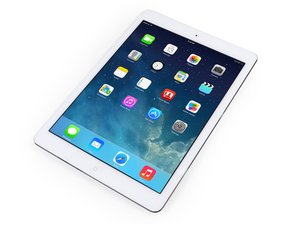

Touchscreen doesn't work after replacing digitizer
Hello,
I replaced the digitzer on my iPad Air as the screen was cracked pretty good. It took a long time to get the screen off as it was more like shattered in some places. After i put the new digitzer on, bought off of this website (not a cheap ebay knock off), I didn't seal it with the adhesive as i wanted to ensure the touchscreen worked properly first.
So i carefully put everything into place and nothing happened. i double checked my connections and tried again and nothing. However when i did move the screen to the open position, as i was going to recheck the connectors and cables again , it reacted as i was just barely swiping the screen when it's locked.
Is the digitizer bad? Are my cables hosed? What did I do wrong?
Is this a good question?

 18
18  80
80  212
212 
1 Comment
I heard other people having similar problems with cables being bent and unbent. Sorry, not sure what much else to say.
by August Williams