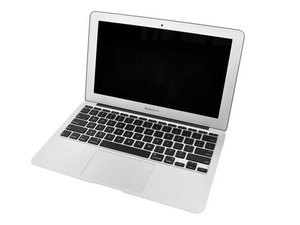

1.4GHz or 1.6GHz Processor / 64GB or 128GB SSD

Power button not working

My Macbook Air underwent some liquid spill and wouldn't turn on at all.

I replaced the logic board, and managed to jump start the computer with a flat head screwdriver since the power button wasn't working.

Now the computer seems to be working fine (although a little slow), and the whole keyboard seems to work except for the power button.

Is there any way to fix the power button (or whatever is causing the issue) without replacing the whole top case?

Thanks a lot!

-Mat

Answer this question I have this problem too

Is this a good question?

Score 0
Add a comment

1 Answer

Here is the replacement keyboard for your model. You can follow the iFixit guide up to step 29 and use this nice walkthrough video to help you in your repair. In terms of tools, I recommend the Magnetic Project Mat, P5 Driver, spudger, and the 26 Bit driver kit. Best of luck!

Organize and magnetically secure your screws and small parts on a dry erase surface. Make notes with included pen. Image

Product

Magnetic Project Mat

$19.95

Was this answer helpful?

Score 0
Add a comment

Add your answer

matmat will be eternally grateful.
View Statistics:

Past 24 Hours: 0

Past 7 Days: 1

Past 30 Days: 1

All Time: 208