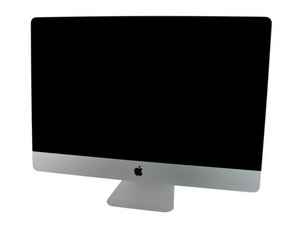

No bootable device found
Hello Nicolai,
Hello @danj ,
has been a long time since you posted this issue. I am struggling since 2 years with my mac. In my case the Hard Drive crashed and since the files where not really important I decided to change the physical hard drive to a brand new one. So now the iMac boot up ending with the message:
"No bootable device -- insert boot disk and press any key"
I tried to preinstall the drive with OS X but it is looking for the lost Windows Partition. So now my iMac is basically dead. It does not pick any keyboard or mouse or any Input. Does anyone know how to get my iMac back to ANY life?
Best Regards, Stefan Russ
Is this a good question?
Score
-1

 1
1  1
1  1
1 