Click Image To Zoom
Required Tools
Add All Tools to Cart »Share this Product
Installation Guides
iBook G4 12" 1.33 GHz
Difficulty: Moderate
iBook G4 12" 800 MHz-1.2 GHz
Difficulty: Moderate
Stories
My Problem
This iBook was given to a friend learning the Mac. If it is not repaired, it will go scrap. I thought that the cause is often very simple and inexpensive to repair. So I go!
My Fix
The correct diagnosis was the first step. The Apple Support Communities (ASC) was the solution. Resetting the Power Management Unit (PMU) and PRAM didn't risen it, nor another good power adapter (no light on). The ASC suggested first to replace the dc-in card, and if it did not fix the problem, a new logic board replacement will fix it. There are no tools to specify which of the two or both are at fault. So I started with the DC-IN, and here is where iFixit was useful.
My Advice
The Guide was perfectly simple and accurate. The only problem I had was with the DC-In itself. It was 1" too short. Placing it in another way fit well.
Now the iBook work very well.
Thank iFixit!
My Problem
We have an old Apple iBook g4 that my 10 years old son uses for his school work. He's rough with it and it's been dropped so many times. It was working fine until the power cord broke. We replaced the power cord and was working fine for a week before it no longer turned on. When we took it to a repair shop, we learned that the power cord works, but were told that it's not worth fixing the laptop.

My Fix
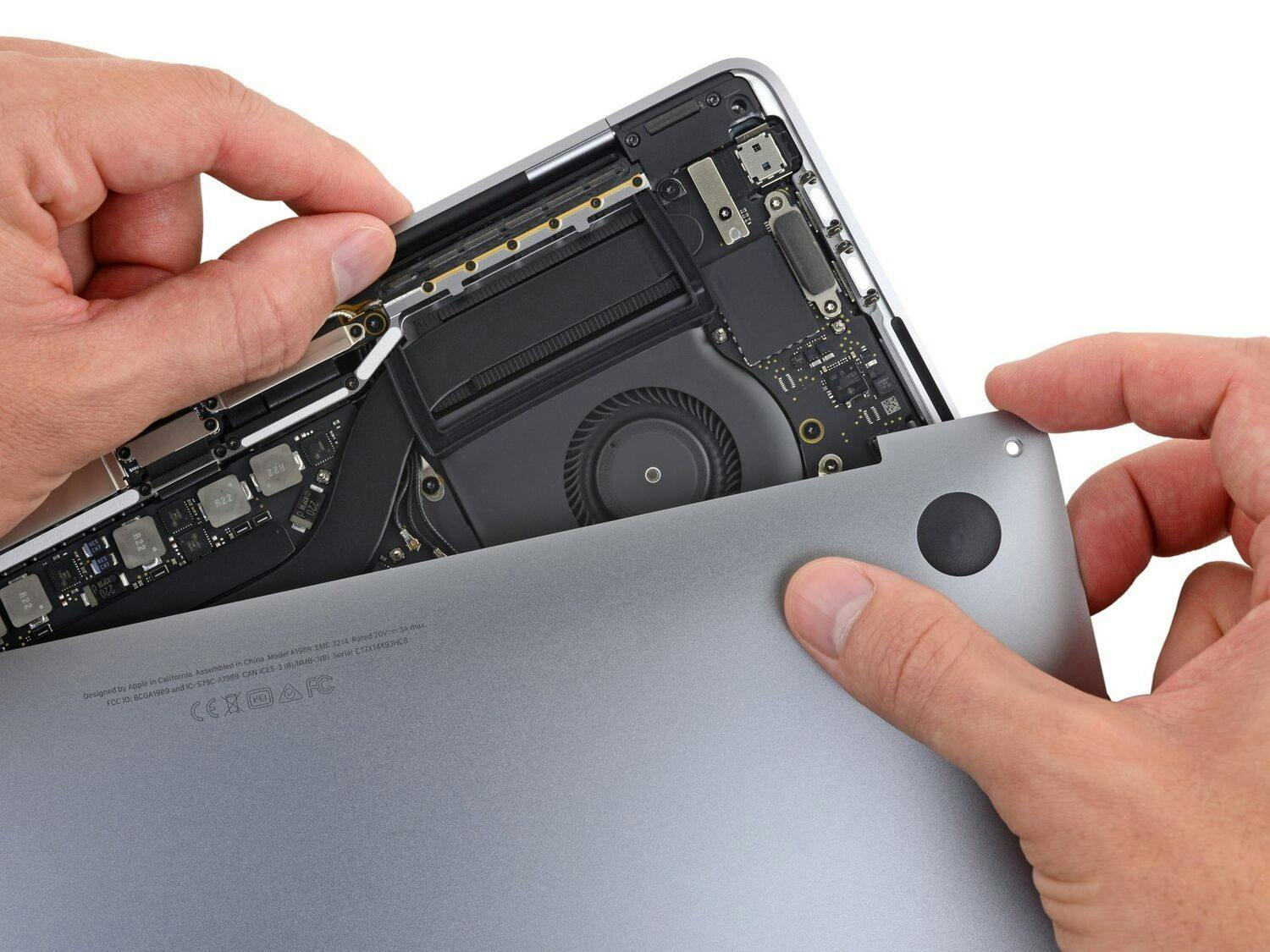
I followed the on-line instruction and replaced the DC-In board. The instructions and visuals were easy to follow. I cannot believe I did it!! The iBook works just fine!!
My Advice
What helped me was taping the tiny screws down next to the holes it came out of. If there is no space, tape it to a piece of paper and label where it goes.
My Problem
well i had an ibook g4 that i had broken in the meantime i repaired a macbook 2007 and did not need the broken ibook it turns out my mother did though so i have repaired it with the new dc board and the board serves its purpose quite nicely never had a problem with ifixit and don't plan to in the future
My Fix
the repair went fine i did manage to "find some spare parts" because i did not use the guides (i would suggest using the guides they are beyond helpful
My Advice
use the repair guides always use a repair guide if possible
My Problem
Well- I had to replace the board because I had pulled the hard drive out twice (the original failed, then the new one needed a jumper). the second time I decided to fire up the computer and make sure the hard drive worked before fully reassembling everything. It did, and since the OS X disc was loading the system software, I decided to go ahead and put the shields back on with the laptop running. Boom. Smoke. Duh. Shorted out the DC-in board (luckily not the motherboard)
My Fix
The repair is easy- just pop it in
My Advice
Don't reassemble laptops with the power on. duh
My Problem
A common story. The jack was no longer working. No power or charging batteries
My Fix
Overall pretty well. I had problems getting the tabs on the back of the battery compartment to let go. And some of the screws were in pretty tight. Had to use a wrench to get leverage on the screw driver.
My Advice
I didn't have the correct size Phillips head screwdriver for the smallest screws. Turns out that the flat head screwdriver that came with my glasses repair kit did the trick just fine.
My Problem
I had many problems with the DC-IN : the LED changed color all the time from green to orange, and I had to try moving the DC-IN so that it works, pulling on the wire in every directions, but sometimes the computer just shot down and it was such a mess…
My Fix
I followed the installation guide and everything was really easy ; eventhough the number of screws was not accurate for my computer, after the inside shield was removed, and I found less screws than written on the tutorial, it was even easier. I also had 2 screws on the DC-IN, not only one as indicated.
My Advice
You should be careful while opening the computer, because some parts (clips) seem to be quite fragile. You need the right tools at this very moment.
My Problem
On my client's computer, the tip of the Power Adapter broke off inside the DC-In jack.
My Fix
I replaced the board in about 30 minutes and he was good to go.
I was pleasantly surprised that the job didn't require opening the top of the iBook; that saved a half-hour of labor.
My Advice
This is an easy repair once you're comfortable removing the bottom pan of the iBook.
My Problem
Battery wouldn't charge. I replaced the cable and the battery with no luck. I needed to fix my iBook; I can't afford a new iMac. Found that the problem was in the DC-In Board was fried, surfed in to ifixit from Google and found a replacement for a reasonable price.
My Fix
Pulled the old one out, put the new one in, works great!
My Advice
If you have this problem, just make sure you get a new power chord as well. It probably caused the problem in the first place.
My Problem
My ibook does not power on neither charges the battery
My Fix
I ordered a DC-In Board from iFixit, changed it and it works
My Advice
Be carefull with the covers of the Mac and make shure to put the correct screw in its place
My Problem
Clients
My Fix
Very easy and straight forward
My Advice
To make sure you have the right hex bit mor macs :)
Related Questions
| 3 Answers 1 Score | Is the DC-In what I plug the power cord into? | |
| 2 Answers 0 Score | How do I test the power supply. | |
| 1 Answer 0 Score | How do I replace the connector where the AC adaptor plugs in? | |
| 1 Answer 0 Score | Batteries won't Charge/Replace DC-In? | |
| 2 Answers 0 Score | DC-in and the spring connector not working |