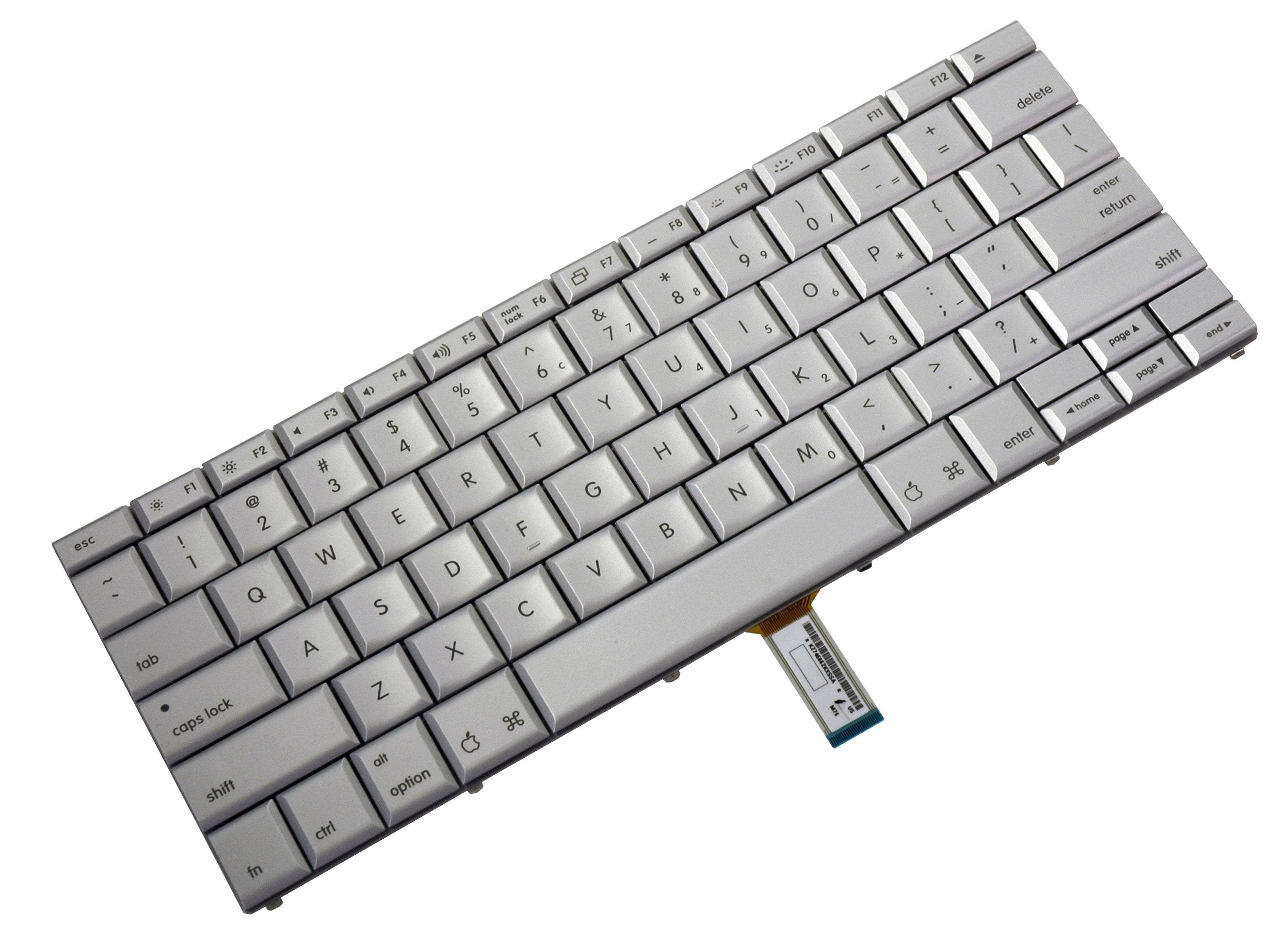
Click Image To Zoom
Installation Guide
MacBook Pro 15" Core 2 Duo Models A1226 and A1260
Difficulty: Moderate
Required Tools
Add All Tools to Cart »Spudger
$2.95 ·Add to Cart »
T6 Torx Screwdriver
$4.95 ·Add to Cart »
Share this Product
Compatibility
| MacBook Pro 15" Core 2 Duo Models A1226 and A1260 |
|
Stories
My Problem
My keyboard was broken so I decided to give it a try and fix it by myself.
My Fix
With the manual from iFixit it actually went real easy. I bought the screwdrivers that were needed and setup some trays to put in the screws for every step.
I got started and half an hour later when I put it all back together it worked! It made me happy and proud to be able to fix such an advanced device all by myself.
My Advice
My tip to everyone is that you make room for your iFixit project and just take the time to finish it all in one session. Also, for me, the thing with the trays worked out very well.
At last I would like to advice you to get one of those spray cans that blow air so you can dust your device. I did not have it but would have loved it to be able and clean the inside of my laptop.
My Problem
I spilled coffee on my keyboard and of course it stopped working. I took it to an authorized dealer and they said there was nothing they could do, but my Mac still worked with a wireless keyboard, but that stopped working so I found you guys and ordered the part to try.
My Fix
My husband but the new keyboard in following the step by step instructions and now it works perfectly!
My Advice
It never hurts to try something, if it doesn't work at least you tried all your options! Never drink coffee by your keyboard!
My Problem
The hand-me-down MacBook Pro that was given to me to use at work had an international keyboard with all my favorite keys in strange, scary places. I replaced it with a red-blooded US layout, and all is well. Americuh!
My Fix
The iFixit photos and instructions made it easy. The terrain would have been as difficult and unfamiliar as the mountains of Afghanistan, but thanks to iFixit, it was as easy to navigate as a slice of apple pie.
My Advice
There are a number of different types of screws. I taped a sheet of paper to my desk, and each time I removed a new type of screw, I put it in a new pile and wrote next to it on the paper a description of the screw. For example: 3mm Torx. By the end, I had a neat column of screw piles, next to a column of handwritten descriptions. Very handy.
My Problem
Sticky characters on keyboard
My Fix
Excellent, easy to do, replacement keyboard works well.
My Advice
Just follow the easy instructions and purchase the tools for the job. The "spudger" was extremely useful and worked well.
My Problem
Several keys did not work
My Fix
Using the step-by-step iFixit guide it went off without a hitch.
My Advice
A small matter, but the first major step after removing screws was to unplug the power ribbon. I was very reluctant to simply pull, especially after reading on other sites that there was a locking bar which I couldn't see. Just add a line about simply pulling being ok would have relieved some stress. Otherwise the guidance and photos were excellent.