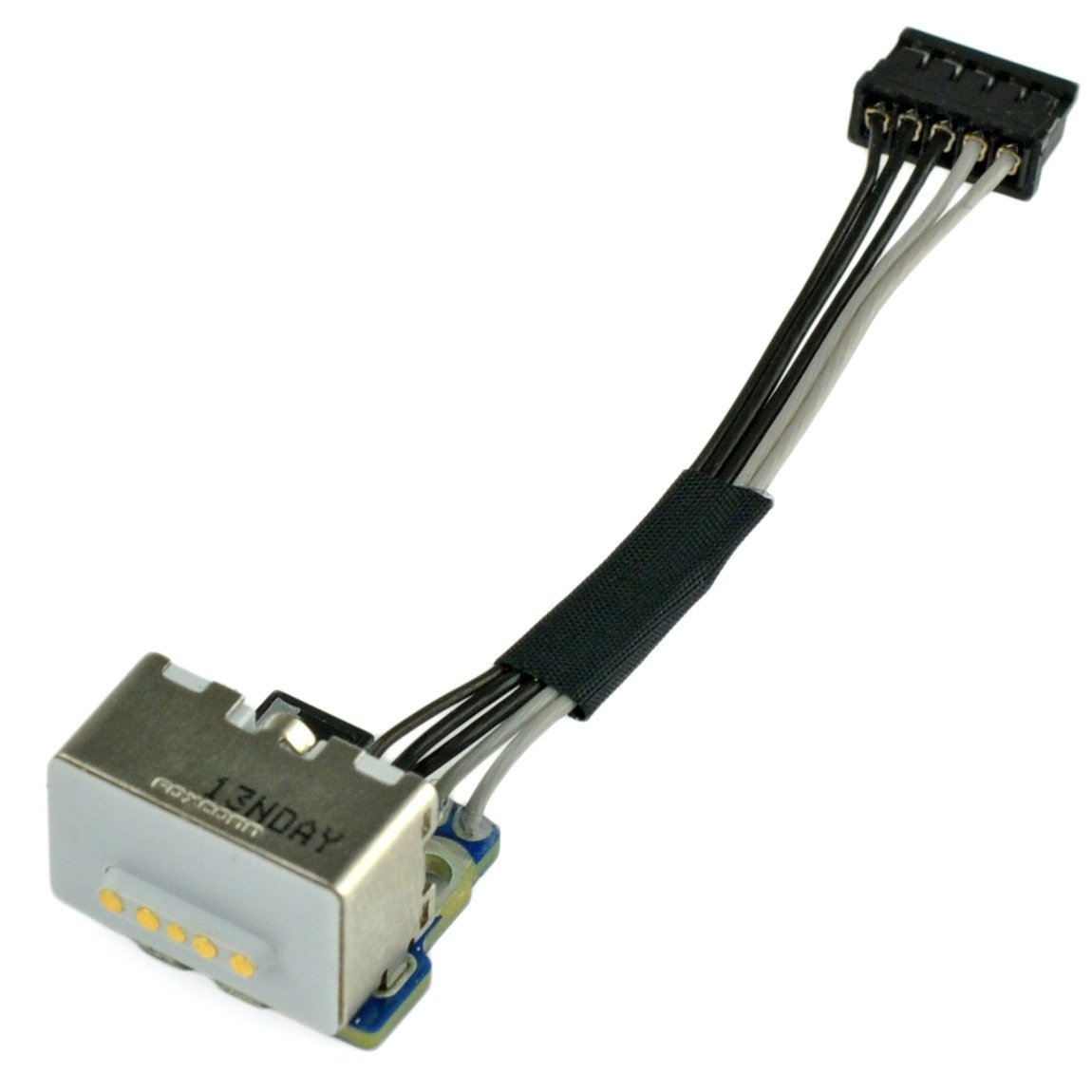
Click Image To Zoom
Share this Product
Compatibility
| MacBook Core 2 Duo |
| ||||||||||
| MacBook Core Duo |
|
Stories
My Problem
Because I didn't want to buy a new laptop for my wife.
My Fix
The parts and tools from iFixit were perfect. The instructions were easy to follow and clear. Everything fit exactly as expected. The Mac charged the battery once after installing the new magsafe board and then, once again, flatlined. No complaints about the iFixit product or instructions. They were perfect, but the Mac in question is just, sadly, dead.
My Advice
It might be nice to have a set of instructions for testing the suspect part with a multitester. I'm sure there is something else amiss with the mac (at this point I have replaced the battery and the charger and, now, the magsafe adapter board). If I could have tested the magsafe adapter board before replacing it I might have saved myself the cost of the part.
My Problem
Wasn't charging unless I crammed the converter cable into the MagSafe DC-In board, which was not always reliable and made my fingers sore!
My Fix
Without a hitch! The part arrived extremely quickly (much faster than the AC converter cable I ordered from somewhere else). The repair was easy and efficient due to the wonderful illustrated instructions from ifixit!
My Advice
Be extremely careful of the little fingers gripping the I/O board; they are fragile and on my book, two were folded to ensure a good grip. I tore one.
My Problem
Super hot magsafe charger end-actually melted the plastic surrounding the pins on the computer side. And the plastic covering the magnet. It barely gets warm now.
My Fix
Went pretty well-instructions are good. I've actually had the keyboard off before-to dust the innards-so that was my practise/dry run. Pay attention to the orientation of the 4 loose plastic pieces that are loosely attached to the lower case near the cd/dvd module. They connect the lower case to the upper case(keyboard). Not sure if I put them back in correctly-but it seems to work so...
My Advice
Additional advice? Not really. -oh wait, I used looped scotch tape stuck to the printed out instruction steps to not lose any screws.
It did NOT fix the intermittent green/orange charging lite in the Magsafe end. So I guess I also have frayed wire issues there? I'll probably disassemble the T-connector to see if I can save myself some bucks. Oh-BTW, I ordered a used part(?), but it looked brand new, never used-awesome! Thanks iFixit-will certainly use you again!
My Problem
Macbook wouldn't charge.
My Fix
It took about 45 minutes and was very easy. The Macbook now charges again!
My Advice
Print out the guide, lay each page out on a table, and as you take the screws out, set each one on the picture showing it. This will make it MUCH easier to put back together.
My Problem
The battery charges VERY slowly on my MB - it estimates it will be charged completely in 10:00 hours or just says not charging.
Sometimes the light goes Green to Amber, sometimes it just stays green.
I've swapped out chargers, and the symptoms persist.
I've bought a new battery direct from the Apple store ($130), and the symptoms persist.
I've replaced the MagSafe DC-In Board ($30 - $40), and the symptoms persist.
The next step is to replace the Battery Connector/Sleep sensor, which is en route. My luck: it has to be the flipping Energy Star part ($70), which costs twice as much as its non-Energy Star counterpart.
Then I'm out of ideas, besides logic board, which I'm not going to do.
My Fix
The repair itself went well.
The ifixit guides are incredible.
I did have problems with the metal "fingers" that guard all the ports on the left side of the machine.
My Advice
I don't have any good advice for dealing with the fingers.
My Problem
My brother-in-law was going to cry. His "baby", a six-year-old macbook that went to war and back with him, was no longer responding to his charger (or mine). The local Apple specialists said his macbook was too old and that he had to replace it. After hearing this from my sister, I did a bit of research and found this place. I happily announced I could fix it for him with a measly $30 part... if he trusted me to take apart his "baby".
My Fix
Now, I'm not new to computer hardware; I've taken apart/upgraded every desktop computer I've ever owned. But I had never touched a laptop's innards before, so I was a tad nervous. The repair went smoothly enough. I used a magnetic dry-erase calendar and some paper to draw color-coded boxes for the screws/parts of each step. It took maybe an hour and a half, tops (taking the time to airblast/scrape off dried sand that was inside EVERYTHING). The results were a perfectly charging macbook and a very happy brother-in-law. Success!
My Advice
It definitely helps to already have a plan for where you're going to dump the screws. I would suggest a magnetic dry-erase board (mine was a calendar, but it worked just the same) and colored markers that match the colors used in the photographic step-by-step manual. And like the instructions say, be VERY careful removing the topcase. I chipped some of the plastic near the right palm rest trying to remove it. That seems to be a weak point for the case in general, but be extra careful not to do more damage than necessary.
My Problem
The prongs on my MagSafe charger were charged and it was really the only problem with my 6-year-old MacBook that I desperately need to keep going for another year.
My Fix
The repair was super easy - the instructions were great and a friend and I easily complete the repair in 30 minutes. (The friend was needed pretty much for moral support - it could be a one person job definitely.)
My Advice
I read the instructions off my iPhone, which was great because we could zoom in on the photos to get a closer look at where we were working.
My Problem
can not charge battery
My Fix
change the part DC-IN
My Advice
non
My Problem
My MacBook stopped charging and I went to "the genius bar" where they told me that Apple considers my computer to be "vintage" and they no longer fix them. They did, however, tell me that I probably just needed a new magsafe board.
I checked in NYC and California for repair quotes and no one would touch it for less than $200. I had already looked up the part on your website and saw that it was only $30. Hmmm . . .
I took a really deep breath and read your repair guide many times and then ordered the part. I was so scared and nervous, and told all my friends that if I could do this, I would be on the moon with happiness.
My Fix
I took my time and was very careful. It was so easy! In less than an hour my computer was fixed. Sorry to have not taken any pictures, but I was too nervous.
OMG!!! You helped me push through my fears and I did it! Thank you!
My Advice
I know very little about repairs in general and NOTHING about repairing a computer. My advice? Breathe. Take your time.
Have a beverage and ponder life before beginning. You can do it!
My Problem
Magesafe connection was fried and would not charge.
My Fix
Didn't work, but ifixit.com was a great site and had very detailed instructions on how to do the repair. The repair was a long-shot anyway. I wouldn't have even attempted it had I not found this site complete with instructions, suggested tools (for sale too) and user comments on similar repairs. Thanks for making it so easy!
My Advice
Read everything carefully. Notes are very detailed, take advantage of the advise.
Related Questions
| 2 Answers 1 Score | Won't power on - at all. What to do/replace? | |
| 3 Answers 0 Score | MacBook doesn't start on AC |
| 5 Answers 0 Score | My battery wont charge, a new battery and different charger didnt help |
| 2 Answers 0 Score | Not charging, Charger light Green | |
| 2 Answers 0 Score | Battery won't charge |