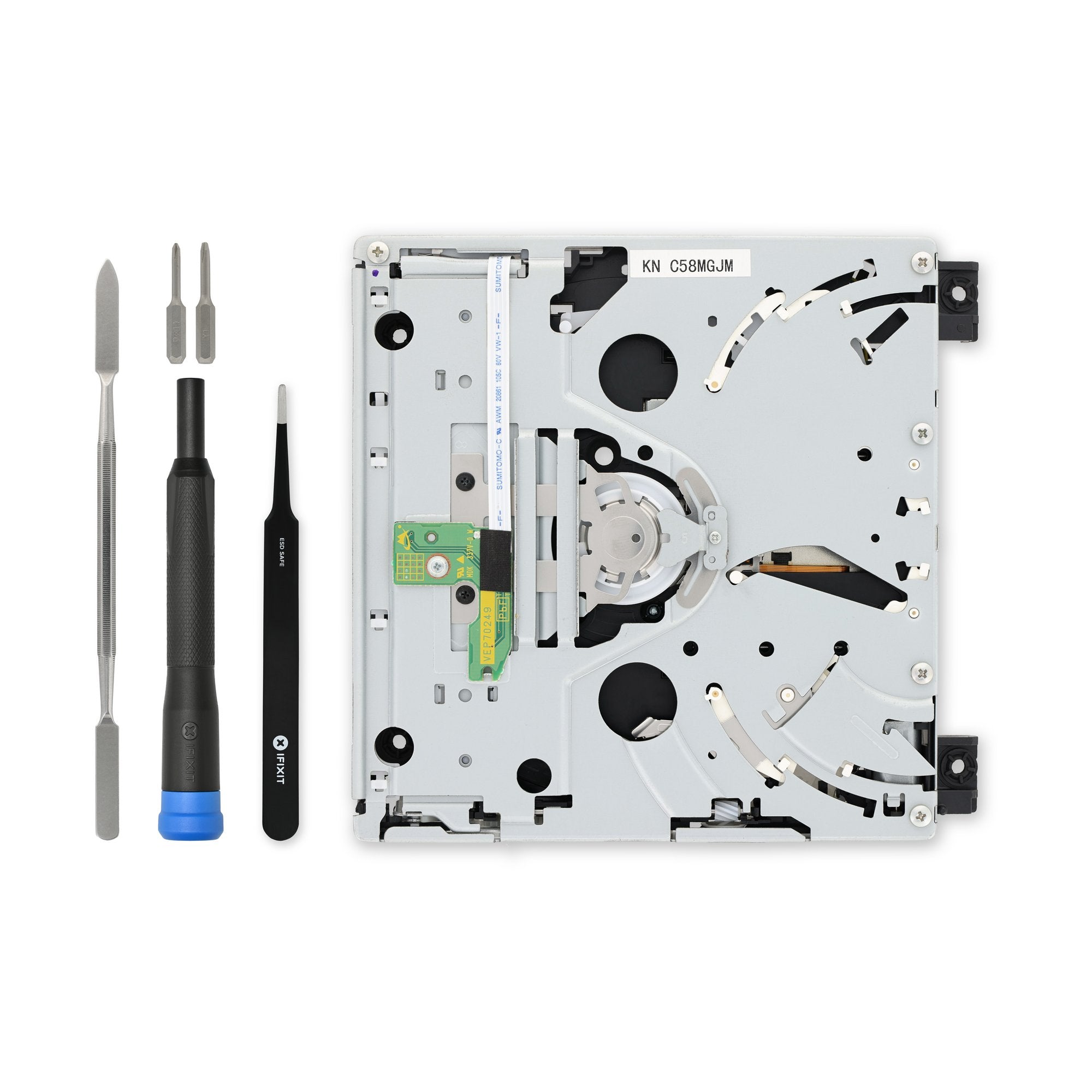
Click Image To Zoom
Installation Guide
Nintendo Wii
Difficulty: Moderate
Required Tools
Add All Tools to Cart »Metal Spudger
$2.95 ·Add to Cart »
Tweezers
$6.95 ·Add to Cart »
Share this Product
Stories
My Problem
at some point my Wii stopped reading discs. this was a bit annoying but i wasn't playing it much anyway.
but then i wanted to. thought it was something a disc cleaner might fix. nope. then was thinking i'd need to wait for a Wii U or buy a new Wii and go through the hassle of making Nintendo transfer crap from old Wii to new Wii. expensive. and not really worth it.
i use iFixIt alllll the time when breaking down various Macs at work... and vaguely recalled seeing something about Wiis at one point. checked... yup! there was a guide for drive replacement on a Wii.
at first i'll admit i looked around for non-iFixIt replacement drives first but couldn't find any that *also* did GameCube discs or that would be a known-good item. as in... i trust iFixIt massively more than i trust random eBay-seller-128658. mainly due to previous experiences with iFixIt in the past.
My Fix
i looked at the guide. looked like a simple one (to me). definitely easier than a MacBook LCD panel replacement or motherboard swap or even anything related to a previous generation Mac Mini.
went easy. only weird thing needed was a tri-wing and i had one of those already.
the drive *looked* a bit different than the one i popped out... but i had an original Wii... and changes are expected.
worked perfect on powering up again and i am able to play disc games once again. $80 and a half-hour of time was definitely better than any other options.
My Advice
to me this was a pretty simple swap. just pay attention and follow the guides instructions and you should be fine. for people not doing such a thing ever before make sure you pull the cables off the drive as instructed. as far as lifting tabs and pulling things out.
i used a small glasses flathead to remove the various sticker coverings / rubber feets. worked good. and all of them went back on just fine.
My Problem
Bad optical drive. Wouldn't read Wii discs anymore. Very common problem from what I hear. Nintendo refused to service it and sent it back. I own an original 2006 model, it is no longer under warranty and I paid them for repair that they offer but they said I opened the case and just for doing so they refuse to repair it. I was/am furious. I've been in IT for ~16 years and took great care in opening it to clean the lens but to add to my anger Nintendo actually returned my Wii to me in pieces with stripped screws. It's also worth noting that if you buy a full system as replacement you will need to repurchase downloaded games as they are tied to the device itself and Nintendo will not transfer them. And to add pain the newer Wiis do not play Gamecube discs at all anymore. No more Nintendo for me.
My Fix
A couple of the tiny screws are difficult to place and require tweezers. Also the power and data cable are tiny and require a good deal of patience and steady hands. Nintendo stripped some screws (2nd photo center .. power driver?) one of which I actually had to drill out it was so bad. And they lost the nut for the battery door (1st photo) so I have to tape it shut now. Other than those fun surprises from Nintendo all went pretty well.
My Advice
You'll need patience and hands that could play the game Operation. Other than that it is a simple matter of following the detailed instructions available on the site in PDF format. I was concerned that the drive board layout was different (see 3rd photo with old drive left and replacement drive right) but no problem .. works with 12cm (Wii) and 8cm (Gamecube) discs as advertised. Kids are very happy daddy fixed it.
My Problem
My Nintendo Wii is about 5 years old now.. it was bound to give out. The WiiWare and other Wii games on the hard drive still worked - the disk drive just stopped spinning. I searched online for solutions and iFixit had great guides as well as the parts needed in order to fix.
My Fix
After I had ordered and received the DVD Drive and Tri-wing screwdriver, I had all the parts and tools required for this task. I followed the guide here at iFixit very carefully. The disassembly/rep
Suffice to say, once I managed to get everything back together, I crossed my fingers and popped in a disk... and it worked! I managed to capture my repair all on video (no pictures though - sorry!)
My Advice
The guide I used was very concise yet thorough. Make sure you have all the tools and read the whole guide first before starting.
My Problem
My Wii unit stopped reading discs.
My Fix
I was done in about 20 minutes.
My Advice
The guide was very useful for finding some of the more hidden screws.
Related Questions
| 1 Answer 0 Score | Is it possible to use a Gamecube disc drive on a Wii? |
| 2 Answers 2 Score | Problem With Wii? Can Any body Help? | |
| 1 Answer 0 Score | Replacing Wii DVD Drive, Do I need to transfer PCB too? |
| 2 Answers 0 Score | I had 2 cds in the wii... | |