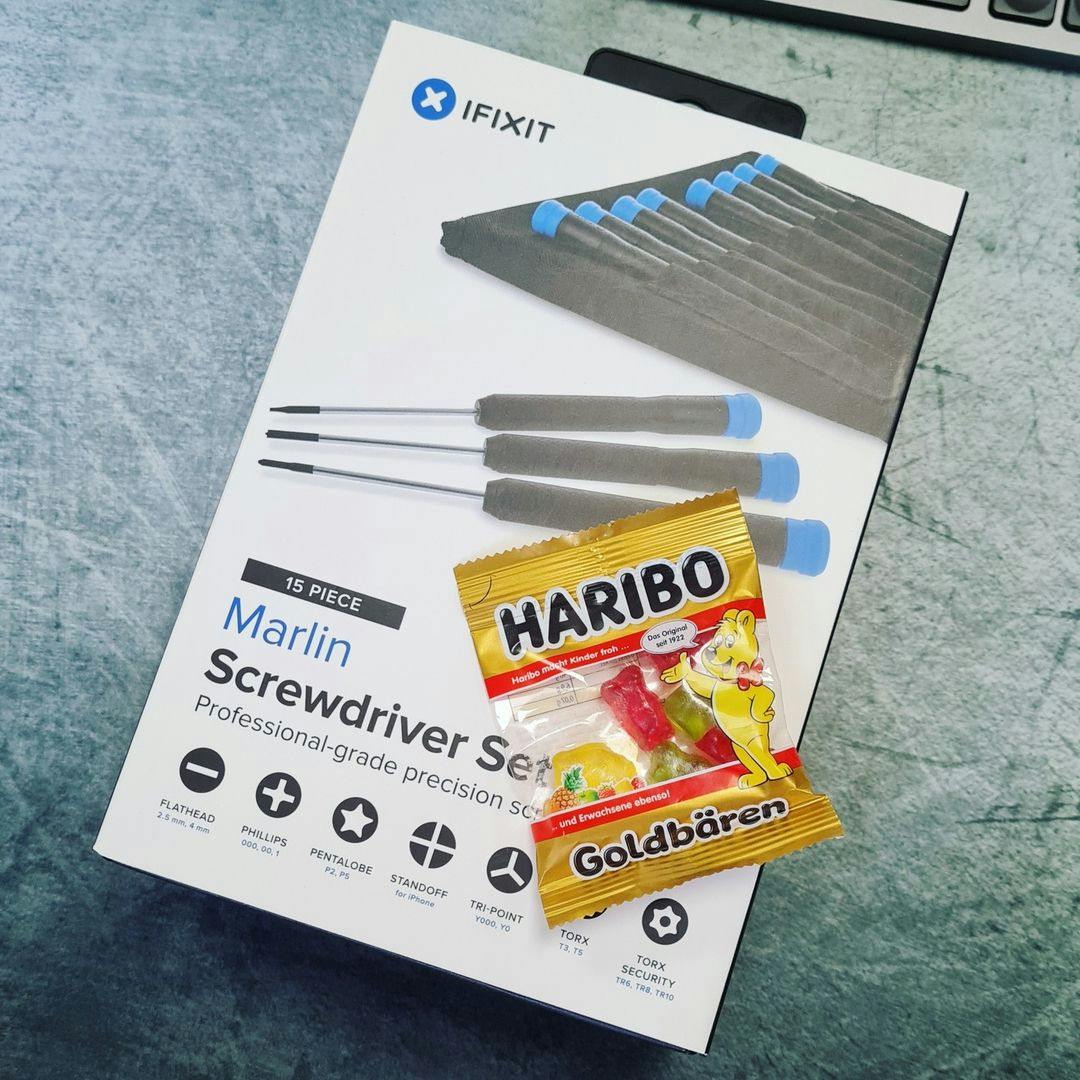
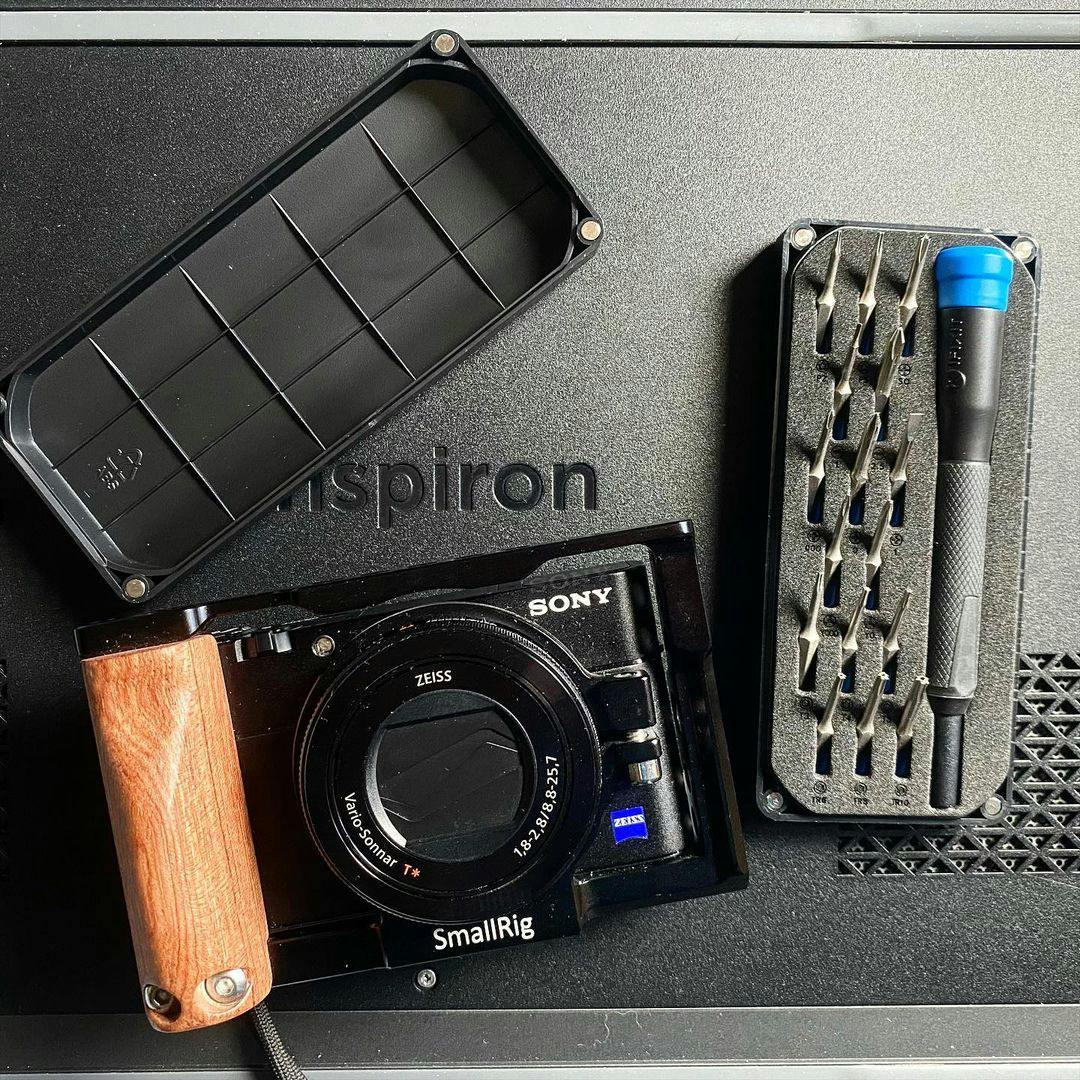
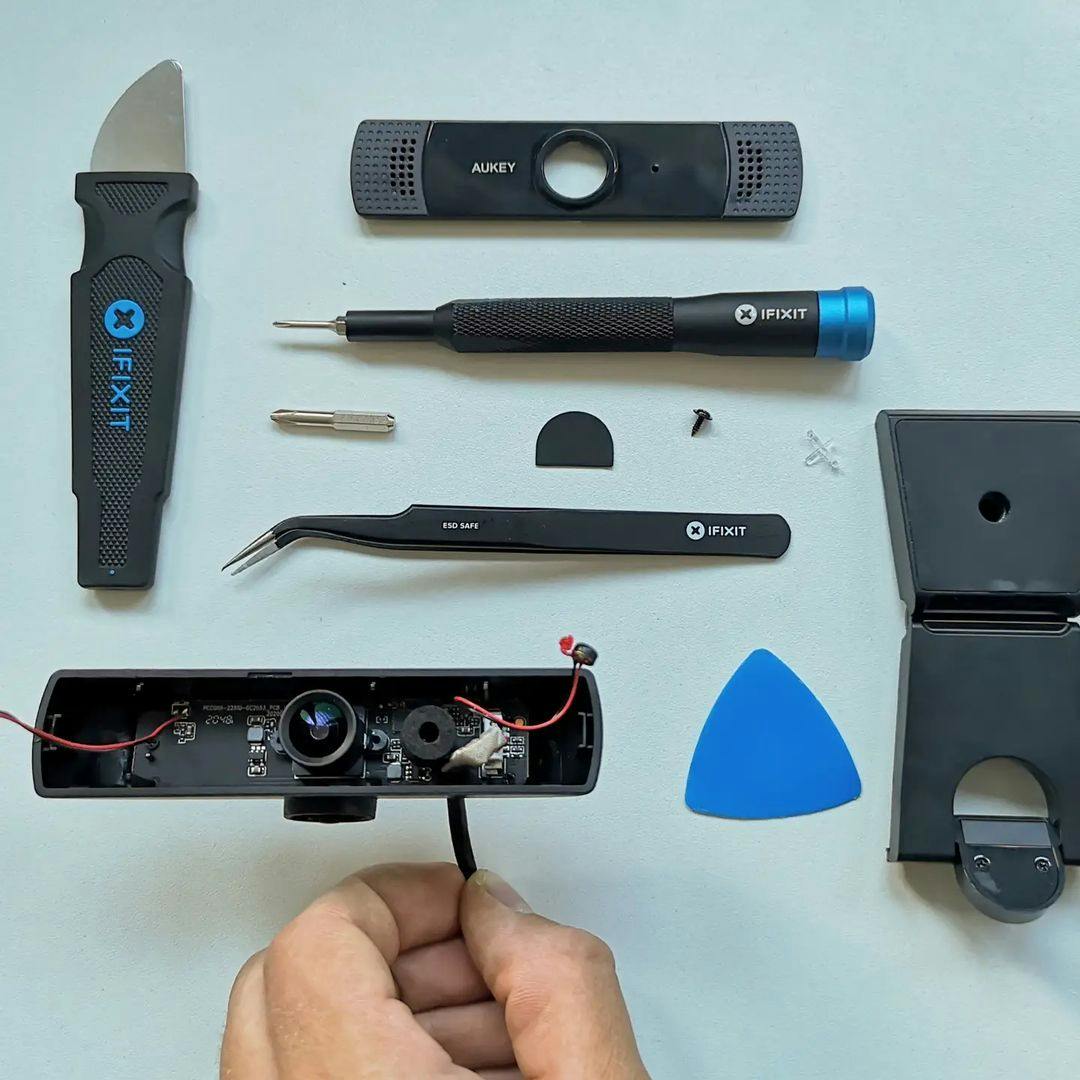
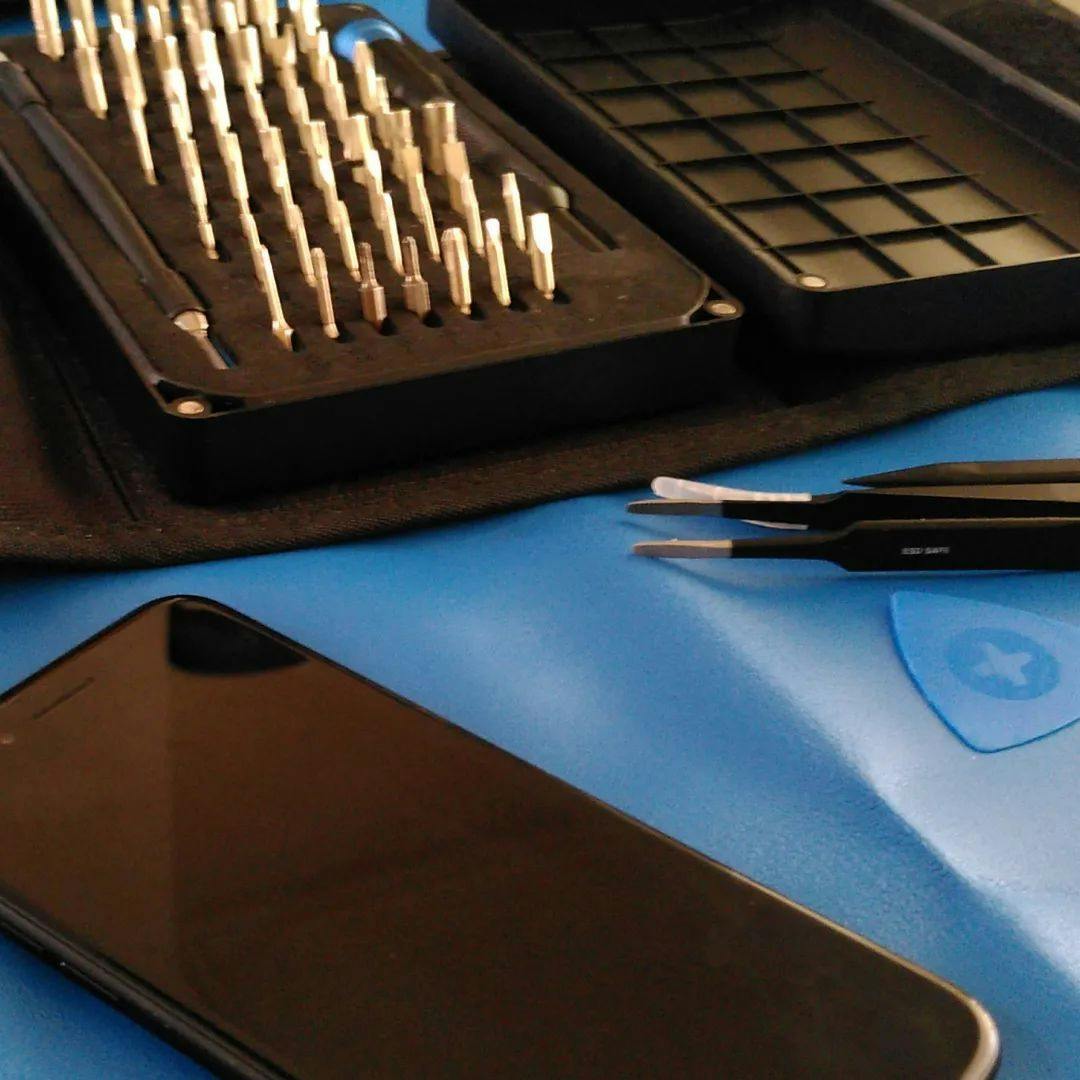
Click Image To Zoom
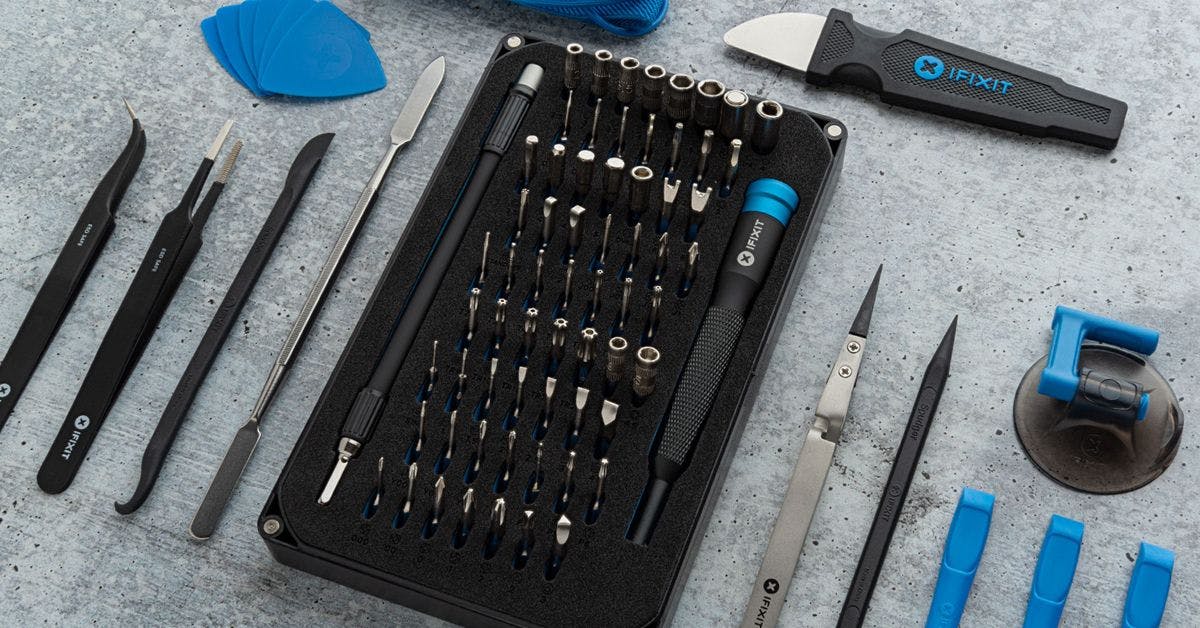
Required Tools
Add All Tools to Cart »Share this Product
Installation Guides
iBook G4 12" 1.33 GHz
Difficulty: Easy
iBook G4 12" 800 MHz-1.2 GHz
Difficulty: Easy
iBook G4 14" 1.42 GHz
Difficulty: Easy
iBook G4 14" 933 MHz-1.33 GHz
Difficulty: Easy
PowerBook G4 Aluminum 12" 1-1.5 GHz
Difficulty: Easy
PowerBook G4 Aluminum 12" 867 MHz
Difficulty: Easy
PowerBook G4 Aluminum 15" 1-1.5 GHz
Difficulty: Easy
PowerBook G4 Aluminum 15" 1.5-1.67 GHz
Difficulty: Easy
PowerBook G4 Aluminum 17" 1-1.67 GHz
Difficulty: Easy
Compatibility
| iBook G4 12" 1.33 GHz |
| |||||
| iBook G4 12" 800 MHz-1.2 GHz |
| |||||
| iBook G4 14" 1.42 GHz |
| |||||
| iBook G4 14" 933 MHz-1.33 GHz |
| |||||
| PowerBook G4 Aluminum 12" 1-1.5 GHz |
| |||||
| PowerBook G4 Aluminum 12" 867 MHz |
| |||||
| PowerBook G4 Aluminum 15" 1-1.5 GHz |
| |||||
| PowerBook G4 Aluminum 15" 1.5-1.67 GHz |
| |||||
| PowerBook G4 Aluminum 17" 1-1.67 GHz |
|
Stories
My Problem
The iBook in this story was passed down from my sister to my mother, then given to me since, as my mother says, it stopped working. After booting the device from a Disk Warrior disk, I determined the unit needed a new hard drive.
I spent a few months researching the cost and steps necessary for putting a new drive in the iBook and found the iFixit site. The process looked intimidating. I could see a few steps where I was sure I was going to damage things beyond repair, but decided to proceed all the same. What did I have to lose? I was enticed by the thought of having a working Mac laptop for the cost of a new hard drive.
I did briefly contemplate allowing the blue-themed big box technology store do the install, but decided against it when the clerk told me it would only take 30 minutes. I had seen the steps on iFixit. Not only did I not believe it could be done in 30 minutes, I didn't believe it could be done well in 30 minutes.
I ordered all my parts from iFixit, including a RAM upgrade, since I was going to have the iBook opened up already.
My Fix
I had a second laptop with the installation guide from iFixit opened for reference. I don't think I would have been able to do this task without it.
I made sticky notes for each step, on which I placed the screws removed during that step, set on a diagram of where the screws were located relative to the laptop. This helped me stay organized.

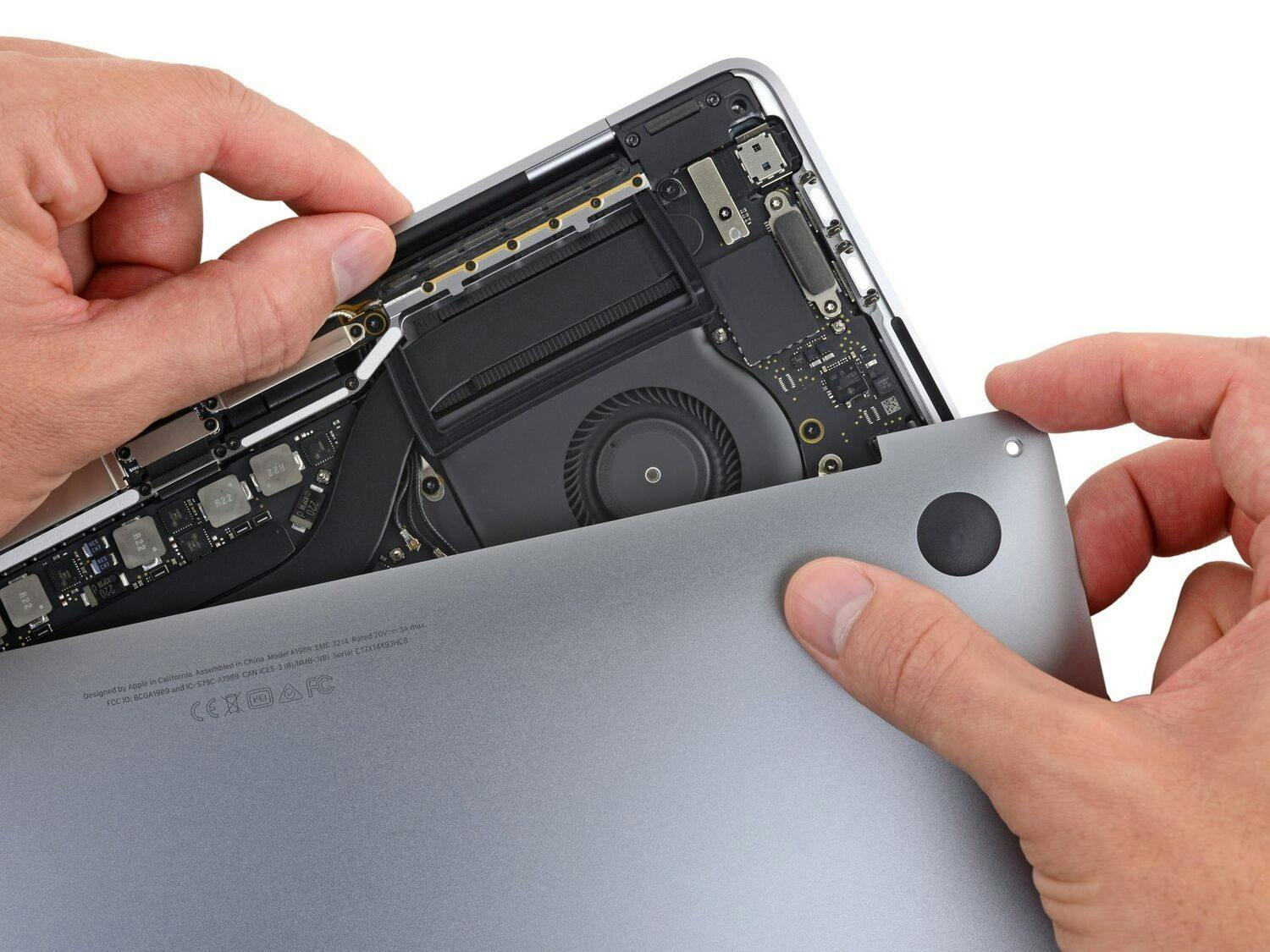
I somehow missed the note that I was going to need a T8 Torx tool and had to go out to Wal-Mart at 11:30 pm to purchase one. Of the two Torx sets I own, neither had a tool smaller than T10.
I did end up with one extra screw--one I missed in the replacement of the upper shield. I think the reference photo for this step was confusing for me. I also lost one of the springs from the battery compartment. I found it the next morning, but I'm not willing to re-open the iBook to install it.
My Advice
It takes more force than I thought to get the plastic case removed. This is anxiety-producing. I was sure I was going to crack it beyond use. I also stressed over damaging the connectors on the mother board, but they are not as fragile as I thought.
Use the spudger to push/pry and move things. It is a wonderful tool.
This is the most difficult computer repair/installa
Related Questions
| 2 Answers 0 Score | Upgrading to OS 10.5.8 | |
| 1 Answer 0 Score | Will 2 GB chip work in one slot? |