
 2
2  2
2 DVD catching on eject from Superdrive
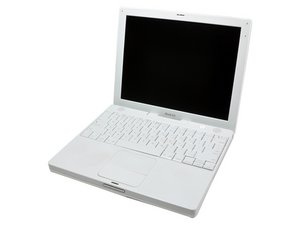
iBook G4 1.2GHz
When I put a disk into the drive, it was a little hard on the entry...it feels like it is catching on something, but the drive pulls the disk in. Once it was inside, it played perfectly, no issues at all. Then, when I went to eject it, it feels like the drive is hitting and it starts to grind, like the eject action is working correctly, but something is not letting the disk pass out of the drive through the bezel. If I had to guess, it is some sort of alignment problem.
I read in a simlar post that you can insert a screwdriver into the slot and gently push up on the top of the drive from the slot. Can anyone give me a detailed approach to this, as I don't want to trash my drive or the disk in the doing this process.
Is this a good question?

 72
72 

2 Comments
There is no iBook G4 1.25. Please go here to figure out which machine you have. We can then direct you to the correct guide: http://www.everymac.com/systems/apple/ib...
by mayer
Mayer, this has been edited to reflect the correct model.
by Ryan