
0
Score
Rob
1
Asked
Stuck on ok to disconnect
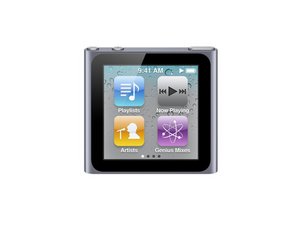
My ipod nano 6th gen was full of songs that i didnt like. it was given to me as a gift but was used. i tried to restore it but everything was gone. i cant put music in it now and its just stuck on 'ok to disconnect' and when i connect it it says dont disconnect. it wont change. what should i do?
3
Score
mayer
121.8k
Answered
Press and hold the Sleep/Wake button and Volume Down button simultaneously for at least eight seconds or until the Apple logo appears. You may need to repeat this step.
If the above step did not work, try connecting iPod to a power adapter and plug the power adapter into an electrical outlet, or connect iPod to your computer. Make sure the computer is turned on and isn't set to go to sleep. Try resetting the iPod while it is connected to power.
1
Score
Answered
I had this very issue and spent six hours on the phone with Apple and they couldn't fix it ...but here is what I discovered and it worked to clear up the issue. First, see if the iPod works on a different computer without automatically going to "OK to Disconnect". If it doesn't, it may have issues. If it does, you need to perform a "Restore" (not a reset) on your 6th Gen Nano. This will wipe out any tunes on the iPod, but you said you don't like the ones on it anyway. Once the Restore is complete, first and foremost, tell it NOT to automatically sync to iTunes on the registration screen that pops up immediately after the restore by unchecking the related box. Then, be sure to Rename the iPod. That's the fix that worked for me, so hope you have the same results. For instructions on how to perform a Restore, go to www.apple.com/s
0
Score
Answered
Does iTunes still detect your iPod since it goes to the OK to disconnect screen?
oldturkey03,