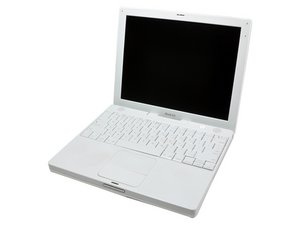
Most likely what happened is that in the fall, your reed switch/inverter cable got damaged. It's a common issue after a drop - on your iBook, the cable is set up like this - it connects to the logic board on the side facing the floor (assuming computer is in normal use position), goes through the hinge, connects to the inverter, and then runs to the right hand side of the screen. There, on a board will be a glass capsule with two metal pieces inside. There is a vacuum in this chamber - which keeps those metal pieces apart. The magnet on top of your optical drive causes these two pieces to meet and create a circuit, prompting the computer to go to sleep. If you boot off of an OS X install CD - generally the inputs from the reed switch are ignored, but once the OS is installed - it will read the inputs and go to sleep at its earliest opportunity - i.e. after it has booted. From there, if you wake it, it'll go right back to sleep.
You need a new reed switch/inverter cable. This repair should be covered in the guide. It's not bad to do, just pop the bottom case off (three phillips screws under the feet, two in the battery bad, and three allen head screws on the main portion of the bottom case. Use a spudger to pop this panel off.
On the display housing, you'll need to remove the four allen screws, and the housing should pop off. Then two phillips screws to get the hinge cover off.
Remove the four screws holding the emi shield on the logic board. From here, it should be self explanatory.

 1
1  1
1 
 2.6k
2.6k 
