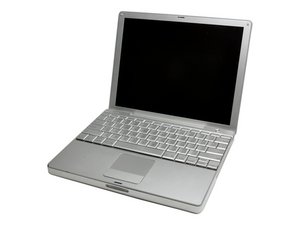
How do I replace my track pad button?
Mouse pad Button is stuck and I need a replacement, donor or otherwise. Please advise.
Is this a good question?
Score
3

Rep: 37
 1
1
 1
1
Mouse pad Button is stuck and I need a replacement, donor or otherwise. Please advise.
Is this a good question?

Rep: 78.2k
385
96
 162
162
A less expensive answer if you want to go that way would be to simply use an external USB mouse. If the button is stuck in the on position you may need to disconnect the trackpad cable to operate properly. Ralph
Was this answer helpful?
Rep: 78.2k
385
96
162
I am using a new answer because I can't leave a URL in comment.
If you do want to replace the upper case here is a source. Ralph
Was this answer helpful?
For the record I tried three times to leave this as a comment but the program would not allow me to leave a "clickable" url. Ralph
So it isn't just me! If it happens to everyone I'll mention it on the uservoice

Rep: 4.8k
28
30
5
Past 24 Hours: 1
Past 7 Days: 6
Past 30 Days: 13
All Time: 3,203
