
 2
2  1
1 Factory reset or re-install firmware?
The recent firmware 1.1 update appeared to install correctly.
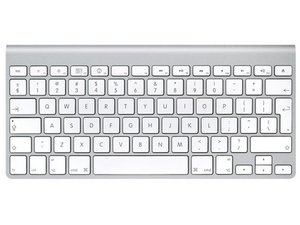
BUT, since the update the keyboard does not work properly - random ' characters and shift key not shifting case.
Attempts to reinstall 1.1 update or 1.0 updates are blocked by - "Your keyboard is already updated!"
Any secret key combo to reset the firmware or force a new (or old) update?
Or do I now have a useless keyboard?
Mac Mini. OS X 10.6.3 aluminum bluetooth keyboard (2007 3 battery)
Is this a good question?
Score
2

 162
162 




2 Comments
What computer and OS are you using? Ralph
by rj713
OS X 10.6.3 - it was the automatic update that included the keyboard firmware update that caused my problem.
by Peter Jennings