Free Shipping on Domestic Orders $75+

This teardown is not a repair guide. To repair your glorious Model 02 Pro, use our service manual.

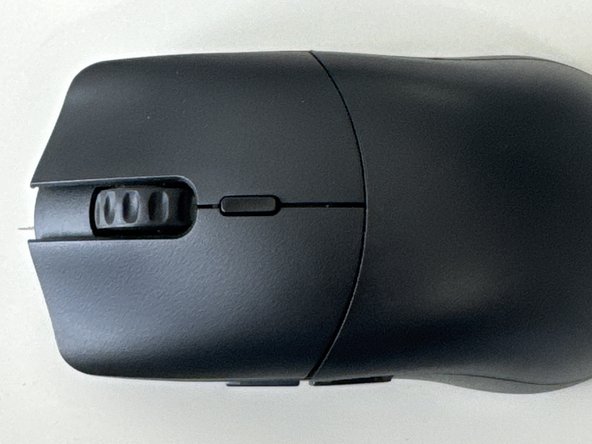
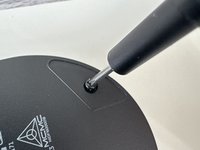
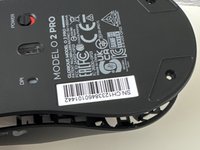
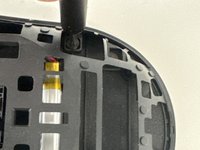
  1. Glorious Model O2 Pro Teardown, Flip Over: step 1, image 1 of 2 Glorious Model O2 Pro Teardown, Flip Over: step 1, image 2 of 2
    • Turn the mouse to the bottom

    Ask FixBot
    Add Comment

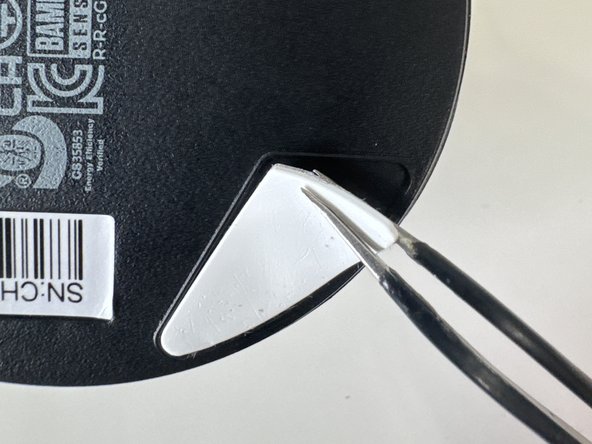
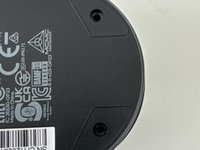
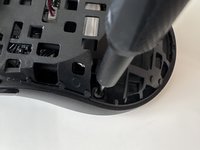
  2. Glorious Model O2 Pro Teardown, Remove feet: step 2, image 1 of 3 Glorious Model O2 Pro Teardown, Remove feet: step 2, image 2 of 3 Glorious Model O2 Pro Teardown, Remove feet: step 2, image 3 of 3
    • Remove top and bottom feet

    • Make sure to keep these and don't loose then

    Ask FixBot
    Add Comment

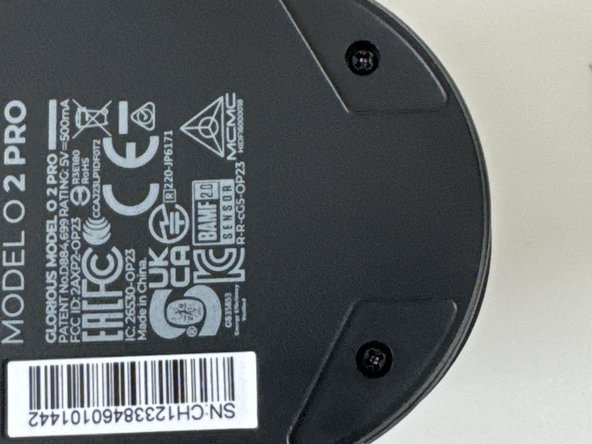
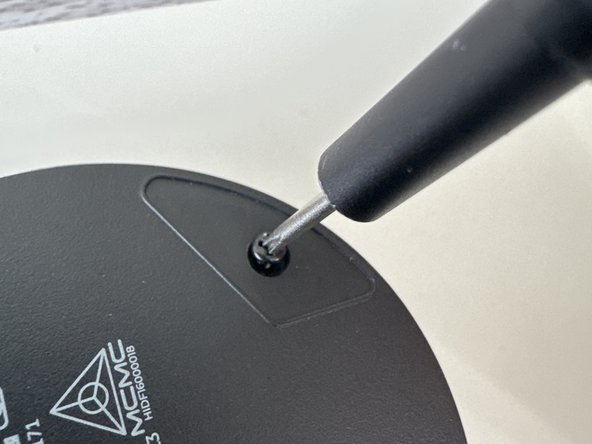
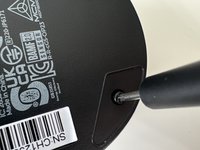
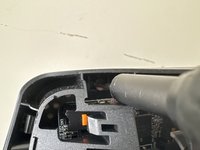
  3. Glorious Model O2 Pro Teardown, Remove Screws: step 3, image 1 of 3 Glorious Model O2 Pro Teardown, Remove Screws: step 3, image 2 of 3 Glorious Model O2 Pro Teardown, Remove Screws: step 3, image 3 of 3
    • Use a PH001 Screwdriver to remove both screws

    Ask FixBot
    Add Comment

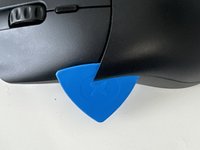
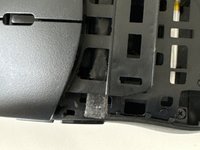
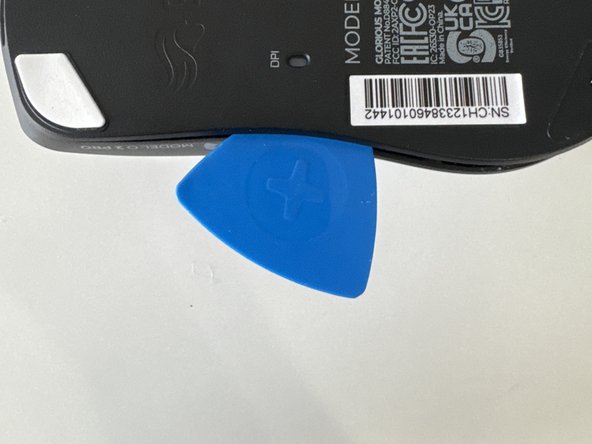
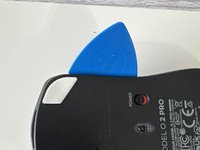
  4. Glorious Model O2 Pro Teardown, Unclip Plastic Piece: step 4, image 1 of 3 Glorious Model O2 Pro Teardown, Unclip Plastic Piece: step 4, image 2 of 3 Glorious Model O2 Pro Teardown, Unclip Plastic Piece: step 4, image 3 of 3
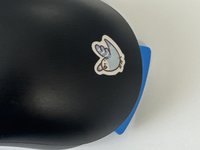
    • (Ignore Bird Sticker)

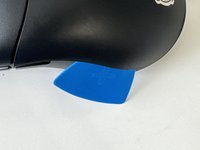
    • Slide in an opening pick and gently wiggle across the plate

    Ask FixBot

    Add Comment

  5. Glorious Model O2 Pro Teardown, Same as step 4: step 5, image 1 of 1
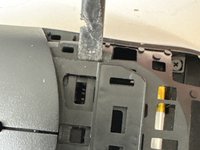
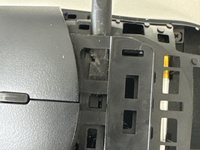
    • After undoing the last clip the playe should come off to reveal…. (Drum roll) More Clips!

    Ask FixBot
    Add Comment

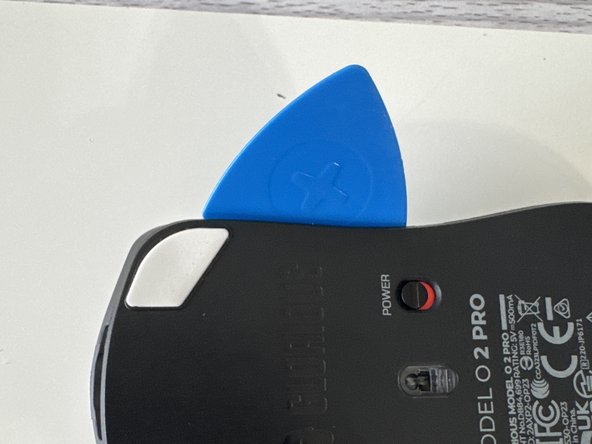
  6. Glorious Model O2 Pro Teardown, Remove Mouse Buttons: step 6, image 1 of 3 Glorious Model O2 Pro Teardown, Remove Mouse Buttons: step 6, image 2 of 3 Glorious Model O2 Pro Teardown, Remove Mouse Buttons: step 6, image 3 of 3
    • Insert a plastic spudger through the clips

    Ask FixBot
    Add Comment

  7. Glorious Model O2 Pro Teardown, Unscew: step 7, image 1 of 3 Glorious Model O2 Pro Teardown, Unscew: step 7, image 2 of 3 Glorious Model O2 Pro Teardown, Unscew: step 7, image 3 of 3
    • Make sure to get the 4th one that is horizontally straight from the other top screw

    • Keep these screws separate from the ones from the start these 4 are slightly smaller

    Ask FixBot
    Add Comment

  8. Glorious Model O2 Pro Teardown, Remove Inner shell: step 8, image 1 of 3 Glorious Model O2 Pro Teardown, Remove Inner shell: step 8, image 2 of 3 Glorious Model O2 Pro Teardown, Remove Inner shell: step 8, image 3 of 3
    • Do a combination of using the puck and prying with your hands use caution because the motherboard and battery cables can be damaged

    Ask FixBot
    Add Comment

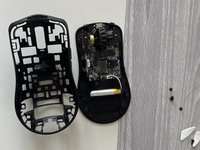
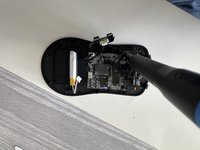
  9. Glorious Model O2 Pro Teardown, Remove housing: step 9, image 1 of 2 Glorious Model O2 Pro Teardown, Remove housing: step 9, image 2 of 2
    • Lift it from the housing

    Ask FixBot
    Add Comment

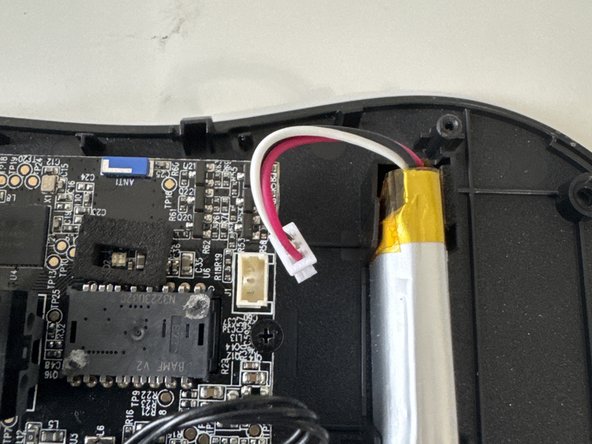
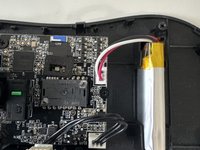
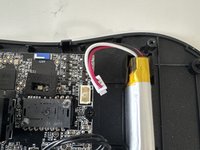
  10. Glorious Model O2 Pro Teardown, Unplug battery: step 10, image 1 of 2 Glorious Model O2 Pro Teardown, Unplug battery: step 10, image 2 of 2
    • Unplug the JST connector from the lipo-cell battery

    Ask FixBot

    Add Comment
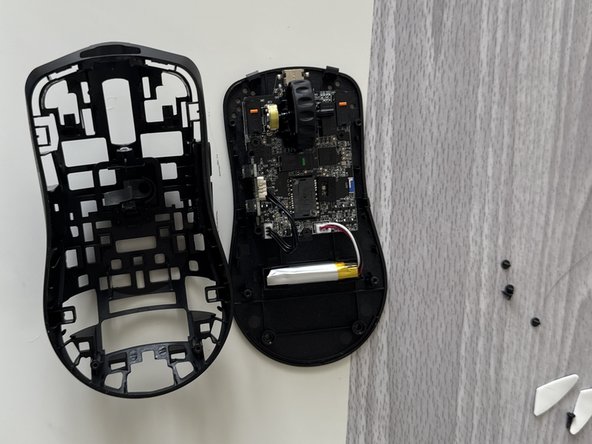
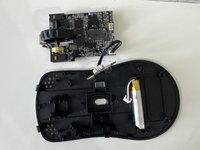
  11. Glorious Model O2 Pro Teardown, Remove mainboard: step 11, image 1 of 2 Glorious Model O2 Pro Teardown, Remove mainboard: step 11, image 2 of 2
    • Unscew the 3 smaller screws then remove mainboard from housing

    • Thanks for reading my first ifixit guide (R.I.P my prying puck)

    Ask FixBot

    Add Comment

0DanDan0

Member since: 08/17/23

274 Reputation

1 Guide authored

3 Guide Comments

They removed the last photo with all the pieces 😭

0DanDan0 - Reply Share

can you send me the photo with all the pieces?

Fok Pop - Reply Share

Dont think i can...

0DanDan0 - Reply Share

Add Comment

View Statistics:

Past 24 Hours: 10

Past 7 Days: 33

Past 30 Days: 140

All Time: 2,423