why! L140/1PU SSD 1 replacement

What you need

  1. why! L140/1PU SSD 1 replacement, Back cover: step 1, image 1 of 2 why! L140/1PU SSD 1 replacement, Back cover: step 1, image 2 of 2
    • Remove the screws.

    • Lift the cover.

  2. why! L140/1PU SSD 1 replacement, Disconnection: step 2, image 1 of 2 why! L140/1PU SSD 1 replacement, Disconnection: step 2, image 2 of 2
    • For safety reasons, the battery must be disconnected before each intervention.

    • Disconnect the battery your fingers.

    • Other components can now be replaced safely.

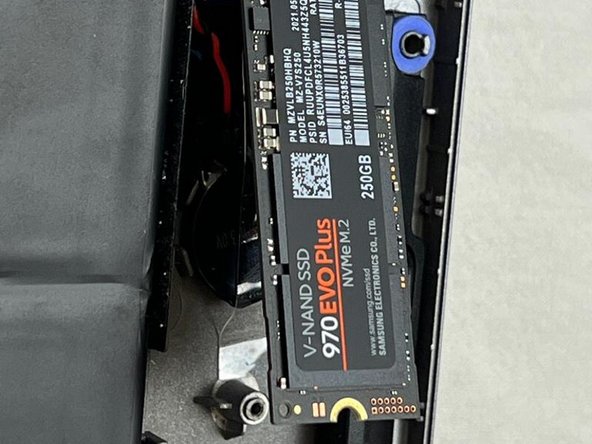
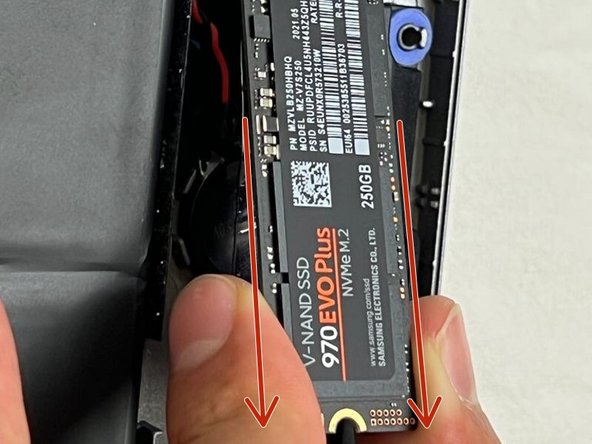
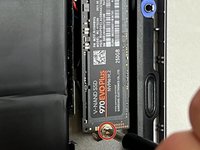
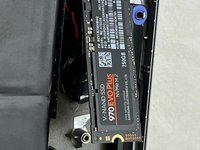
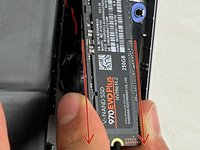
  3. why! L140/1PU SSD 1 replacement, SSD1: step 3, image 1 of 3 why! L140/1PU SSD 1 replacement, SSD1: step 3, image 2 of 3 why! L140/1PU SSD 1 replacement, SSD1: step 3, image 3 of 3
    • Unscrew the screw.

    • The SSD will lift by itself.

    • Remove the SSD.

Conclusion

To reassemble your device, follow the steps in reverse order.

Special thanks to these translators:

fr en

100%

These translators are helping us fix the world! Want to contribute?
Start translating ›

Felice Suglia

Member since: 06/15/13

33,538 Reputation

283 Guides authored

0 Guide Comments

Add Comment

View Statistics:

Past 24 Hours: 1

Past 7 Days: 1

Past 30 Days: 4

All Time: 153