Introduction
If your iRobot Roomba Essential Robot does not turn on or charges irregularly, the battery may need to be replaced. Over time, batteries lose their ability to hold a charge, resulting in performance issues. Replacing the battery will restore your robot vacuum's runtime and reliability.
Symptoms:
- Device fails to turn on
- Irregular charging or short run times
For more information on diagnosing battery issues, visit our troubleshooting page.
Important: Before beginning this repair, ensure the device is powered off and disconnected from the charger. Handle the battery carefully, avoiding punctures, and dispose of old batteries at an appropriate recycling center. For safe handling, consider using ESD-safe tools to prevent static discharge.
What you need
-
-
Flip the Roomba on its backside.
-
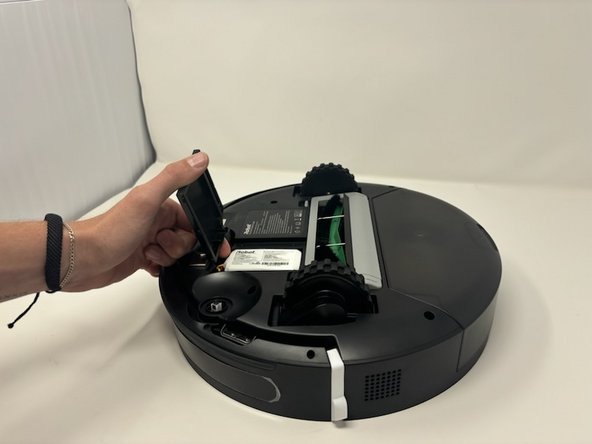
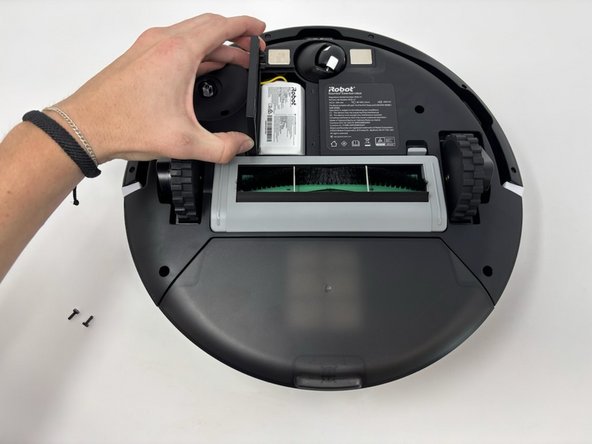
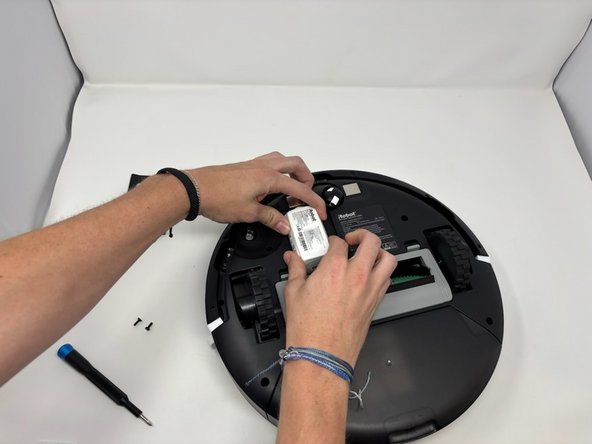
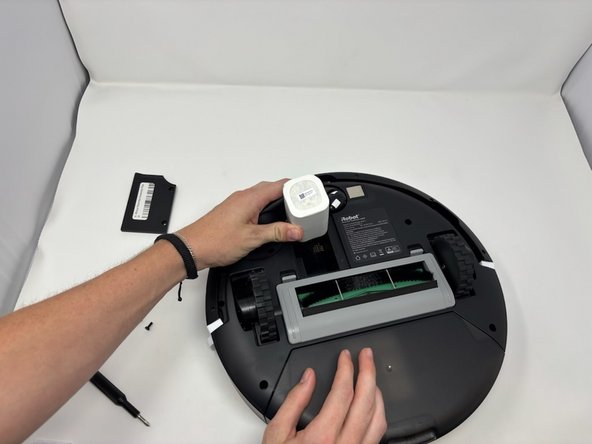
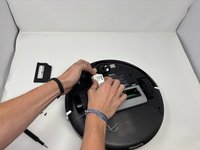
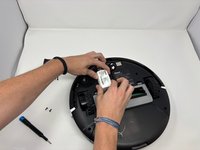
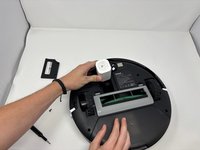
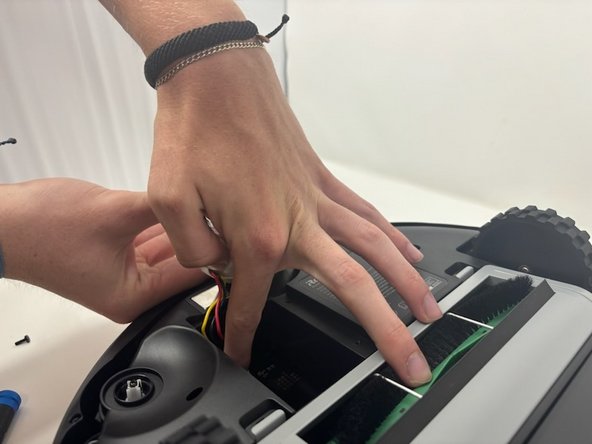
Remove the two 12.7 mm screws on the panel above the brushes using a Phillips #1 screwdriver.
-
-





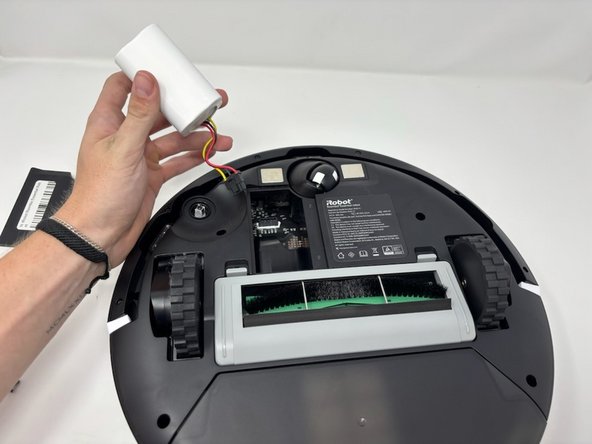
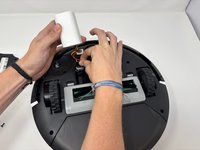
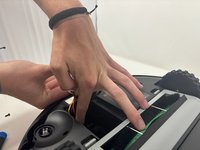
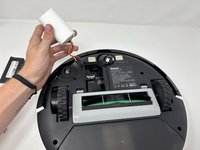

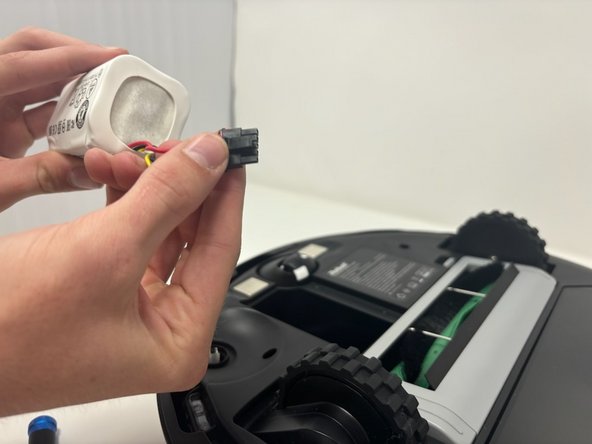
To reassemble your device, follow these instructions in reverse order.
Cancel: I did not complete this guide.
One other person completed this guide.


Team

Utah Tech University, Team 1-7, Crenshaw Fall 2024 Member of Utah Tech University, Team 1-7, Crenshaw Fall 2024
UTAHTECH-CRENSHAW-F24S1G7
3 Members
4 Guides authored
