iPhone 6s The screen Replacement

anonymous 591 and
Last updated on Jun 18, 2018
Views: 1.1K
View statistics:
- Past 24 Hours:
- 0
- Past 7 Days:
- 1
- Past 30 Days:
- 2
- All Time:
- 1,082
Comments: 1
1 guide comment.
Go to guide commentsCompleted: 2 3
2 people have marked this guide "completed." Will you be next?
3 people have marked this guide "completed." Including you — great job!
Favorites: 3 4
3 people have favorited (and subscribed to) this guide. Will you be next?
4 people have favorited (and subscribed to) this guide — including you!
Archived Guide
This guide is retained solely for historical purposes. Use the updated version of the guide to perform your repair.
Community-Contributed Guide
An awesome member of our community made this guide. It was not created by iFixit staff.
Introduction
Go to step 1 ↓For the official iFixit guide, follow this link. This guide has been archived for historical purposes.
This will be a helpful guide on how to try and fix your water damaged iPhone.
What you need


Video Overview
-
-
-
2. Next take it apart like the sim card and let that dry out for like 24 hours.
-
-
-
3. If it doesn't help then try the rice method by putting the phone in the rice as well as the sim card.
-
-
-
-
5.If that doesn't help your battery is probably damaged and you can replace it or just get a whole new phone.
-
-
-
Try to turn on the phone to see if it works if not then your screen is probably damaged if you don't see anything come on.
-
-
-
If you can fix the screen and get it replaced but it wont hold a charge then the battery is probably damaged and you will have to try and get a new one.
-
-
-
Once you put a new battery put the screws back in may sure it's in correctly and try to power non your phone and it should work.
-
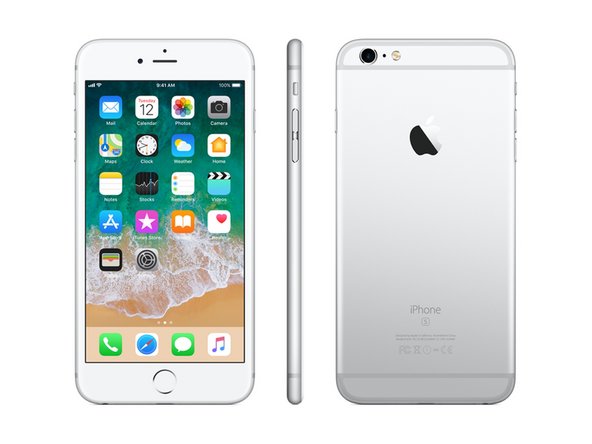
 Ask FixBot


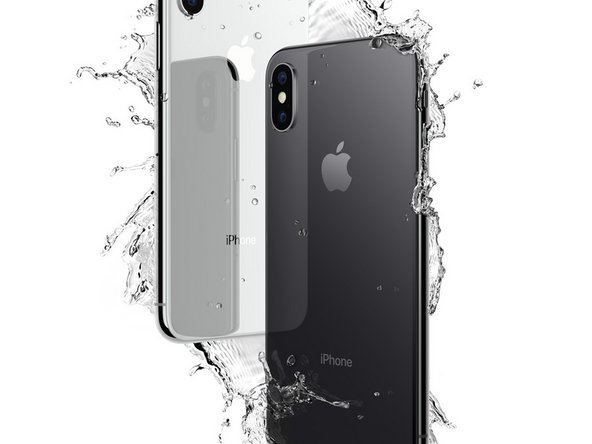


Now once it's all done put the phone back together and it should be back in full functioning mode
Cancel: I did not complete this guide.
2 other people completed this guide.