What you need
-
-
-
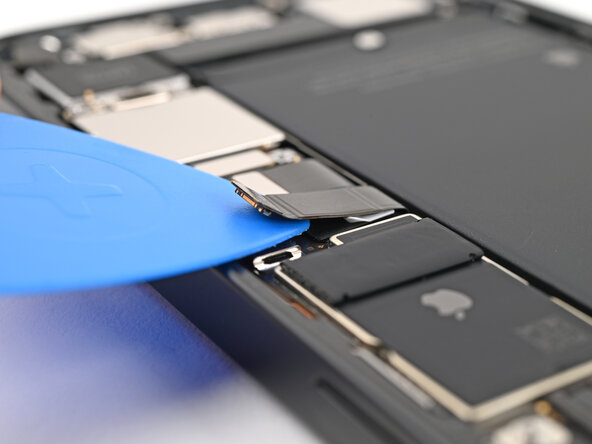
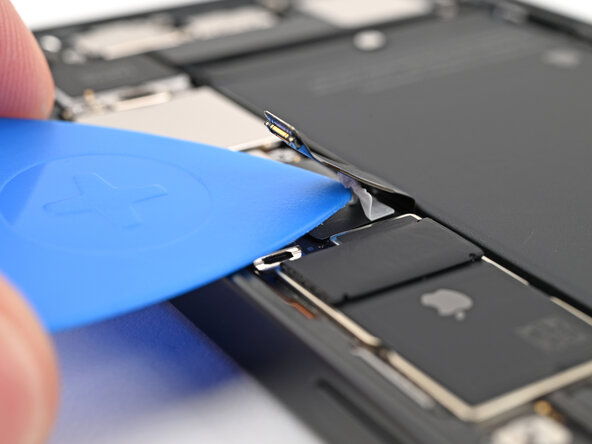
Slide an opening pick under the battery cable to separate the adhesive securing it to the logic board.
 Ask FixBot
-
-
-
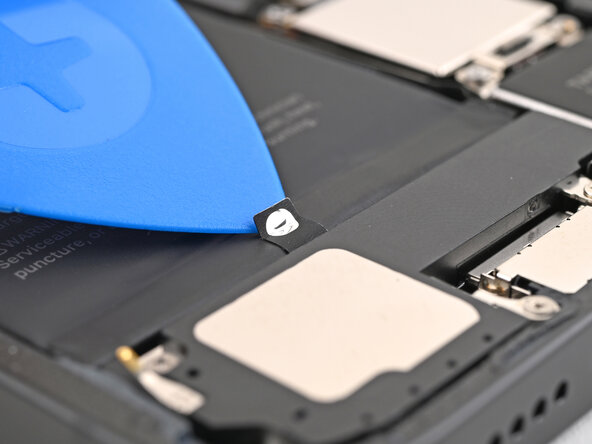
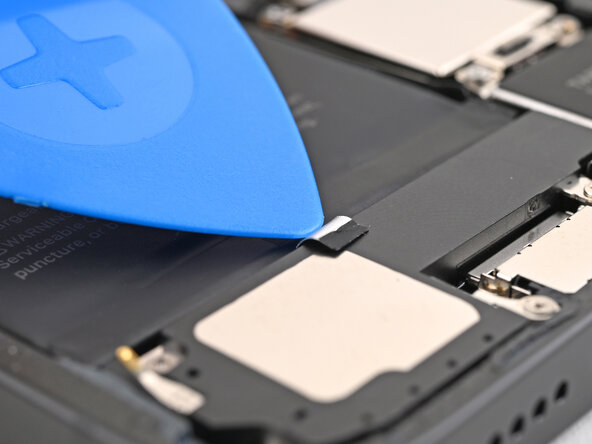
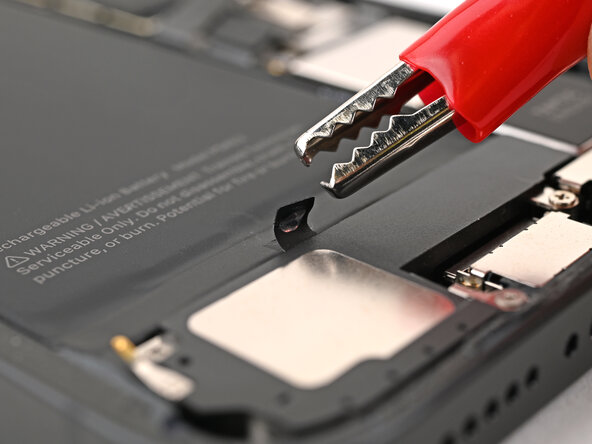
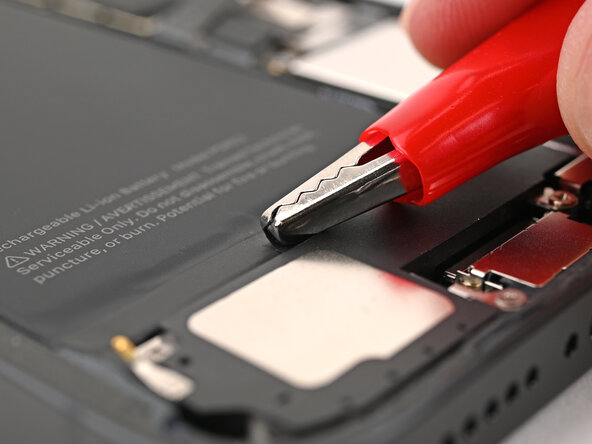
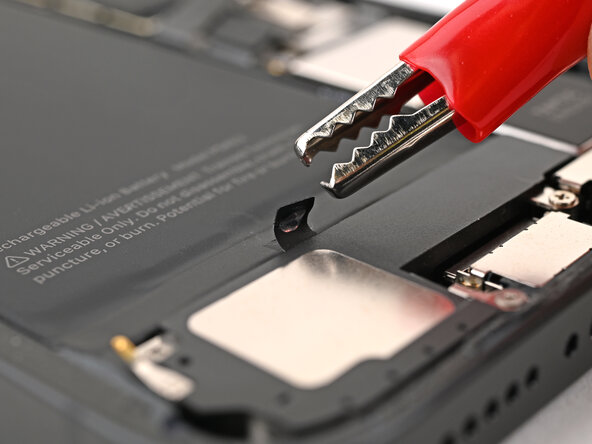
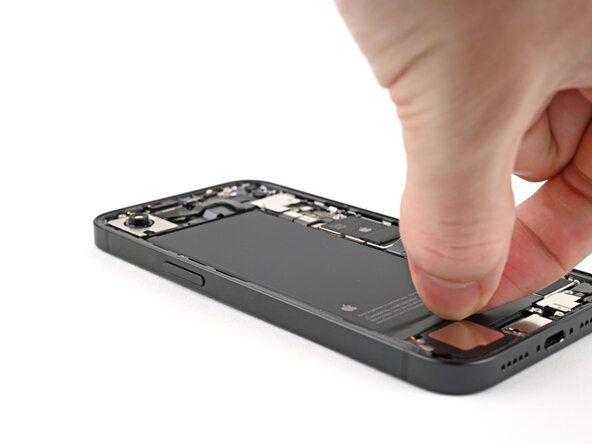
Use an opening pick or a clean fingernail to peel up the silver tab at the bottom edge of the battery.
-
-
-
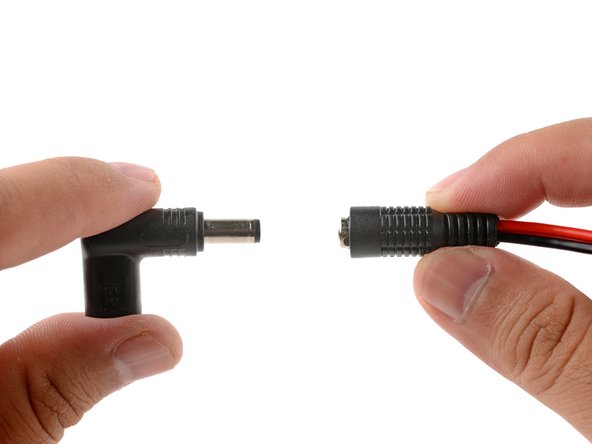
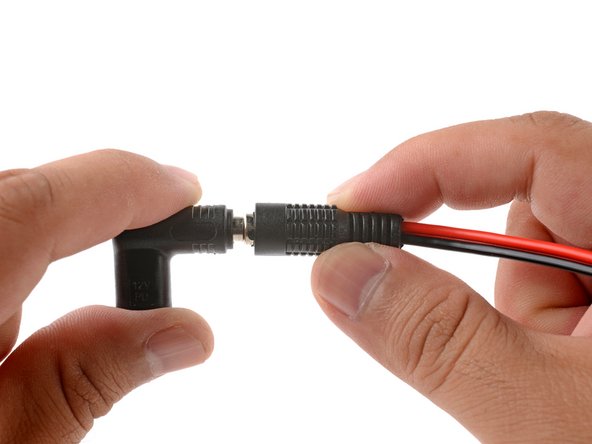
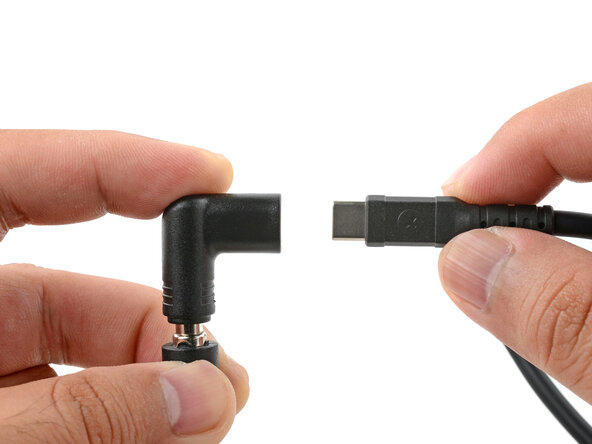
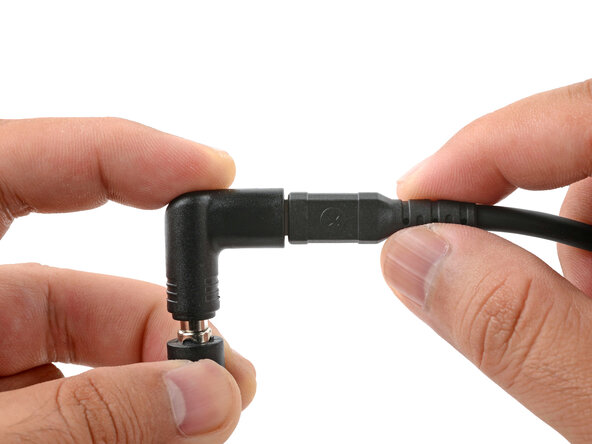
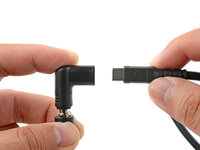
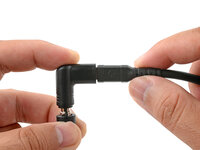
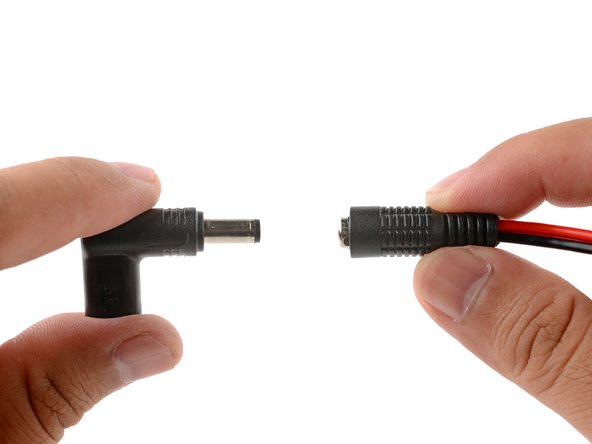
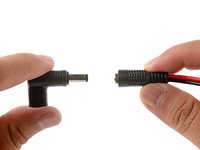
Plug the VoltClip's barrel connector into the USB-C elbow.
-
-
-
-
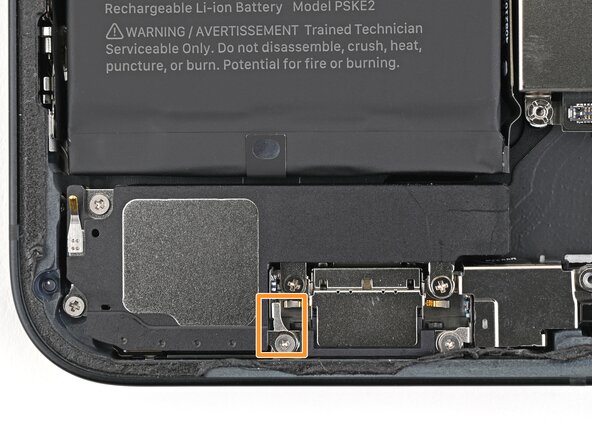
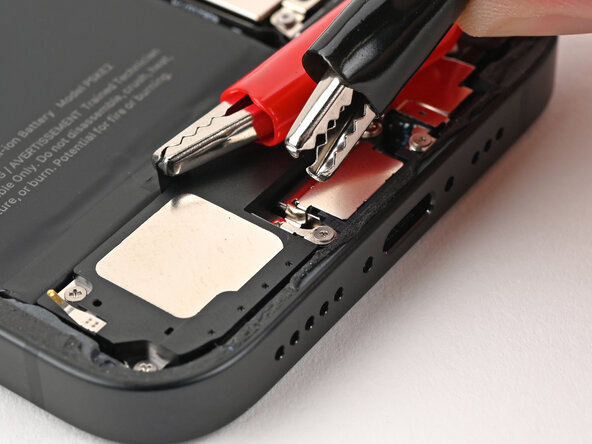
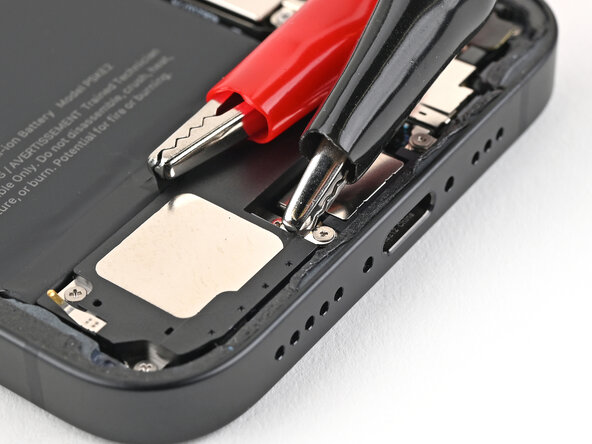
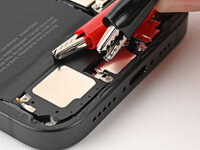
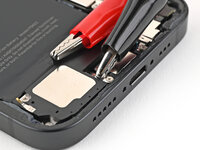
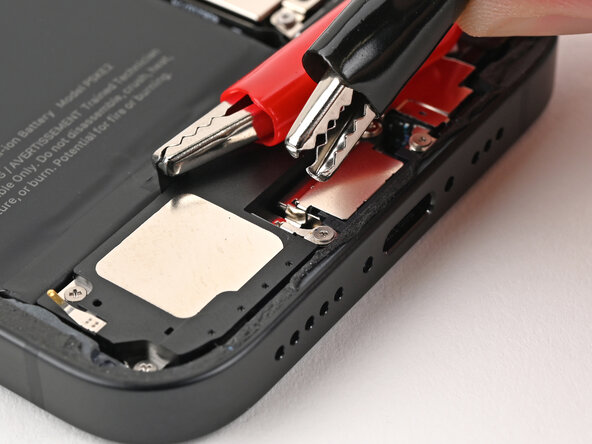
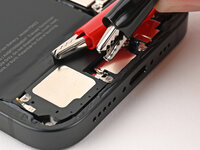
Attach the black alligator clip to the metal tab on the bottom of the loudspeaker.
-
-
-
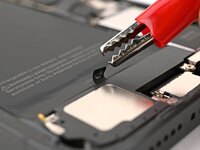
Make sure the red alligator clip isn't touching metallic surfaces besides the silver tab.
-
Connect a powered USB-C cable to the USB-C elbow and wait 90 seconds for the adhesive to loosen.
-
-
-
Disconnect the USB-C cable from the elbow, then disconnect the alligator clips.
-
-
-
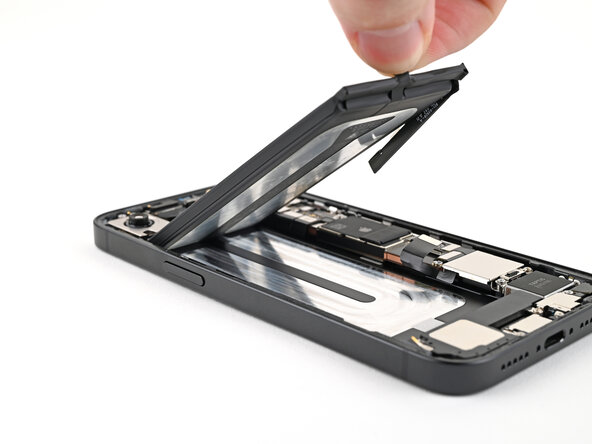
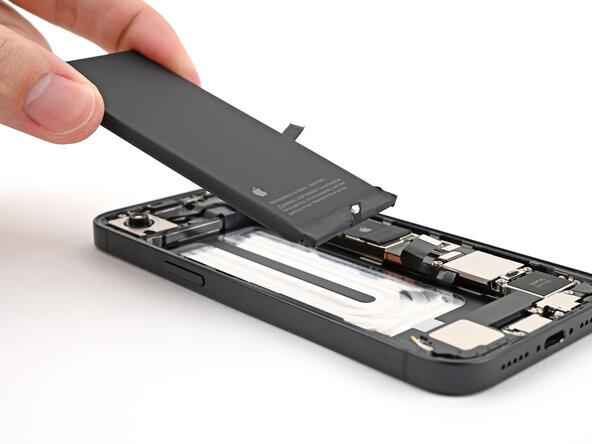
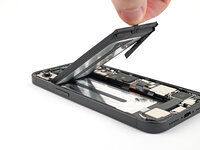
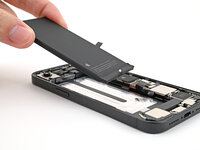
Grip the silver tab or use a suction handle to lift the battery out of the frame.
-
-
To reassemble your device, follow these instructions in reverse order.


