Free Shipping on Domestic Orders $75+

iPhone 16 Pro Microphone Installation

Prerequisite Only
This is a prerequisite-only guide! This guide is part of another procedure and isn’t meant to be used alone.

What you need

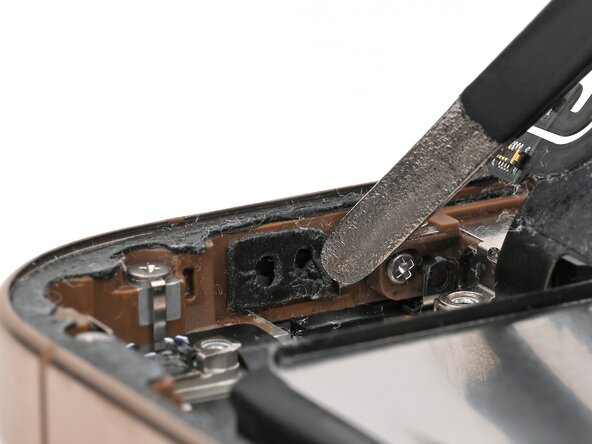
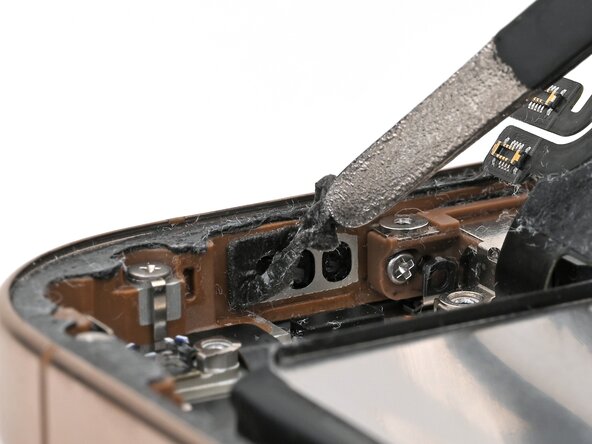
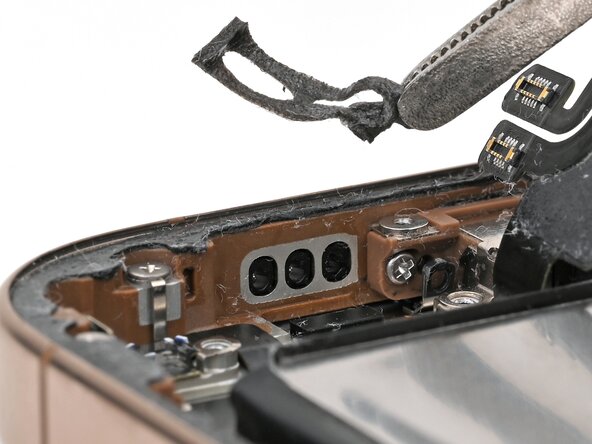
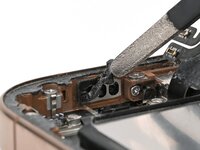
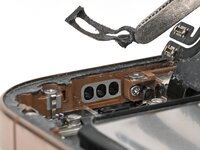
  1. iPhone 16 Pro Microphone Installation, Remove the old adhesive: step 1, image 1 of 3 iPhone 16 Pro Microphone Installation, Remove the old adhesive: step 1, image 2 of 3 iPhone 16 Pro Microphone Installation, Remove the old adhesive: step 1, image 3 of 3
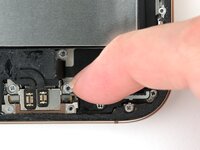
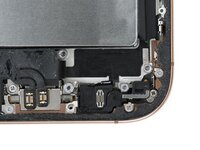
    • Use tweezers to remove the old microphone adhesive from the bottom of the frame.

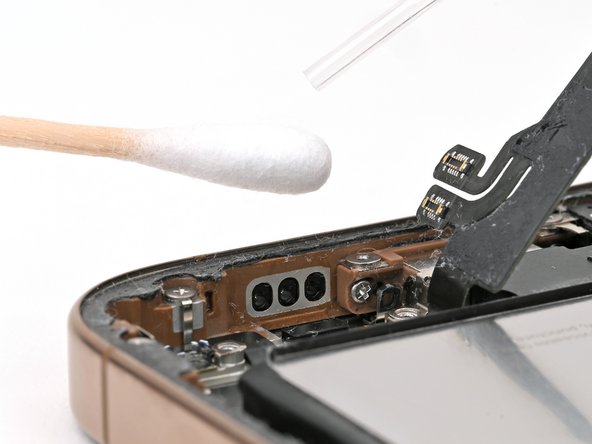
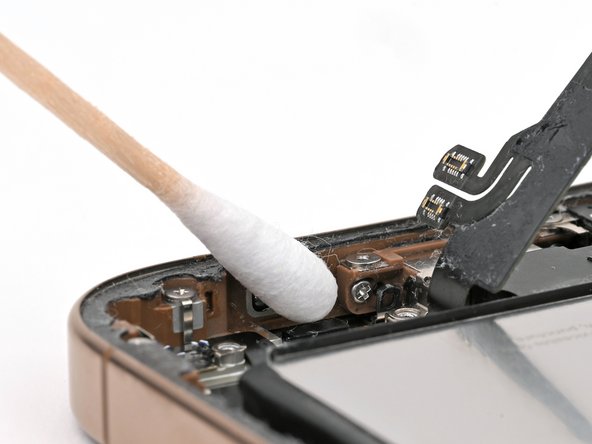
  2. iPhone 16 Pro Microphone Installation: step 2, image 1 of 2 iPhone 16 Pro Microphone Installation: step 2, image 2 of 2
    Tool used on this step:
    Cotton Swabs
    $4.99
    Buy
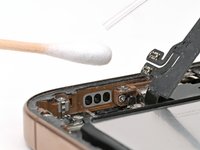
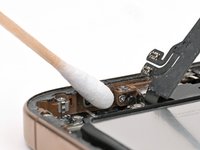
    • Use isopropyl alcohol and a cotton swab or lint-free cloth to clean any residual microphone adhesive from the frame.

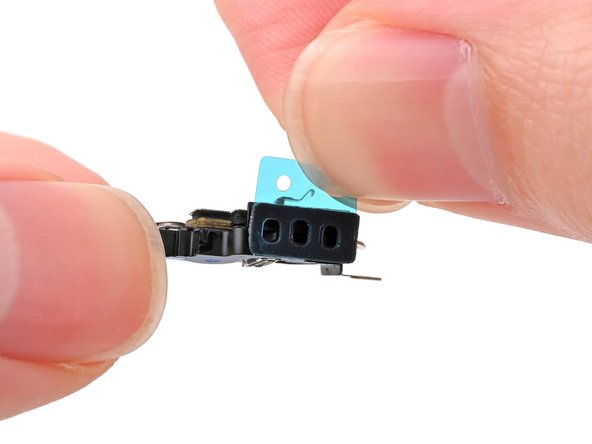
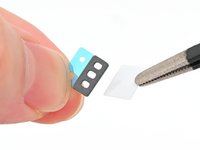
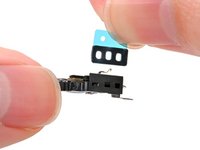
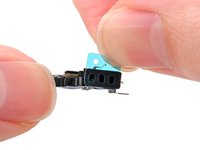
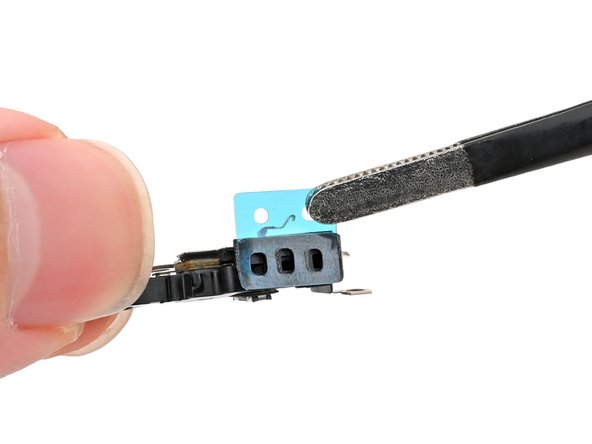
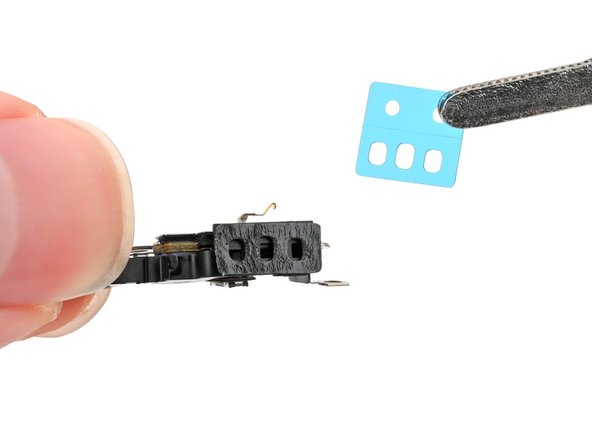
  3. iPhone 16 Pro Microphone Installation, Apply new adhesive: step 3, image 1 of 3 iPhone 16 Pro Microphone Installation, Apply new adhesive: step 3, image 2 of 3 iPhone 16 Pro Microphone Installation, Apply new adhesive: step 3, image 3 of 3
    • If your replacement microphone comes with adhesive pre-installed, skip this step.

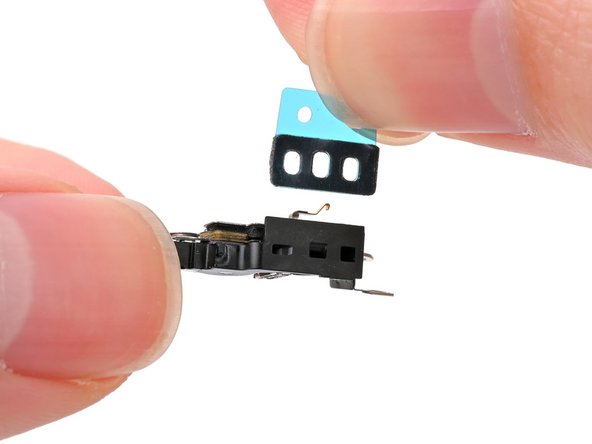
    • The adhesive can't be removed and reused once it sticks to the microphone. Ensure it's perfectly aligned before adhering.

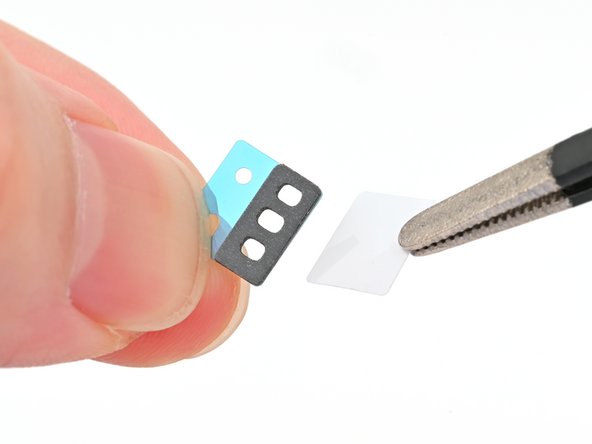
    • Remove the solid white adhesive liner from the new microphone adhesive.

    • Align the holes in the adhesive with the three holes in the microphone, and stick it into place.

  4. iPhone 16 Pro Microphone Installation: step 4, image 1 of 2 iPhone 16 Pro Microphone Installation: step 4, image 2 of 2
    • Remove the plastic backing from the microphone adhesive.

  5. iPhone 16 Pro Microphone Installation, Install the microphone: step 5, image 1 of 3 iPhone 16 Pro Microphone Installation, Install the microphone: step 5, image 2 of 3 iPhone 16 Pro Microphone Installation, Install the microphone: step 5, image 3 of 3
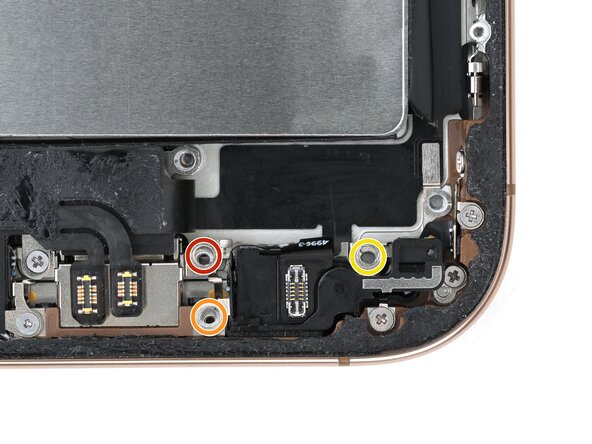
    • Set the microphone in the frame, aligned with its screw holes.

    • Partially install the three screws securing the microphone:

    • One 3.6 mm‑long standoff screw

    • One 2.9 mm‑long standoff screw

    • One 1.3 mm‑long tri-point Y000 screw

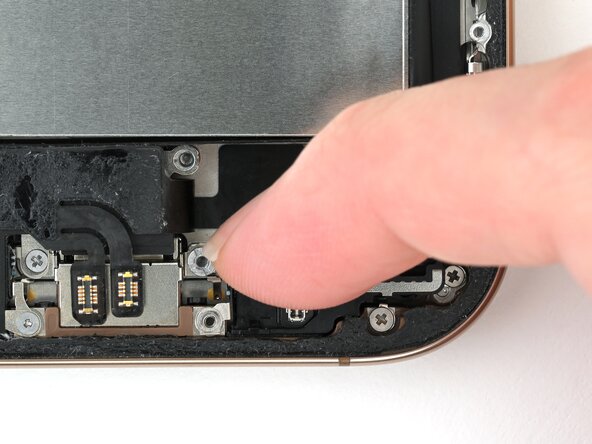
    • Press the microphone against the bottom of the frame, and hold it for 15 seconds to seal the adhesive.

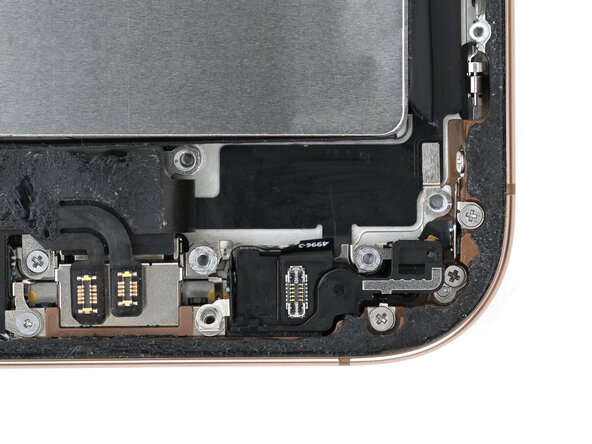
    • Fully tighten the microphone screws.

Finish Line

Nick Schultz

Member since: 03/24/24

47,168 Reputation

263 Guides authored

Team

iFixit Member of iFixit

Staff

124 Members

24,464 Guides authored

0 Guide Comments

Add Comment

View Statistics:

Past 24 Hours: 0

Past 7 Days: 0

Past 30 Days: 1

All Time: 49