Free Shipping on Domestic Orders $75+

iPhone 16 Pro Loudspeaker Installation

Prerequisite Only
This is a prerequisite-only guide! This guide is part of another procedure and isn’t meant to be used alone.

What you need

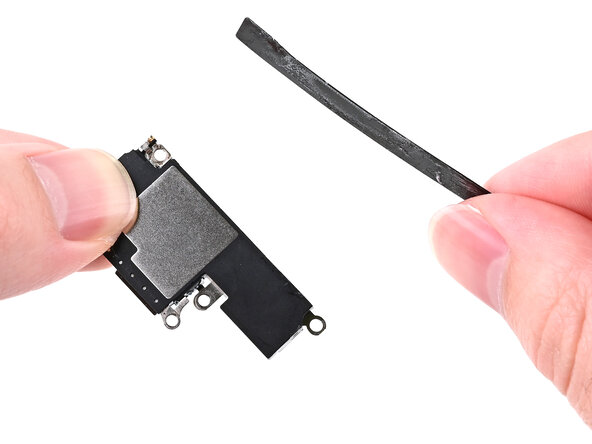
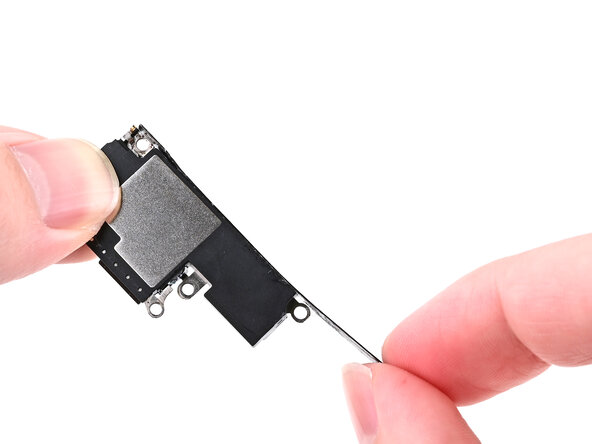
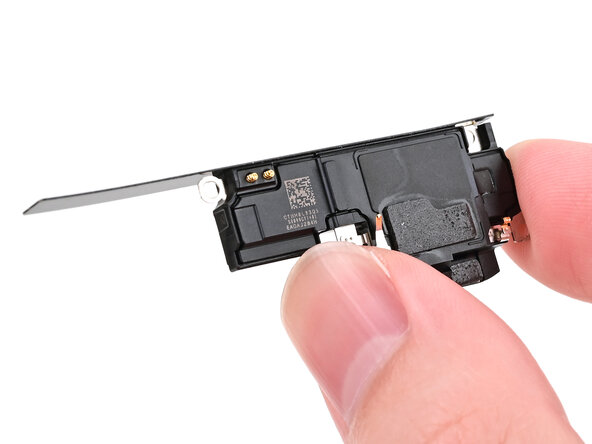
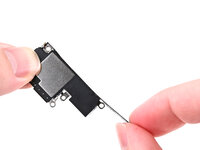
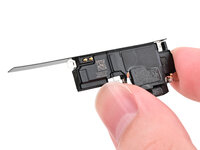
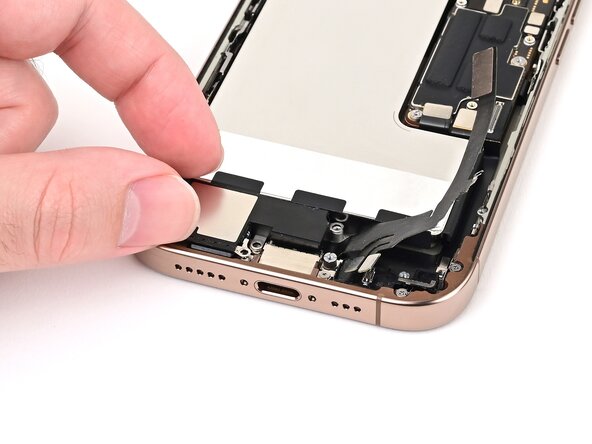
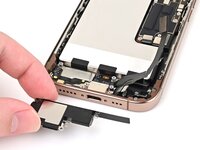
    1. iPhone 16 Pro Loudspeaker Installation, Transfer the battery shim: step 1, image 1 of 3 iPhone 16 Pro Loudspeaker Installation, Transfer the battery shim: step 1, image 2 of 3 iPhone 16 Pro Loudspeaker Installation, Transfer the battery shim: step 1, image 3 of 3
      • If the black plastic shim beneath the battery didn't come out with the loudspeaker, skip this step.

      • Align the battery shim so it's flush with the new loudspeaker's left edge and underside. Press it onto the loudspeaker to adhere it.

      • If the shim isn't sticky, set it into the phone alongside the loudspeaker in the next step.

      Ask FixBot

      Add Comment

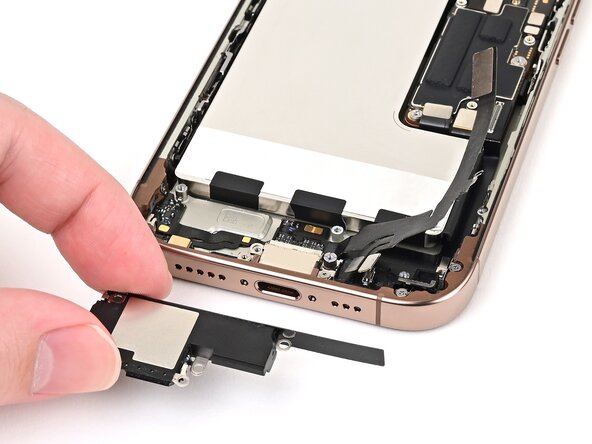
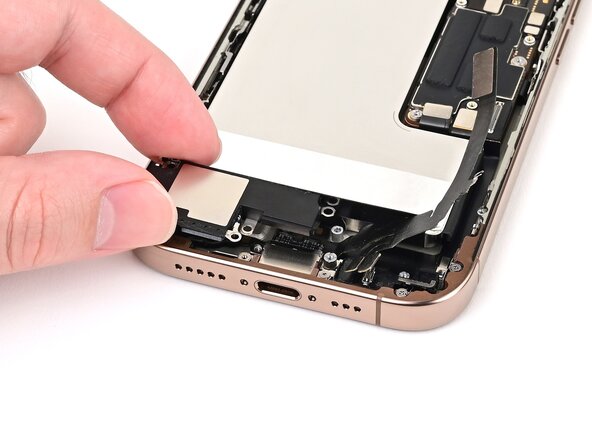
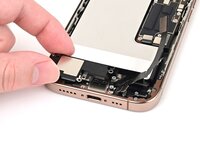
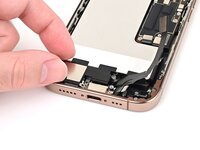
    2. iPhone 16 Pro Loudspeaker Installation, Install the loudspeaker: step 2, image 1 of 3 iPhone 16 Pro Loudspeaker Installation, Install the loudspeaker: step 2, image 2 of 3 iPhone 16 Pro Loudspeaker Installation, Install the loudspeaker: step 2, image 3 of 3
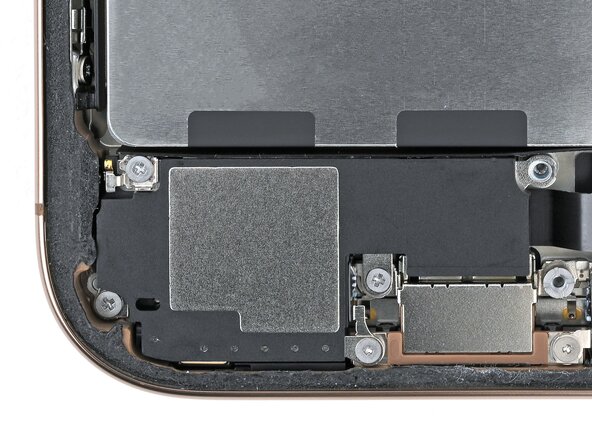
      • Align the bottom edge of the loudspeaker with the frame.

      • Set the loudspeaker into its recess.

      Ask FixBot

      Add Comment

    3. iPhone 16 Pro Loudspeaker Installation: step 3, image 1 of 2 iPhone 16 Pro Loudspeaker Installation: step 3, image 2 of 2
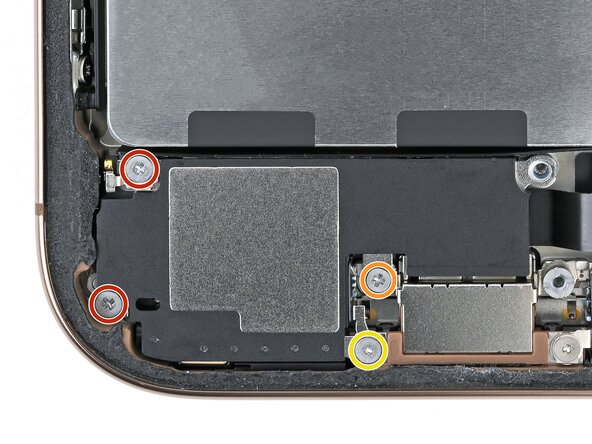
      • Install the four screws securing the loudspeaker:

      • Two 1.6 mm‑long Phillips screws

      • One 2.0 mm‑long Phillips screw

      • One 1.3 mm‑long tri-point Y000 screw

      Ask FixBot

      Add Comment

Finish Line

Cancel: I did not complete this guide.

Nick Schultz

Member since: 03/24/24

65,500 Reputation

343 Guides authored

Team

iFixit Member of iFixit

Staff

122 Members

72,401 Guides authored

0 Guide Comments

Add Comment

View Statistics:

Past 24 Hours: 0

Past 7 Days: 2

Past 30 Days: 8

All Time: 175