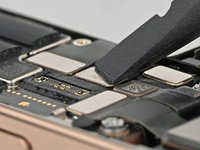
iPhone 16 Pro LiDAR Sensor Installation

Prerequisite Only
This is a prerequisite-only guide! This guide is part of another procedure and isn’t meant to be used alone.

What you need

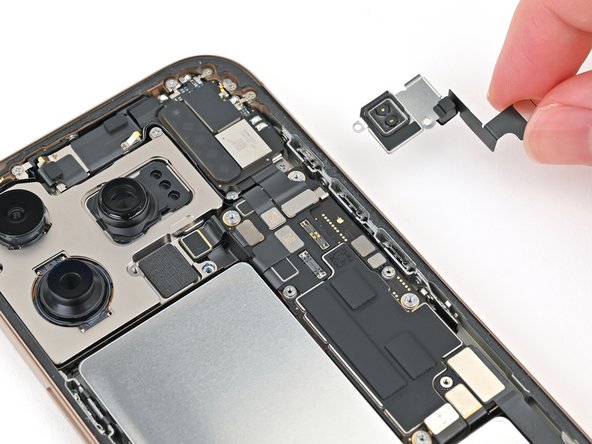
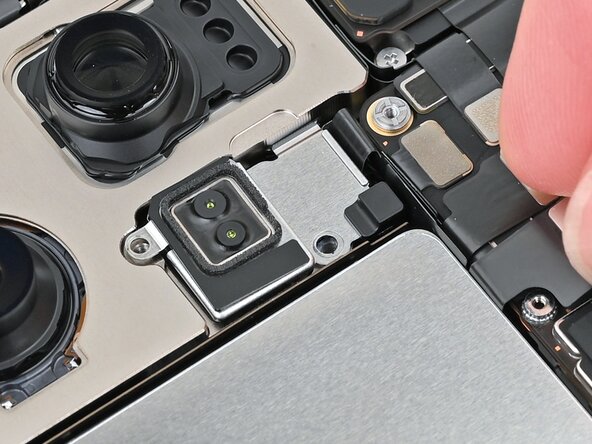
  1. iPhone 16 Pro LiDAR Sensor Installation, Install the LiDAR Sensor: step 1, image 1 of 3 iPhone 16 Pro LiDAR Sensor Installation, Install the LiDAR Sensor: step 1, image 2 of 3 iPhone 16 Pro LiDAR Sensor Installation, Install the LiDAR Sensor: step 1, image 3 of 3
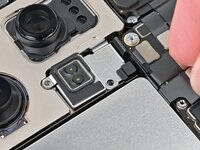
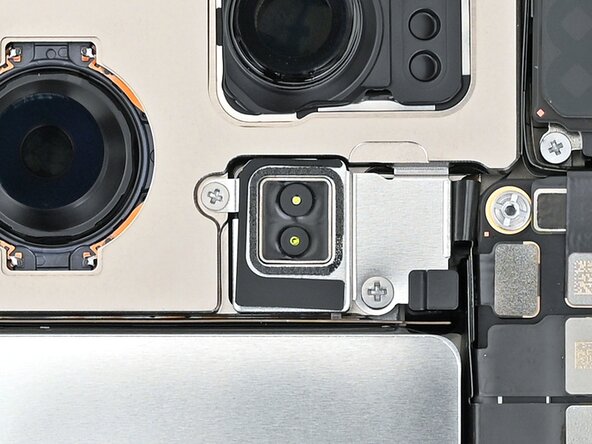
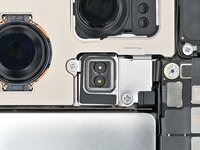
    • Set the LiDAR sensor in the phone aligned with its screw holes.

    • Make sure the LiDAR sensor's cable sits flush between the battery and logic board.

  2. iPhone 16 Pro LiDAR Sensor Installation: step 2, image 1 of 2 iPhone 16 Pro LiDAR Sensor Installation: step 2, image 2 of 2
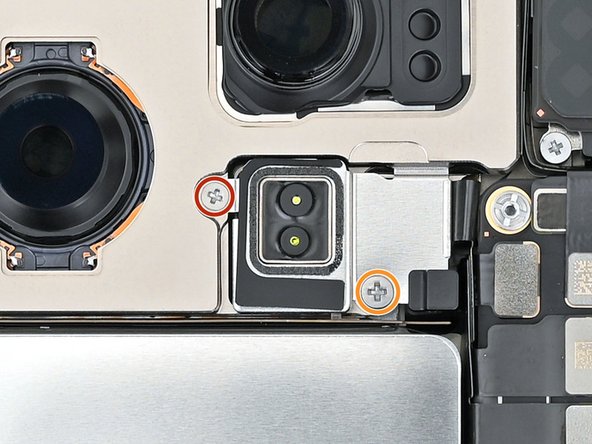
    • Use a Phillips screwdriver to install the two screws securing the LiDAR sensor:

    • One 1.7 mm‑long screw

    • One 3.0 mm‑long screw

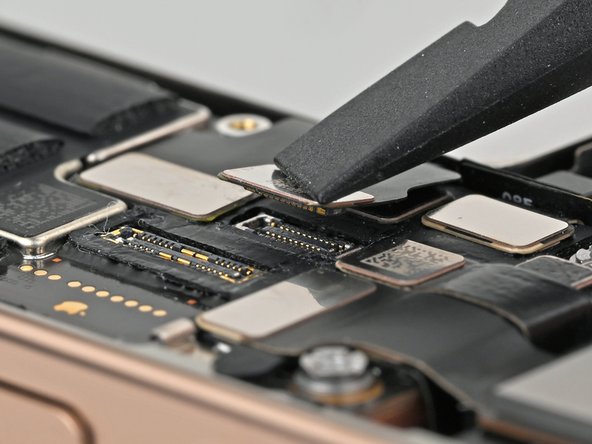
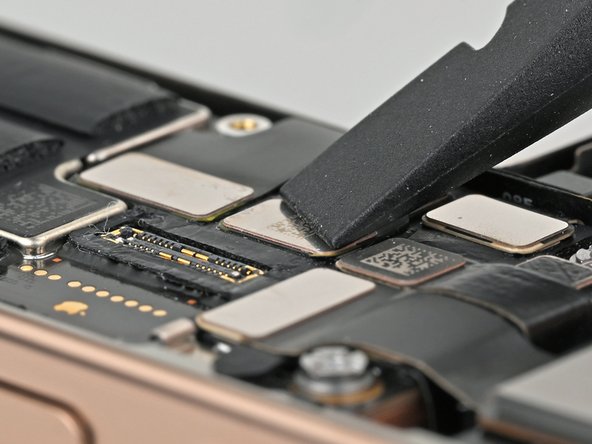
  3. iPhone 16 Pro LiDAR Sensor Installation, Connect the LiDAR sensor: step 3, image 1 of 2 iPhone 16 Pro LiDAR Sensor Installation, Connect the LiDAR sensor: step 3, image 2 of 2
Finish Line

Nick Schultz

Member since: 03/24/24

37,233 Reputation

226 Guides authored

Team

iFixit Member of iFixit

Staff

123 Members

23,638 Guides authored

0 Guide Comments

Add Comment

View Statistics:

Past 24 Hours: 0

Past 7 Days: 1

Past 30 Days: 7

All Time: 39