15% Off Selected iFixit Tools — Limited Time
Free Shipping on Domestic Orders $75+

iPhone 16 Pro Front Camera Assembly Installation

Prerequisite Only
This is a prerequisite-only guide! This guide is part of another procedure and isn’t meant to be used alone.

What you need

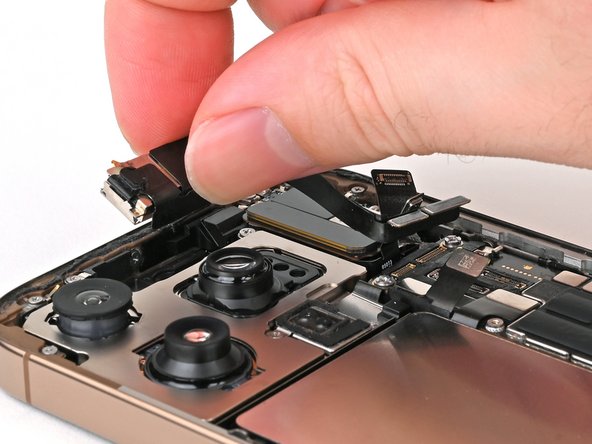
  1. iPhone 16 Pro Front Camera Assembly Installation, Install the front camera assembly: step 1, image 1 of 3 iPhone 16 Pro Front Camera Assembly Installation, Install the front camera assembly: step 1, image 2 of 3 iPhone 16 Pro Front Camera Assembly Installation, Install the front camera assembly: step 1, image 3 of 3
    • Lay the front camera assembly in its recess.

    • Gently tuck the camera flex cables into the gap between the rear camera assembly and the earpiece speaker assembly.

    Ask FixBot

    Add Comment

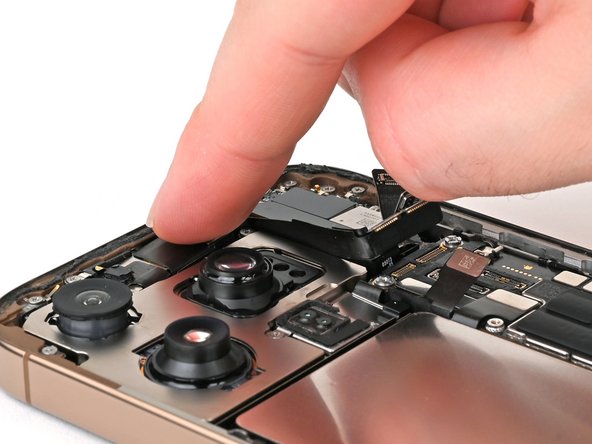
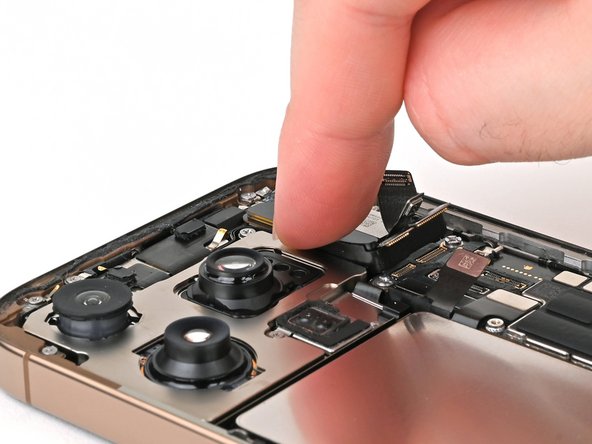
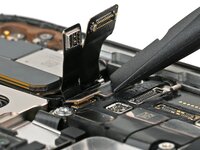
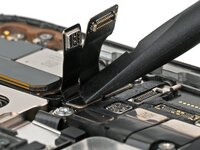
  2. iPhone 16 Pro Front Camera Assembly Installation: step 2, image 1 of 3 iPhone 16 Pro Front Camera Assembly Installation: step 2, image 2 of 3 iPhone 16 Pro Front Camera Assembly Installation: step 2, image 3 of 3
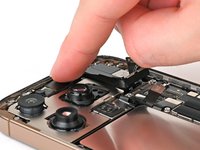
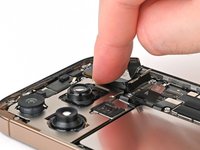
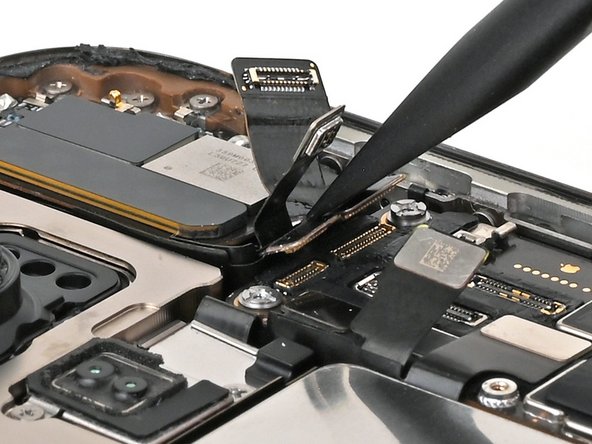
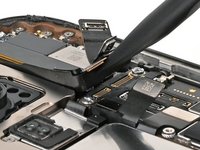
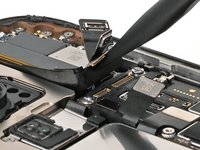
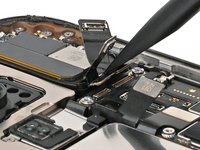
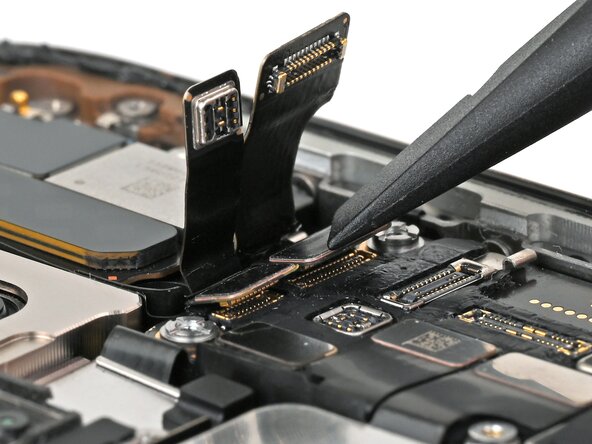
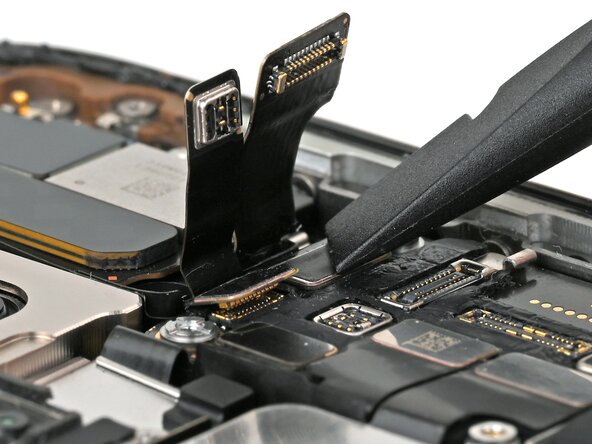
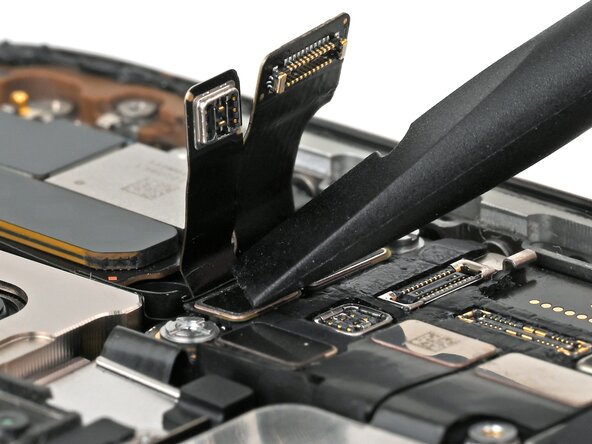
    • Use your fingers or a spudger to push the front camera flex cables up towards the earpiece speaker, then tuck them in the gap between the earpiece speaker and the logic board.

    Ask FixBot

    Add Comment

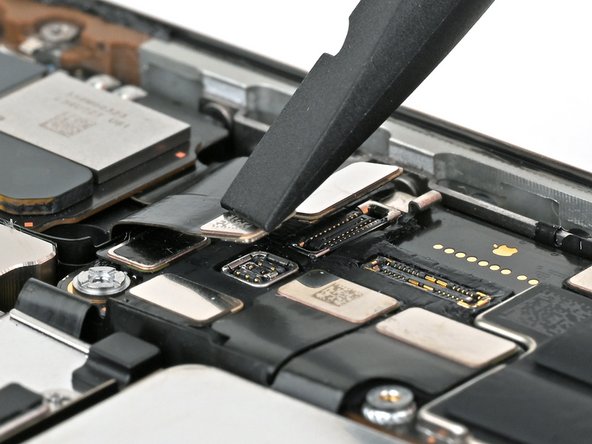
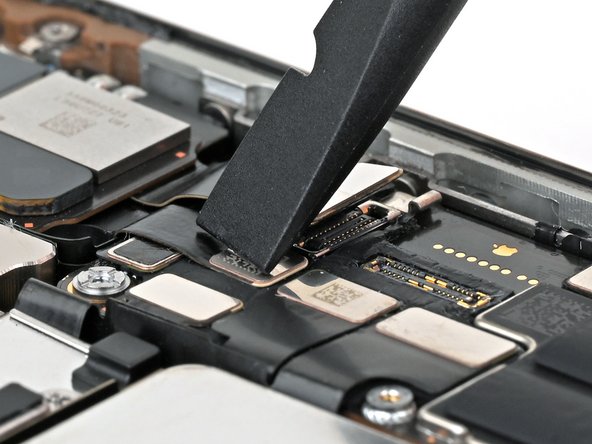
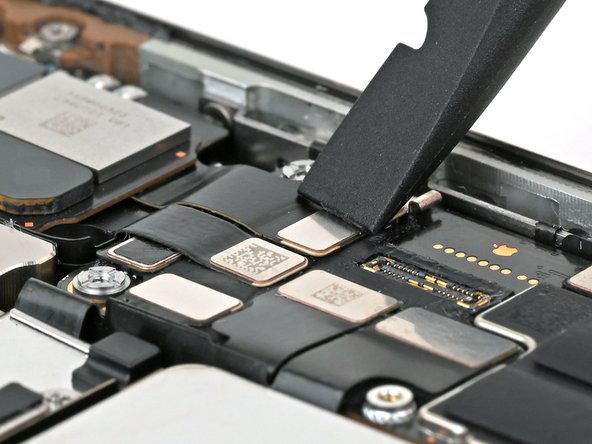
  3. iPhone 16 Pro Front Camera Assembly Installation, Connect the front camera assembly: step 3, image 1 of 3 iPhone 16 Pro Front Camera Assembly Installation, Connect the front camera assembly: step 3, image 2 of 3 iPhone 16 Pro Front Camera Assembly Installation, Connect the front camera assembly: step 3, image 3 of 3
    • Use your finger or a spudger to connect the two front camera assembly press connectors, located on the top edge of the logic board.

    Ask FixBot

    Add Comment

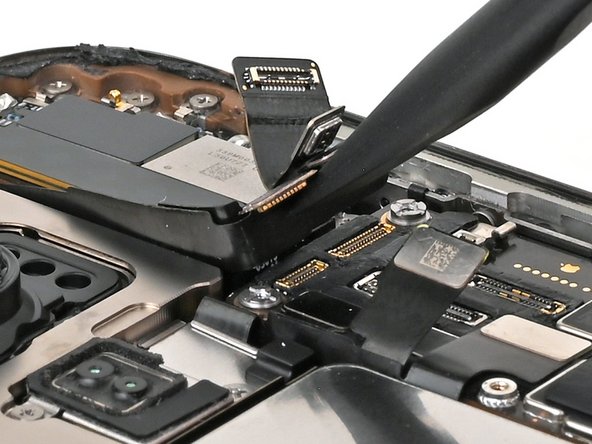
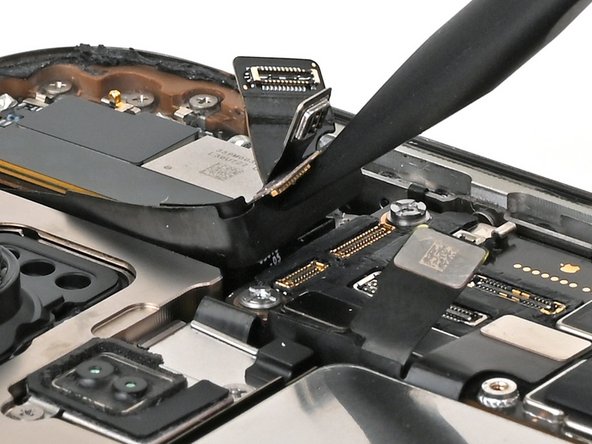
  4. iPhone 16 Pro Front Camera Assembly Installation, Connect the earpiece speaker: step 4, image 1 of 3 iPhone 16 Pro Front Camera Assembly Installation, Connect the earpiece speaker: step 4, image 2 of 3 iPhone 16 Pro Front Camera Assembly Installation, Connect the earpiece speaker: step 4, image 3 of 3
    • Use your finger or a spudger to connect the earpiece speaker and 5G mmWave antenna (US models only) press connectors, located on the top right corner of the logic board.

    Ask FixBot

    Add Comment

Finish Line

Cancel: I did not complete this guide.

Nick Schultz

Member since: 03/24/24

57,408 Reputation

316 Guides authored

Team

iFixit Member of iFixit

Staff

122 Members

26,456 Guides authored

0 Guide Comments

Add Comment

View Statistics:

Past 24 Hours: 0

Past 7 Days: 2

Past 30 Days: 16

All Time: 99