Introduction
Reassembly steps for the main microphone in the iPhone 16 Plus.
What you need
-
-
-
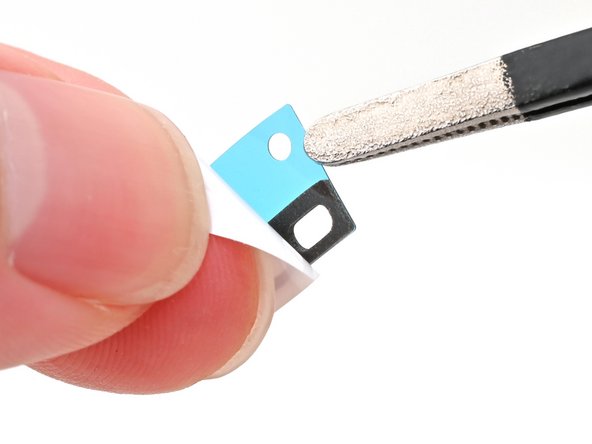
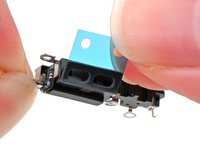
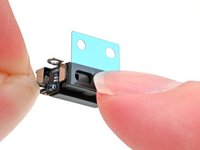
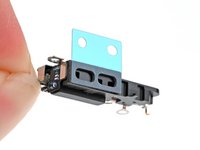
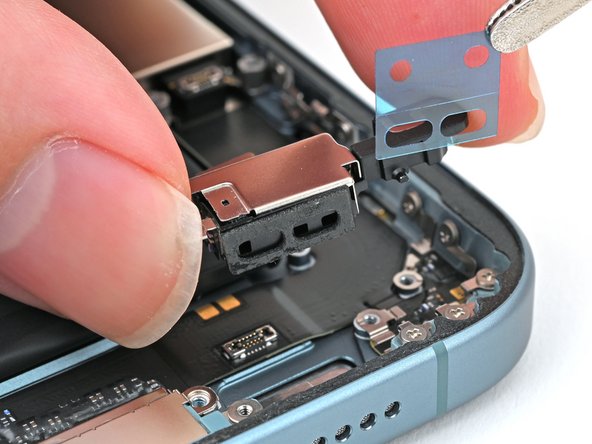
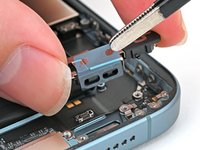
Peel away the new adhesive strip from its white liner, keeping the blue liner in place.
 Ask FixBot
-
-
-
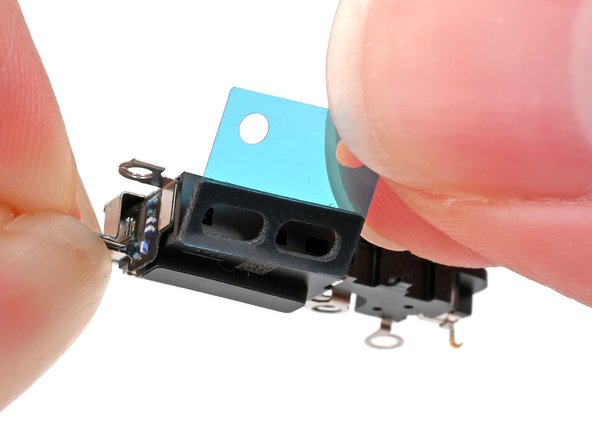
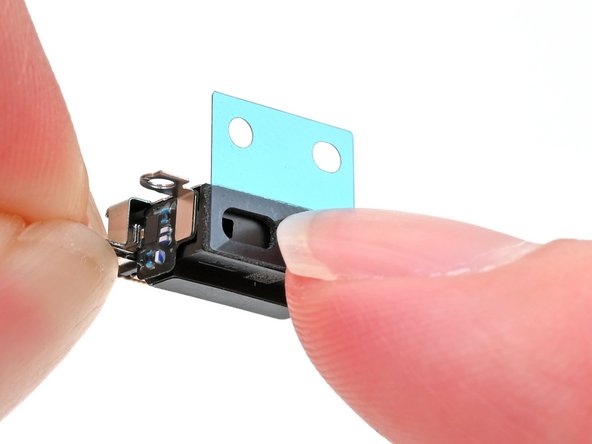
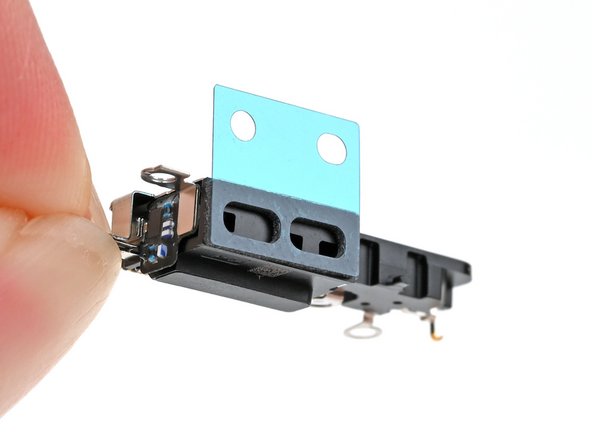
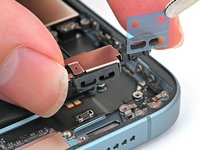
Align the two holes in the adhesive with the three holes in the microphone, and stick it into place.
-
-
-
-
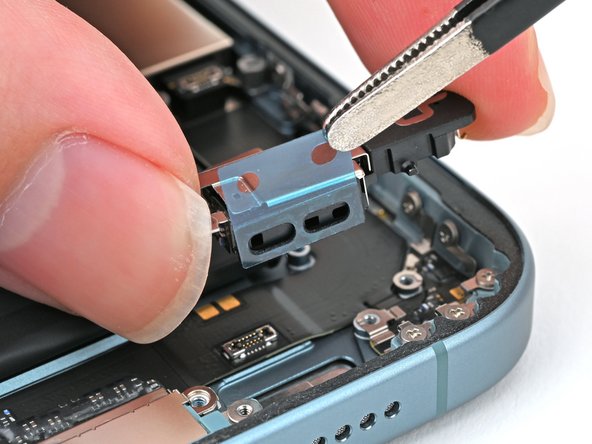
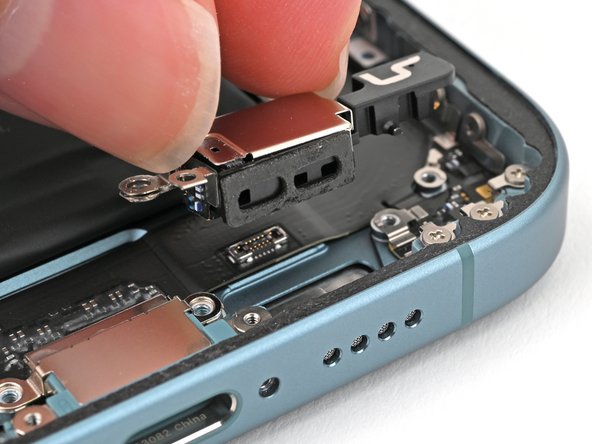
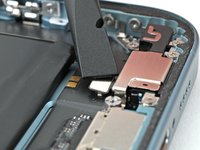
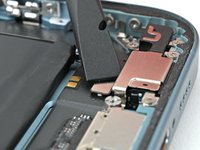
Align the microphone with its screw holes and set it into the frame.
-
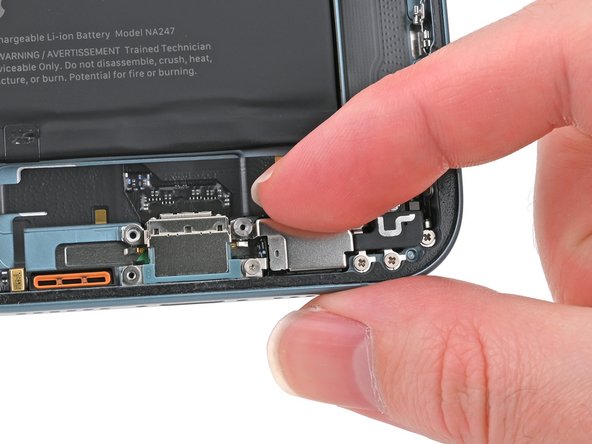
Press the microphone against the bottom edge of the frame once it's perfectly aligned.
-
-
-
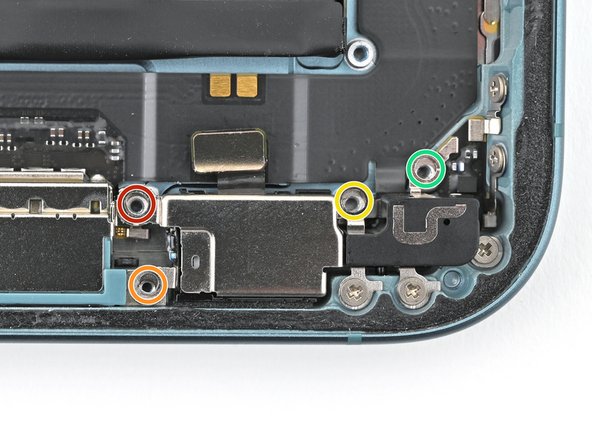
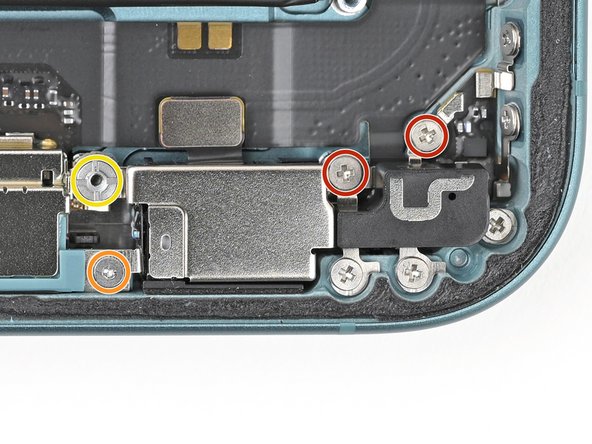
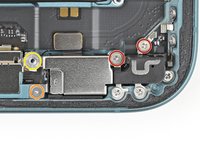
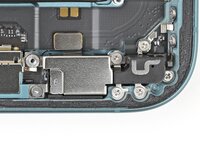
Partially install (don't fully tighten) the four screws securing the microphone:
-
One 3.3 mm‑long standoff screw
-
One 1.3 mm‑long tri-point Y000 screw
-
One 1.5 mm‑long Phillips screw
-
One 1.3 mm‑long Phillips screw
-
-
-
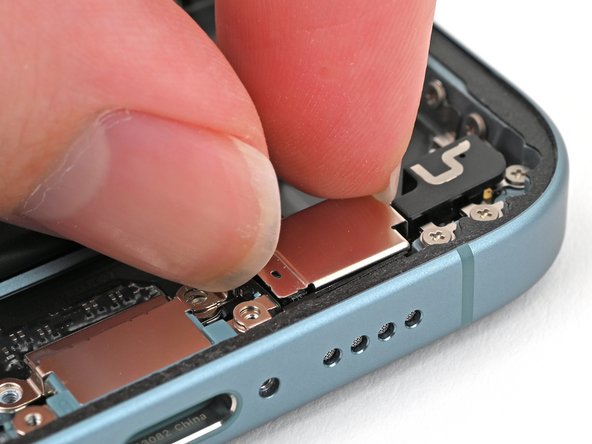
Squeeze the microphone against the bottom of the frame for 15 seconds to compress the adhesive.
-
-
-
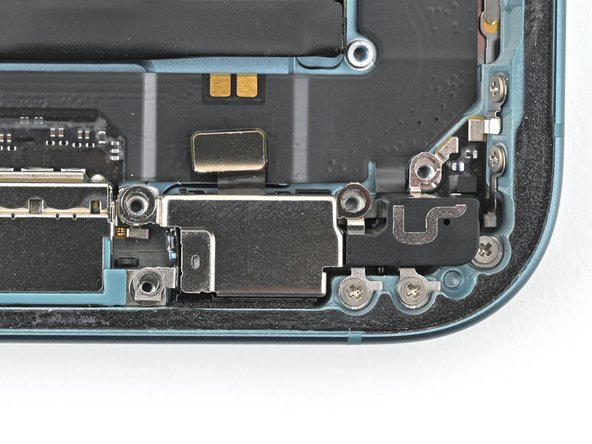
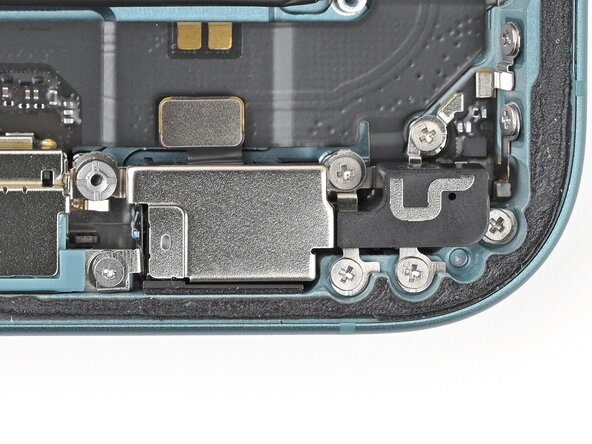
Fully tighten the four screws securing the microphone to the frame:
-
Two Phillips screws
-
One Tri-point Y000 screw
-
One Standoff screw
-
-
-
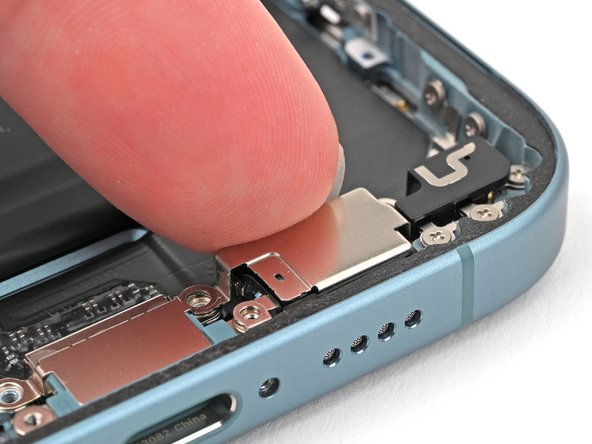
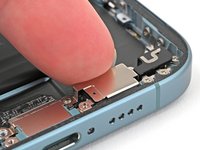
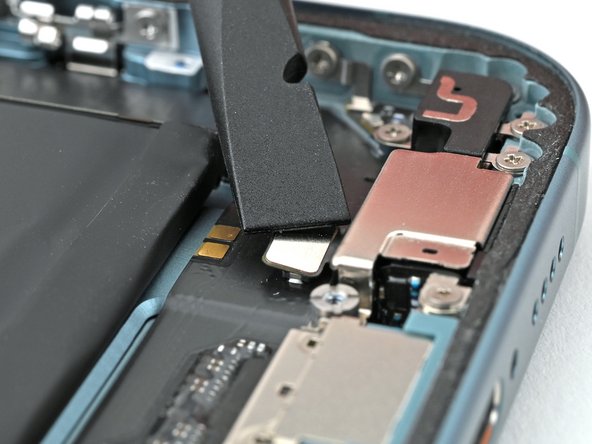
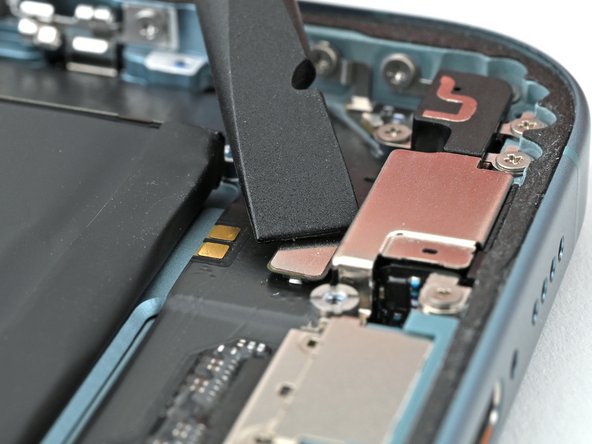
Use the flat end of a spudger to connect the microphone's press connector.
-
-