Introduction
Due to Apple's part pairing system, Wi-Fi repairs on iPhone 12 or later models were impossible for independent repair shops for years. But now, REWA Tech has found a groundbreaking solution. This is the first time we've made such a huge breakthrough in iPhone repairs since the iPhone 12 release. This guide will show you how to perform a Wi-Fi chip repair on an iPhone 13. This method can be applied to iPhone 12 and later models, however.
What you need
Video Overview
iPhone WiFi Chip Repair Solution
-
-
-
Cover the cameras with protection stickers.
-
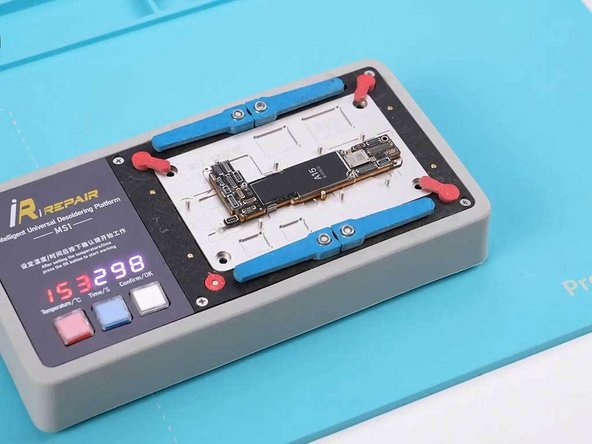
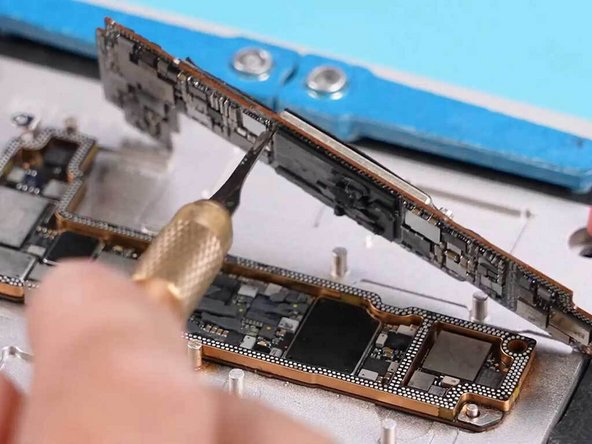
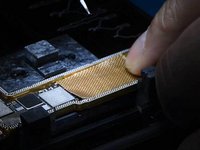
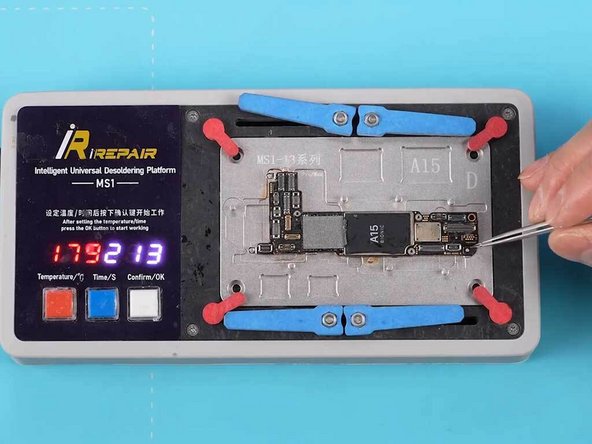
Remove the motherboard and split it.
 Ask FixBot
-
-
-
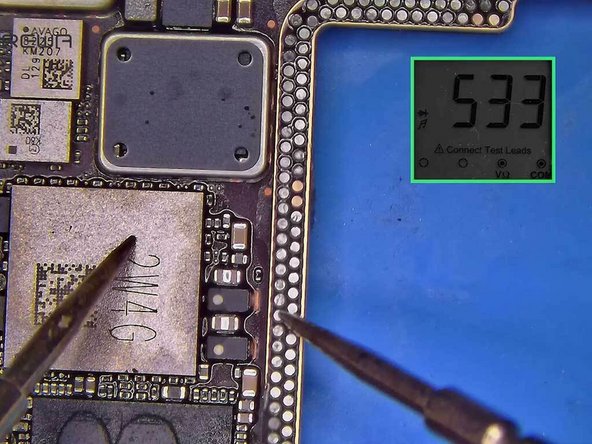
Test the circuits related to the Wi-Fi module to verify that they are normal.
-
-
-
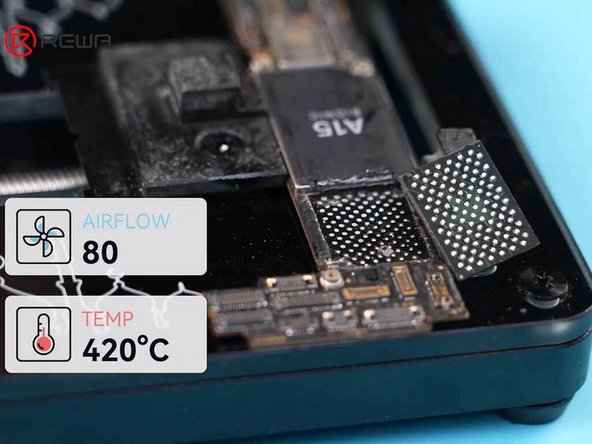
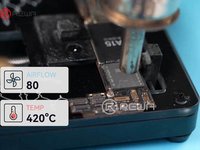
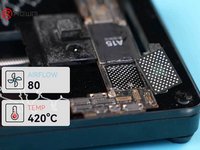
Heat the NAND chip evenly with a hot air gun at 420°C and airflow 80.
-
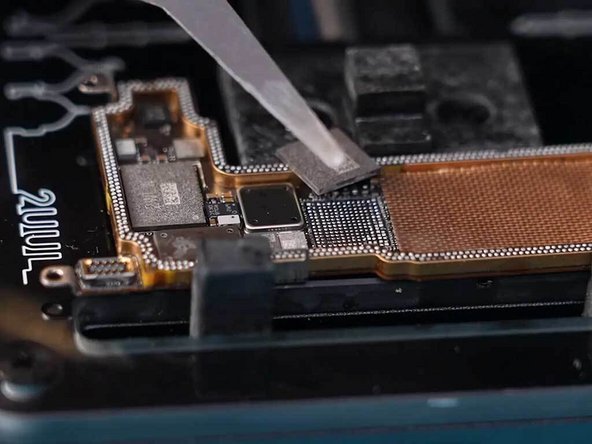
Pry the NAND chip up.
-
Apply some flux to the soldering pad of the NAND chip.
-
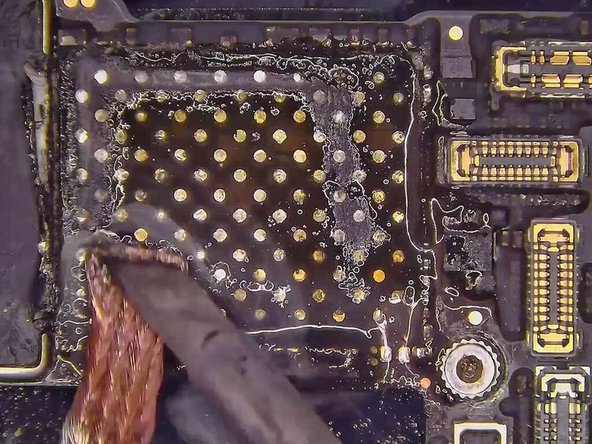
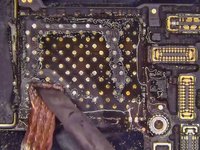
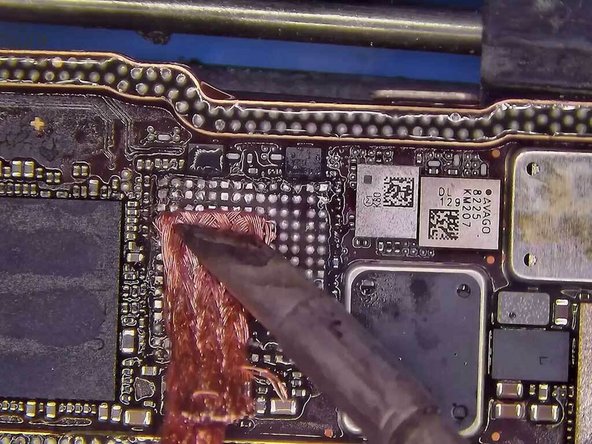
Remove the tins from the soldering pad using braid and a soldering iron.
-
-
-
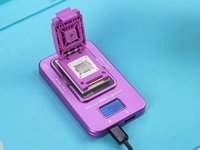
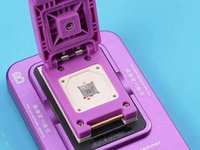
Place the NAND chip in a Luban programmer.
-
Connect the programmer to a PC and open the programming software.
-
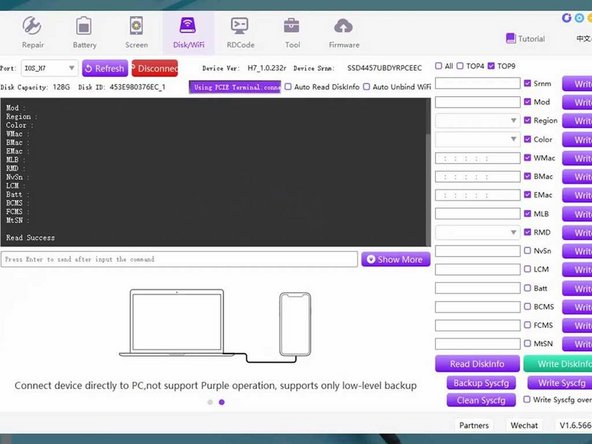
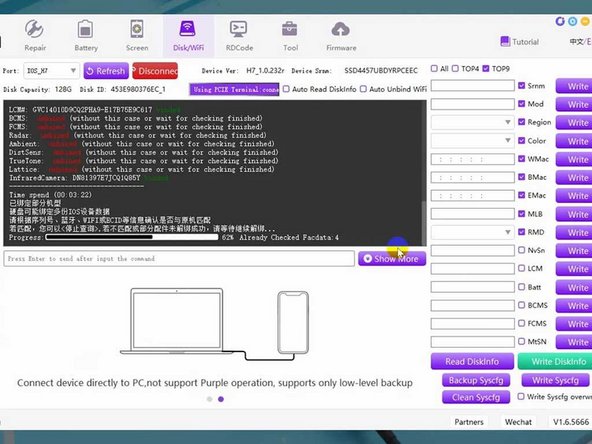
Click "Check Factory Data" to read the EcID of the iPhone.
-
Read the EcID from the NAND chip.
-
-
-
-
Place a new Wi-Fi module into the Luban programmer to write in the Wi-Fi SN.
-
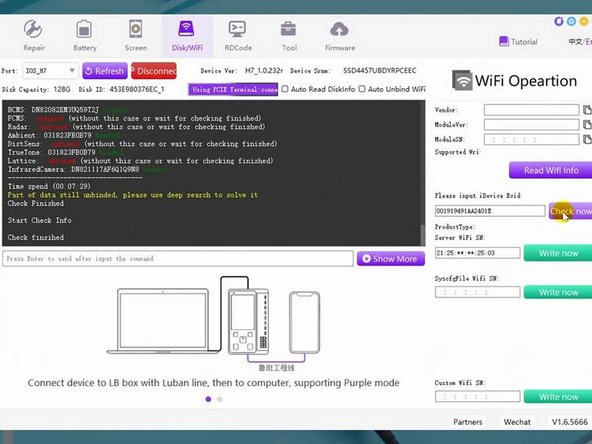
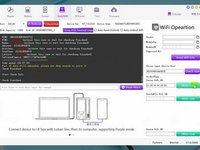
Copy the EcID and select WiFi Operations on the navigation menu.
-
Paste the EcID and click "Check now."
-
Then click "Write now."
-
The Wi-Fi SN has been written into the new Wi-Fi module.
-
-
-
Place the signal board onto a fixture.
-
Cover some other components with Kapton tape for protection.
-
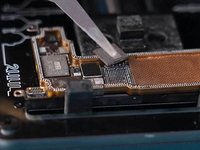
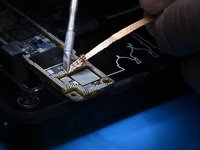
Heat the Wi-Fi module with a hot air gun and use a pry knife to remove the edge adhesives.
-
Pry up the Wi-Fi module.
-
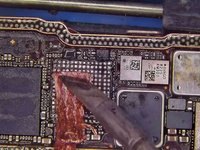
Apply some flux to the soldering pad of the Wi-Fi module.
-
-
-
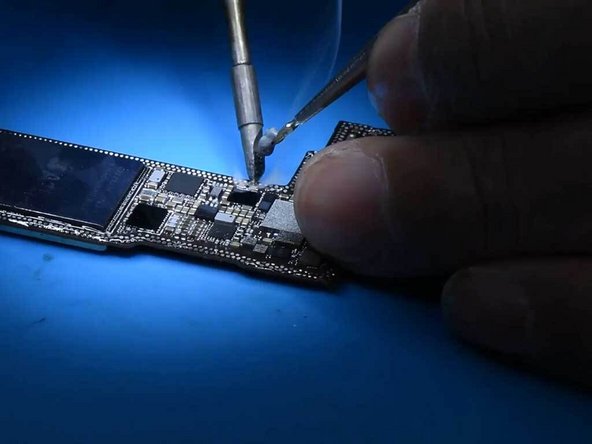
Remove the tins from the soldering joints of the signal board.
-
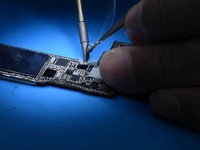
Remove the tins from the soldering joints of the logic board.
-
Align the new Wi-Fi module carrying the SN to the soldering pad.
-
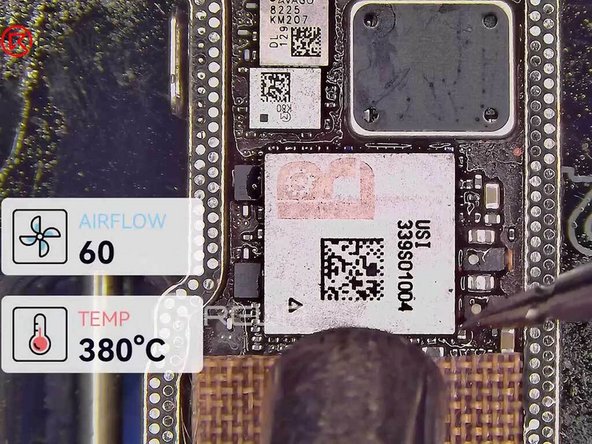
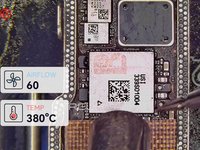
Solder the new Wi-Fi module with a hot air gun at 380°C and airflow 60.
-
-
-
Solder the NAND chip with a hot air gun at 380°C and airflow 60.
-
-
-
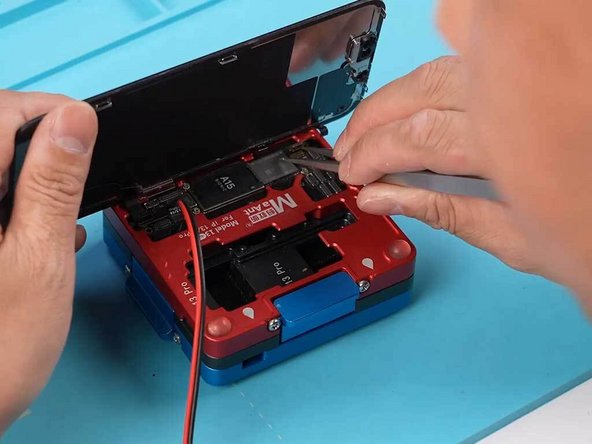
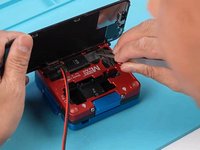
Connect the iPhone 13 screen cable and the power cable.
-
Use a pair of tweezers to trigger the power-on.
-
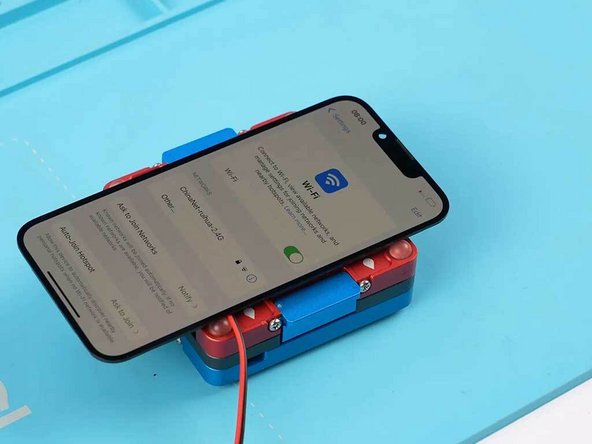
The iPhone 13 should power on properly.
-
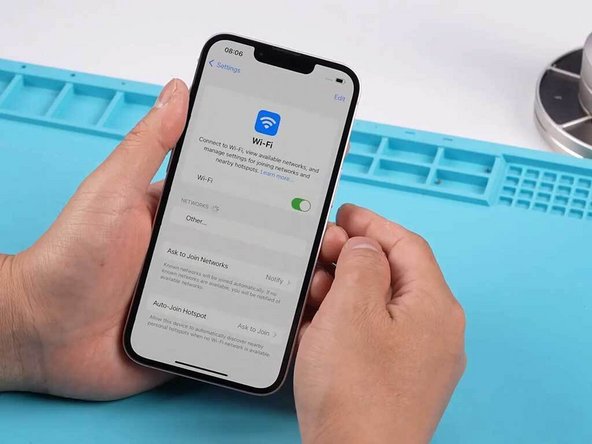
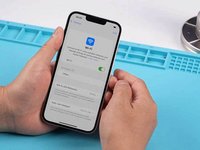
Go to settings to check if the Wi-Fi function toggle is resumed.
-
-
-
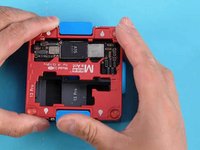
Solder the signal board with the logic board.
-
Assemble the iPhone 13 and test the Wi-Fi function.
-
Test and Wi-Fi should be restored and connected properly.
-
-













Cancel: I did not complete this guide.
One other person completed this guide.

