
Ricoh Super 8 800z Eyepiece Adjuster Replacement

Nicholas steven Thompson and 2 other contributors
Last updated on Jun 8, 2020
Views: 743
View statistics:
- Past 24 Hours:
- 2
- Past 7 Days:
- 10
- Past 30 Days:
- 64
- All Time:
- 743
Comments: 4
4 comments on steps.
Completed: 0 1
No one has marked this guide "completed." Will you be the first?
1 person has marked this guide "completed." It's you — great job!
Favorites: 0 1
No one has favorited (and subscribed to) this guide. Will you be the first?
1 person has favorited (and subscribed to) this guide — and that's you!
Introduction
Go to step 1 ↓Many Super 8 cameras feature an eyepiece adjuster or “diopter.” The purpose of this adjuster is too adjust the view through the camera to suit each individual user’s vision. Because many people’s eyes focus at different depth’s, what one person may see as a clear image, another may see as fuzzy. The adjuster corrects this problem.
The eyepiece on the Ricoh Super 8 features an eyepiece adjuster. If your eyepiece ever becomes cracked or the focus is no longer working, you may just want to replace it.
What you need
Tools


-
-
-
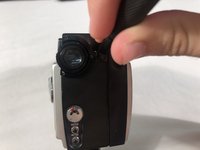
Remove the rubber covering from the eyepiece by slowly pulling down on the cover from any direction.
 Ask FixBot
-
-
-
Use Phillips #000 screwdriver to remove the three screws around the eyepiece lens.
-
Remove the metal plate from the eyepiece.
-
-
-
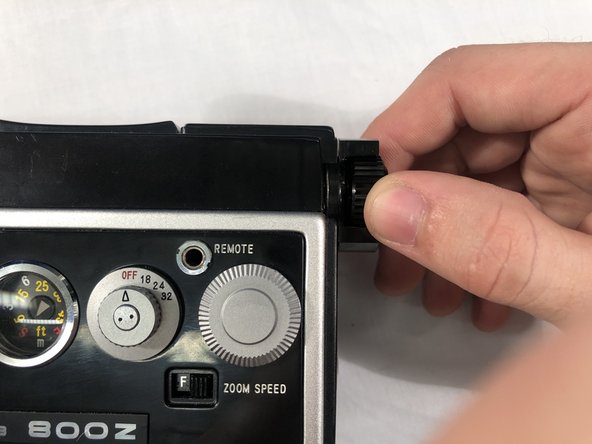
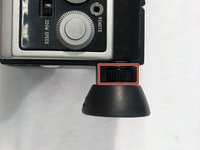
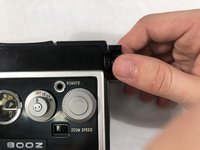
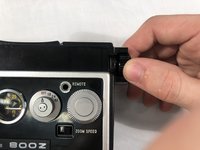
Turn the adjustment ring counter clockwise until it is as close to the lens as it will go.
-
-
-
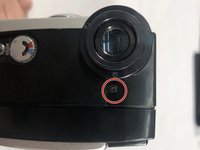
Remove the screw on top of the back panel of the camera using a Phillips #000 screwdriver.
-
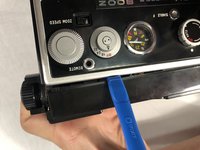
Use a plastic opening tool to lift the plastic covering to reveal a screw underneath it.
-
-
-
-
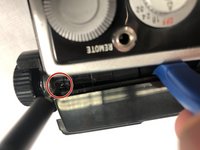
Continue to hold the plastic covering back with the plastic opening tool.
-
Use a #1 flathead screwdriver to remove screw in the oval opening beside the eyepiece. Be careful not to drop the screw into the camera body.
-
-






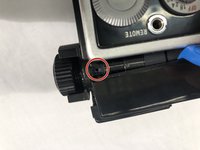

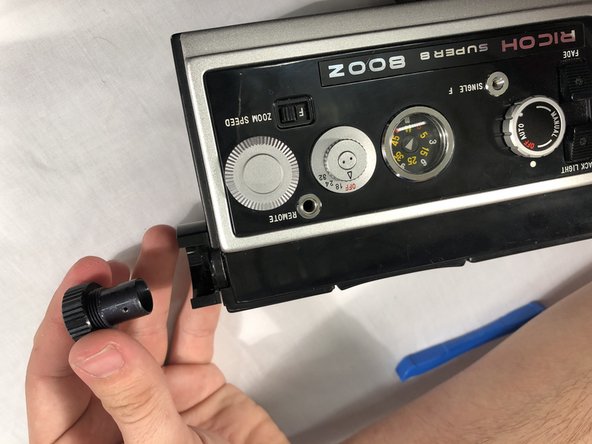
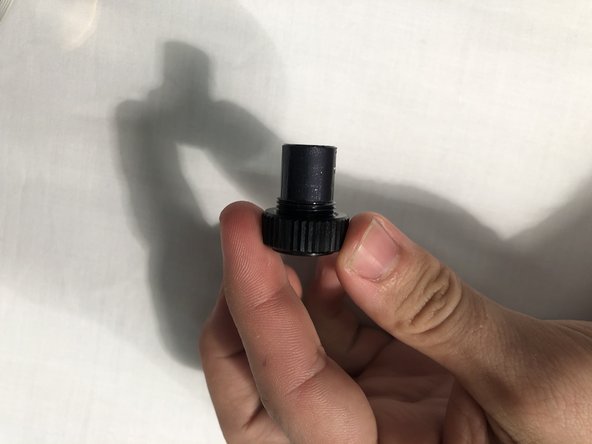

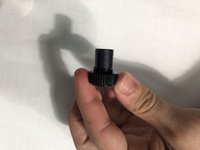
To reassemble your device, follow these instructions in reverse order.

Team

Embry-Riddle Aeronautical University, Team S17-G10, Lamothe Spring 2020 Member of Embry-Riddle Aeronautical University, Team S17-G10, Lamothe Spring 2020
ERAU-LAMOTHE-S20S17G10
4 Members
60 Guides authored
