Introduction
In this guide, you will learn how to remove and replace the shoulder buttons from the iNNEXT N64 Classic Controller.
The shoulder buttons are located on the top surface of the controller on the left and right side, and serve as secondary input mechanisms for actions such as aiming and braking. They offer additional input options without requiring the player to reposition their fingers from the primary controls. These buttons need to replaced as a result of damage or excessive use, as they often become hard to press or unresponsive as a result of built-up residue or loose springs.
Before beginning this repair, it is important to make sure the controller is unplugged from the gaming console.
-
-
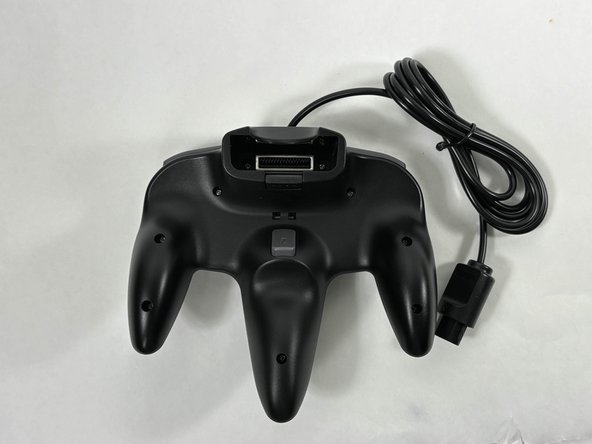
Turn the controller face down.
-
Use a Phillips #00 screwdriver to remove the eight screws on the back of the controller.
-
-
-
-
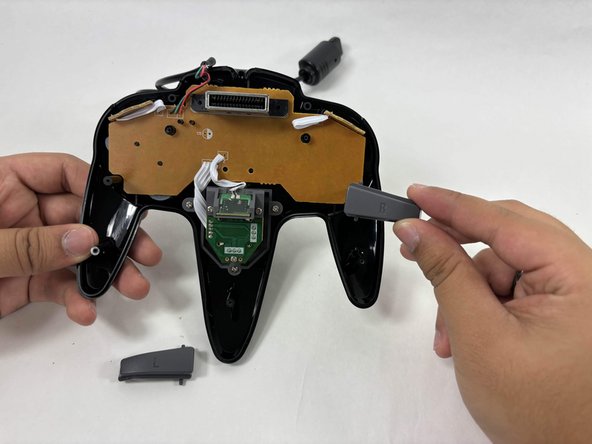
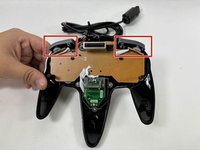
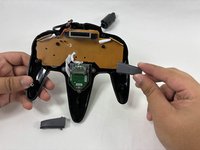
To remove the shoulder buttons, lift the buttons labelled with "L" and "R" upwards and out of the controller. There should not be any resistance coming out.
-






Team

UMass Dartmouth, Team 3-4, Santin Fall 2024 Member of UMass Dartmouth, Team 3-4, Santin Fall 2024
UMASSD-SANTIN-F24S3G4
4 Members
5 Guides authored
