Introduction
This is the guide on removing the bottom case from the iNNEXT N64 Classic Controller. Before you begin, make sure that your controller is disconnected from the console.
What you need
-
-
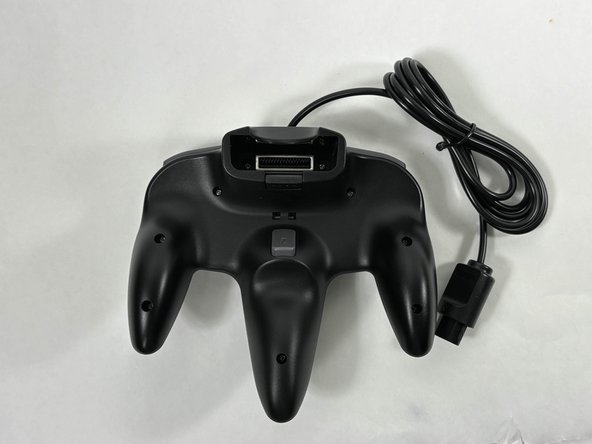
Turn the controller face down.
-
Use a Phillips #00 screwdriver to remove the eight screws on the back of the controller.
-
-



Conclusion
To reassemble your device, follow these instructions in reverse order.



Team

UMass Dartmouth, Team 3-4, Santin Fall 2024 Member of UMass Dartmouth, Team 3-4, Santin Fall 2024
UMASSD-SANTIN-F24S3G4
4 Members
5 Guides authored
