Introduction
Pre-requisite only guide.
What you need
-
-
-
Remove the plastic covering to the Disk Reader.
-
Locate the small hole on the side of the disk reader. Insert the T5 Torx head screwdriver (or device of similar thickness) to release the covering for the disk reader.
-
-
-
-
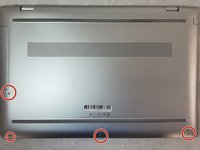
Unscrew all visible screws.
-
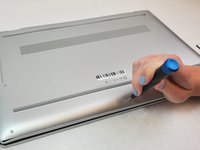
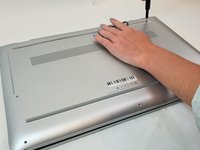
Use the T5 Torx Screwdriver and remove the four visible 6.5mm screws on the bottom of the laptop.
-
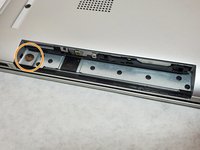
One 2.5mm screw, is located where the disk reader was once located. Use a Phillips #00 screwdriver to remove the single screw that connects the bottom cover of the laptop to the bottom frame.
-
-
-
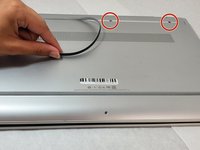
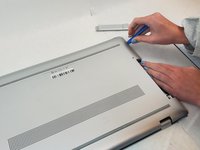
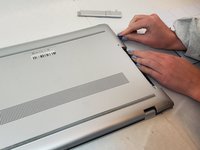
Pry the gripper completely off to expose the two screws.
-
Remove the 2.5mm screws under the gripper nearest to the hinge using the Phillips #00 screwdriver.
-

 Ask FixBot






To reassemble your device, follow these instructions in reverse order.

