Introduction
This guide will help you replace the RAM.
What you need
-
-
-
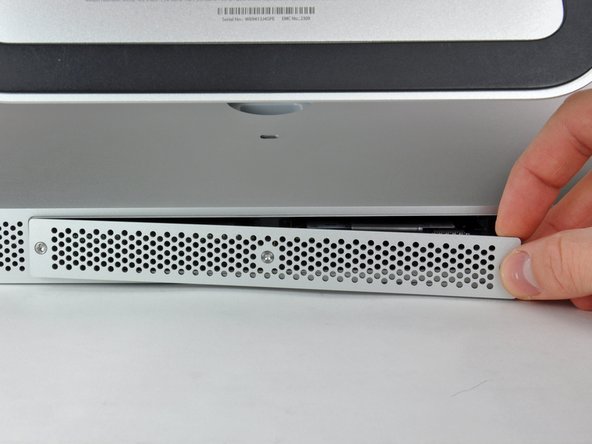
Loosen the three Phillips screws securing the access door to the bottom edge of your iMac.
-
Remove the access door from your iMac.
 Ask FixBot
-
-
-
-
-
-
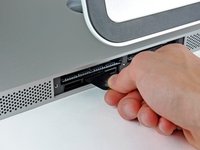
Use your fingers or the tip of a spudger to slide the black plastic RAM tray pull tab out of the RAM slot.
-
-
-
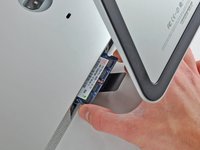
Pull the black plastic tab away from the iMac to eject the RAM chip from its socket.
-
Use your fingers to slide the RAM chip out of its socket.
-
-



To reassemble your device, follow these instructions in reverse order.
Cancel: I did not complete this guide.
93 other people completed this guide.

15 Guide Comments
My iMac 21.5-inch Mid 2011 has EMC 2428, but still directions turned out to be the same.
I replaced the memory in my MacBook Pro, and used the old cards (2x2GB) to fill out the 2 empty slots that apple left empty, doubled the memory of 2 machines for the price of one ^_^
So confused. I have an end 2429 and I ordered some memory hut its says notebook memory, do these machines use the same type of ram?
Thanks ifixit team, I did it. It is really piece of cake! Thanks again!
What's the real max capacity for the RAM?
16 Gb (4 x 4 Gb) DDR3 1333 MHz
