Free Shipping on Domestic Orders $75+

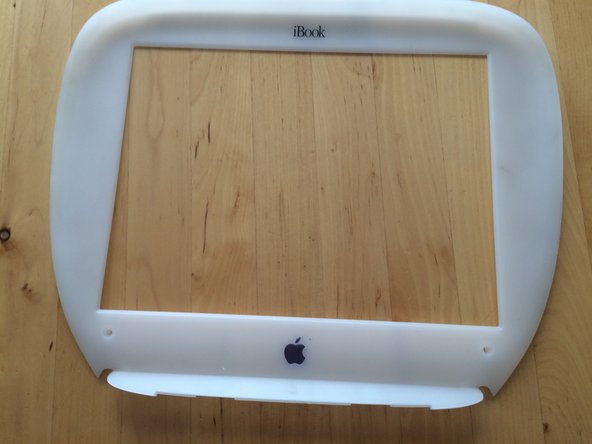
iBook G3 Clamshell LCD Bezel Replacement

What you need

    1. iBook G3 Clamshell LCD Bezel Replacement, Battery Cover: step 1, image 1 of 1
      • Use a coin to unscrew the battery cover, and remove battery.

      Ask FixBot

      Add Comment

    2. iBook G3 Clamshell LCD Bezel Replacement, Back Cover: step 2, image 1 of 2 iBook G3 Clamshell LCD Bezel Replacement, Back Cover: step 2, image 2 of 2
      • Use a t8 Torx driver to unscrew the two screws holding in the back cover, then remove the cover.

      Ask FixBot

      Add Comment

    3. iBook G3 Clamshell LCD Bezel Replacement: step 3, image 1 of 1
      • Open the screen, and remove the two t8 Torx screws holding the bezel in place.

      Ask FixBot

      Add Comment

    4. iBook G3 Clamshell LCD Bezel Replacement: step 4, image 1 of 2 iBook G3 Clamshell LCD Bezel Replacement: step 4, image 2 of 2
      • Use a flat tip screw driver to unsnap the bezel from its place.

      • When at the top rubberized area, pry the bezel down.

      Ask FixBot

      Add Comment

Conclusion

To reassemble your device, follow these instructions in reverse order.

Cancel: I did not complete this guide.

One other person completed this guide.

aidan

Member since: 02/26/16

101 Reputation

1 Guide authored

0 Guide Comments

Add Comment

View Statistics:

Past 24 Hours: 0

Past 7 Days: 18

Past 30 Days: 69

All Time: 4,487