
hp folio13 lcd Replacement

eastar and 3 other contributors
Last updated on Jul 26, 2024
Views: 802
View statistics:
- Past 24 Hours:
- 1
- Past 7 Days:
- 8
- Past 30 Days:
- 27
- All Time:
- 802
Comments: 0
No one has left comments on this guide. Will you be first?
Go to guide commentsCompleted: 1 2
1 person has marked this guide "completed." Will you be next?
2 people have marked this guide "completed." Including you — great job!
Favorites: 0 1
No one has favorited (and subscribed to) this guide. Will you be the first?
1 person has favorited (and subscribed to) this guide — and that's you!
Needs Better Images
Better photos will improve this guide. Help out by taking, editing, or uploading new ones!
Community-Contributed Guide
An awesome member of our community made this guide. It was not created by iFixit staff.
Better Introduction
Improve this guide by completing or revising its introduction.
What you need
Tools


-
-
-
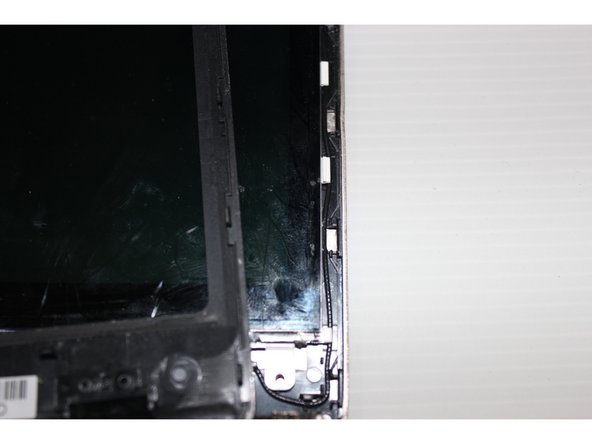
In the following general have screws Usually hidden in a small screw below the cover sheet
 Ask FixBot
-
-
-
In the notebook shell intermediate insert a thin card This will separate the shell
-
-
-
To separate the shell casing removed some attention how to combine together The perfect time to go into the screen You will understand how to combine together
-
-
-
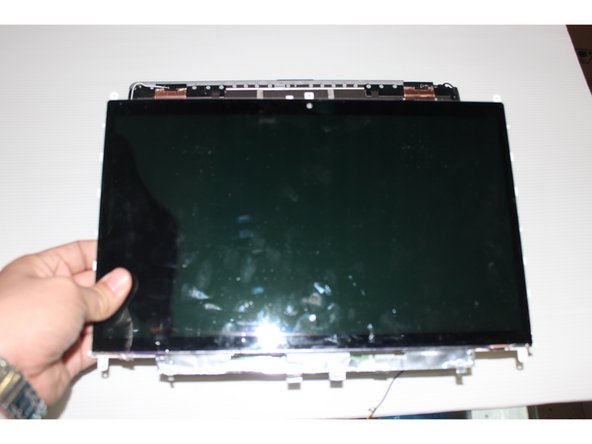
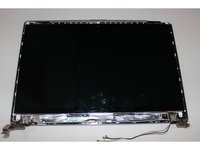
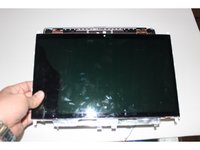
Many models of LCD directly could get down But this machine's LCD screen needs to move down flat push
-
-
-
-
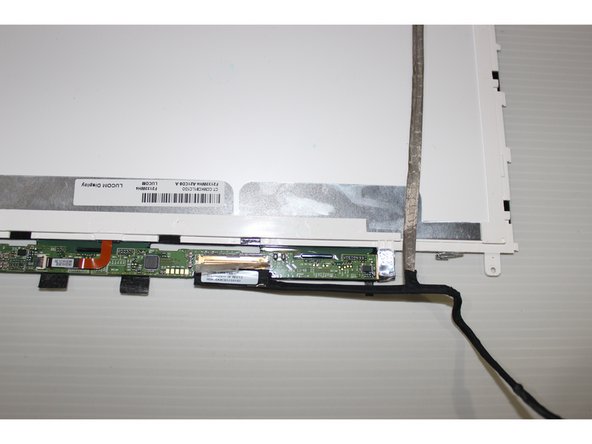
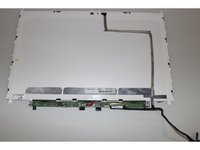
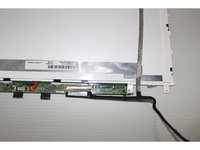
The LCD screen upside down We can put the screen line to win Must pay attention to the screen wire interface
-
-
-
The new LCD and then put the housing installed Screws installed on the notebook intact You can continue to work
-
-








To reassemble your device, follow these instructions in reverse order.
Cancel: I did not complete this guide.
One other person completed this guide.

